Kids360: Parental Control App
ANKO Solutions LLC
Downloads
10,000,000+
Version
Latest
Advertisement
Click to download now, finish the installation quickly, and directly unlock the "all-round experience"
Advertisement
Screenshots



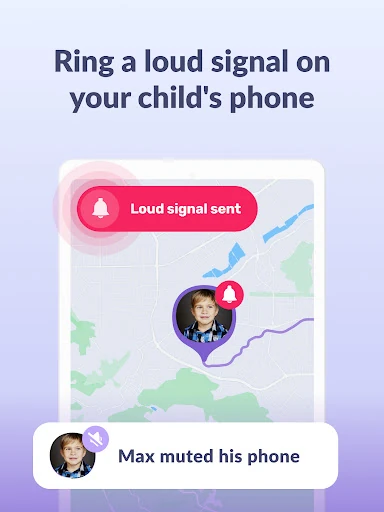
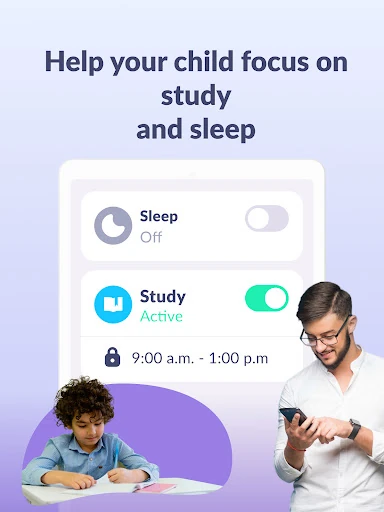
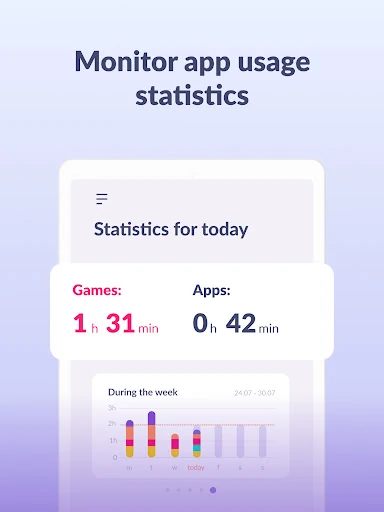
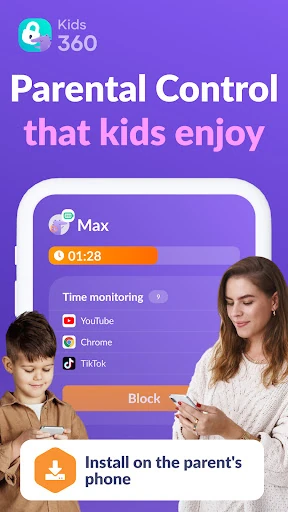
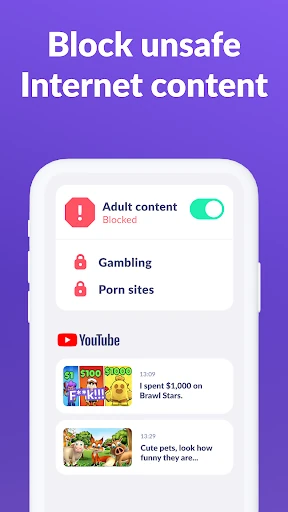
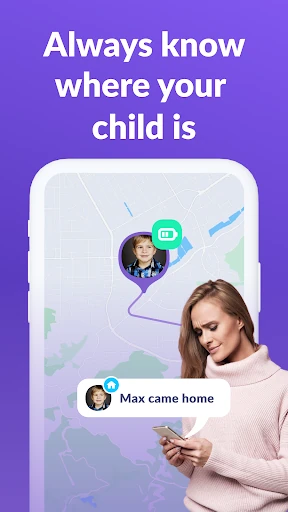
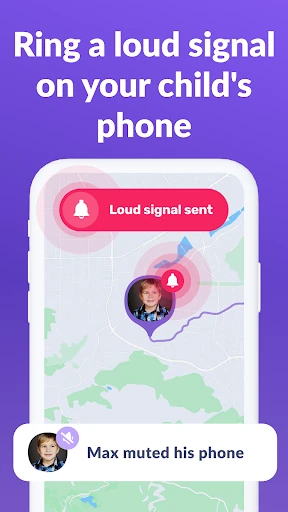
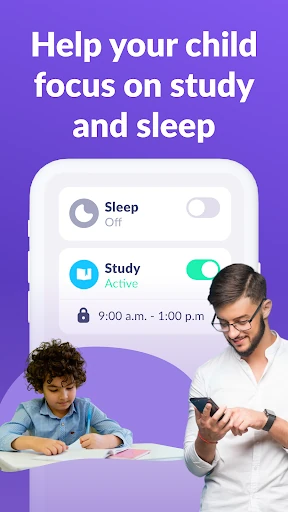
Click to download now, finish the installation quickly, and directly unlock the "all-round experience"
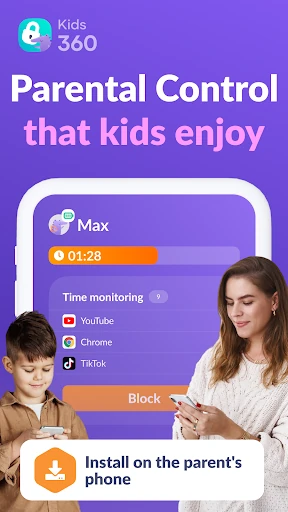
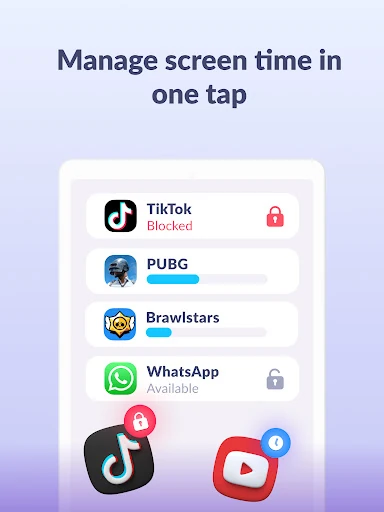
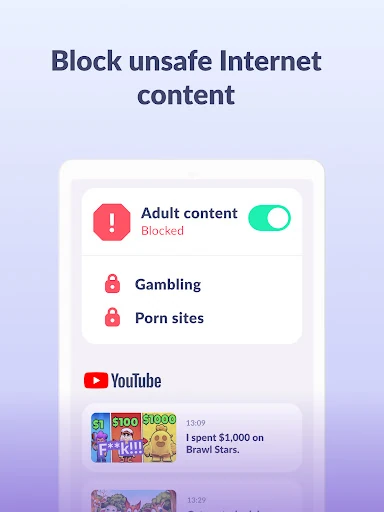
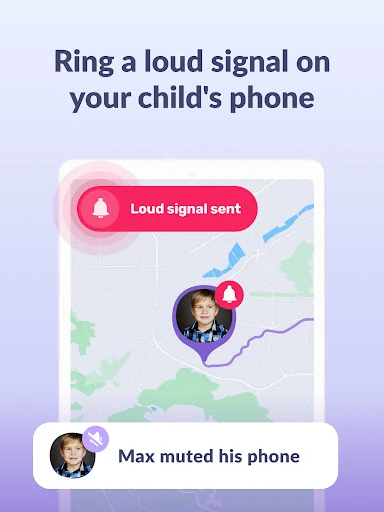
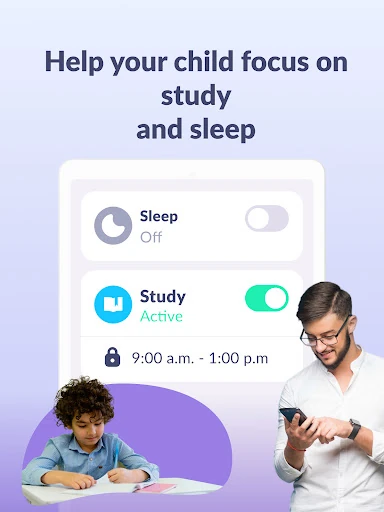
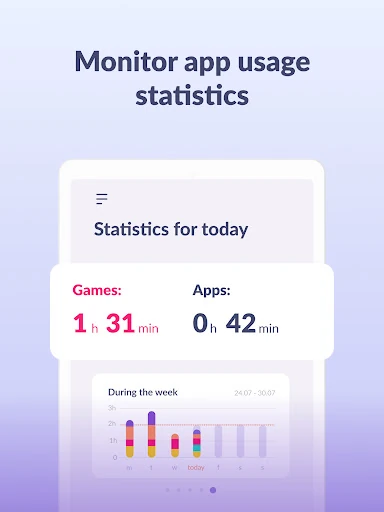
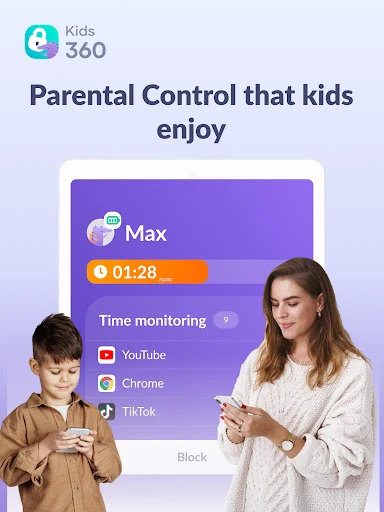
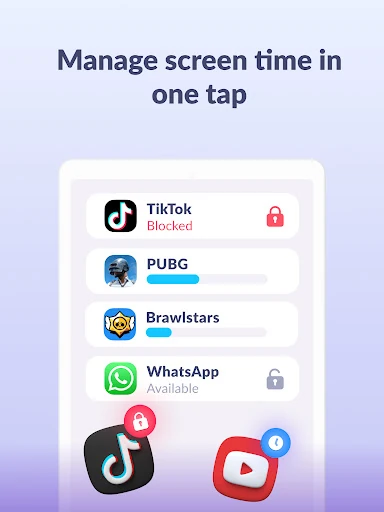
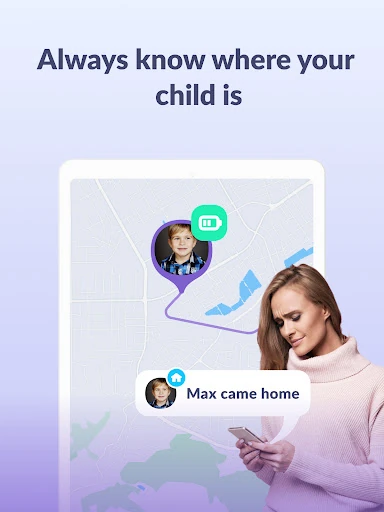
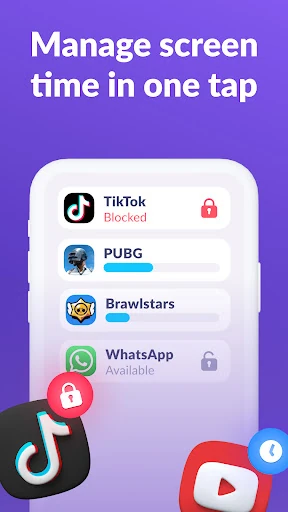
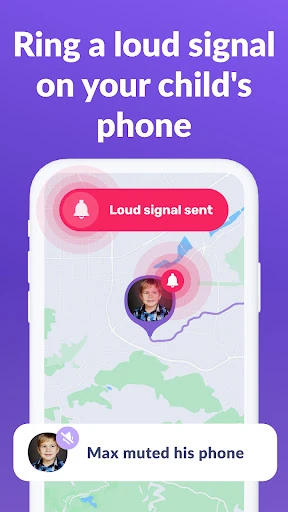
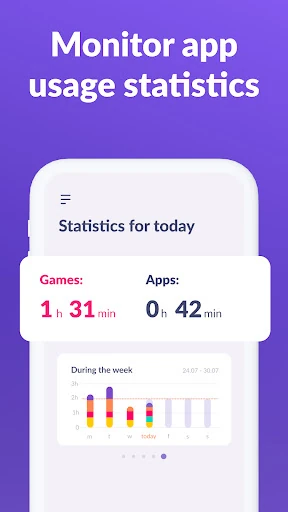
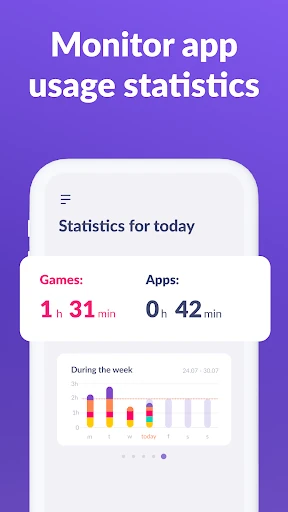
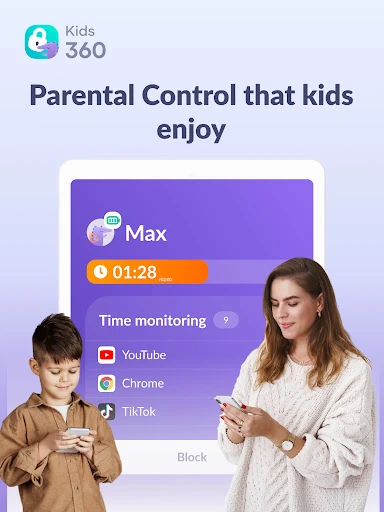
Kids360: Parental Control App is a sophisticated entry in the Parenting category, designed to bridge the gap between digital freedom and child safety. By utilizing a dual-app system—Kids360 for parents and Alli360 for children—it provides a structured framework for managing screen time and monitoring app usage. Unlike basic filters, it stands out by focusing on habit formation and data-driven oversight, making it a professional-grade tool for modern families navigating the complexities of the digital age.
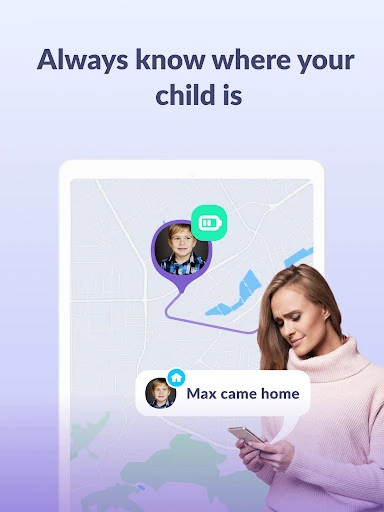
The UI of Kids360 is built with the busy parent in mind, featuring a clean dashboard that prioritizes critical usage data and real-time monitoring. The setup process, while requiring several system-level permissions (such as Accessibility and "Display over other apps"), is guided by an intuitive pairing system using unique codes. The UX succeeds in making complex monitoring tasks feel accessible; however, the reliance on a secondary app (Alli360) means the initial configuration requires a moderate time investment to ensure the child's device is fully synchronized and compliant with GDPR privacy standards.
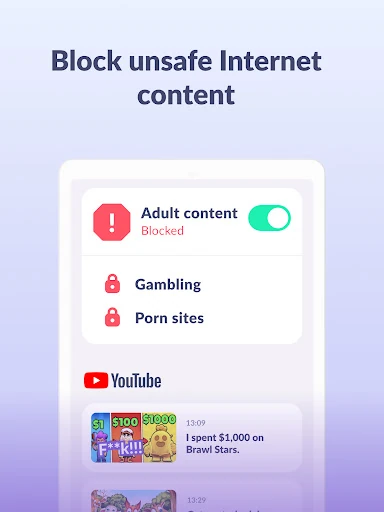
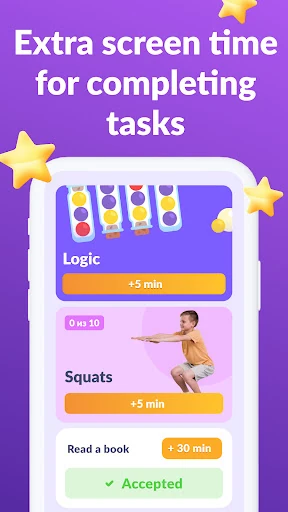
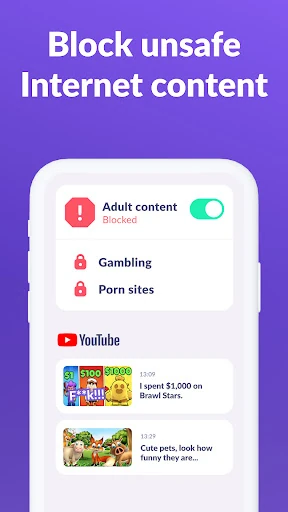
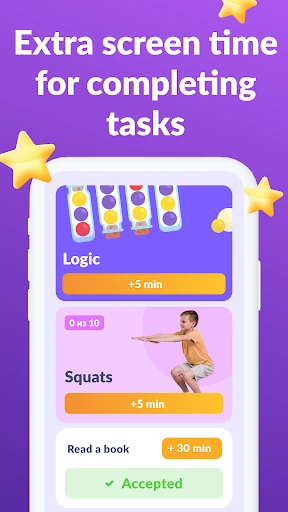
To further enhance the platform, future updates should consider integrating web-level content filtering to block inappropriate websites within browsers, moving beyond just application-level blocking. Additionally, adding a "bonus time" reward system—where children can earn extra screen time by completing educational tasks or chores—would transform the app from a restrictive tool into a positive reinforcement platform.
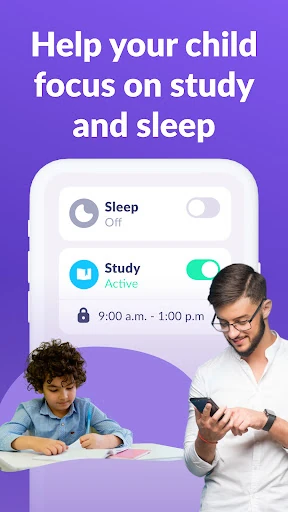
Kids360: Parental Control App is a top-tier recommendation for parents of school-aged children and teenagers who are struggling with screen addiction or school-time distractions. It is best suited for families who value data-backed insights and want to establish clear digital boundaries without cutting off essential communication. This app is a reliable, secure, and authoritative solution for fostering a healthy digital lifestyle.