FlipaClip: Create 2D Animation
Visual Blasters LLC
Downloads
50,000,000+
Version
Latest
Advertisement
Click to download now, finish the installation quickly, and directly unlock the "all-round experience"
Advertisement
Screenshots
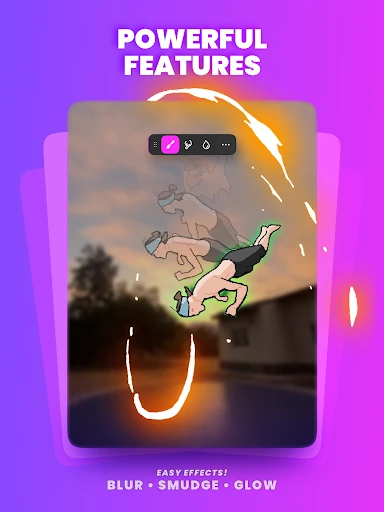
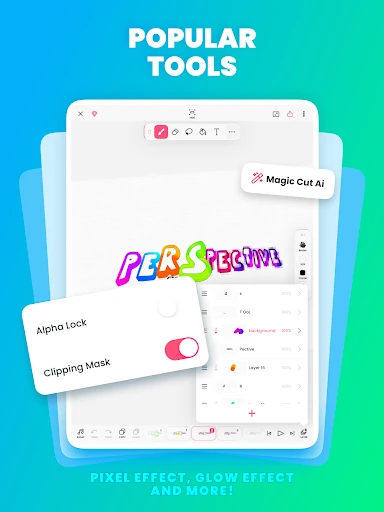
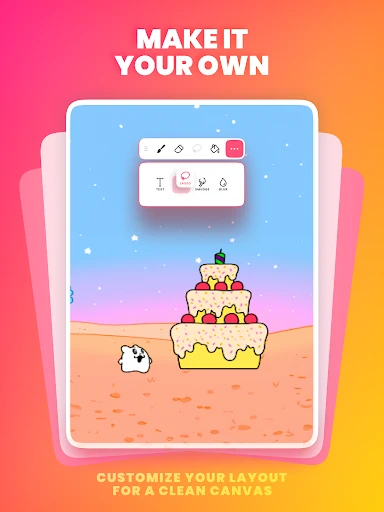
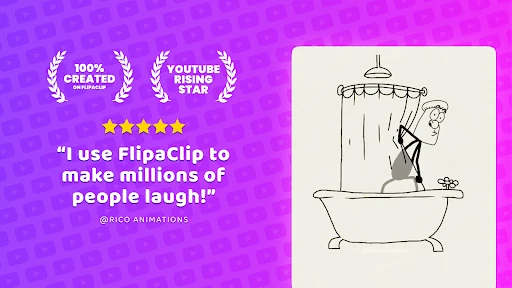
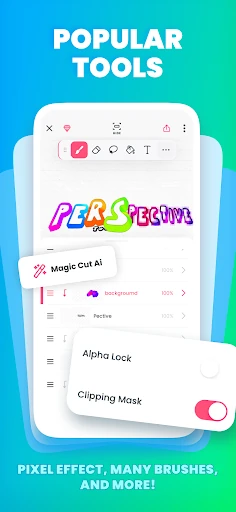
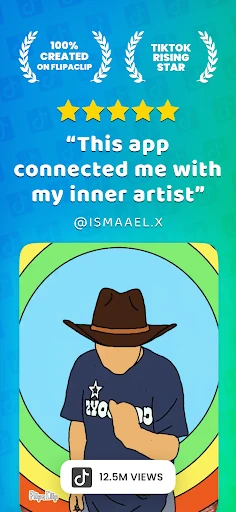
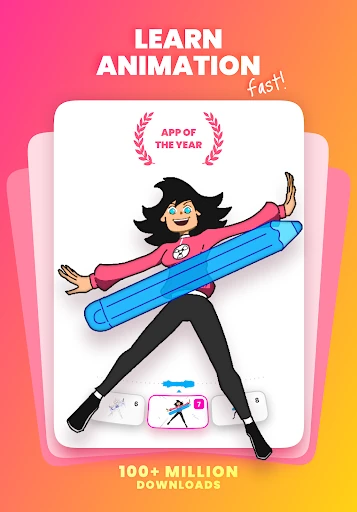
Click to download now, finish the installation quickly, and directly unlock the "all-round experience"
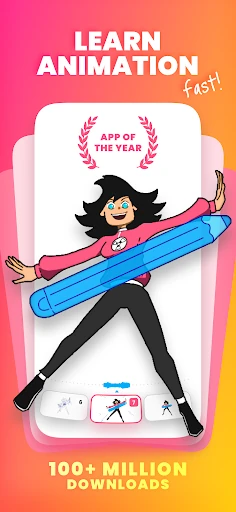
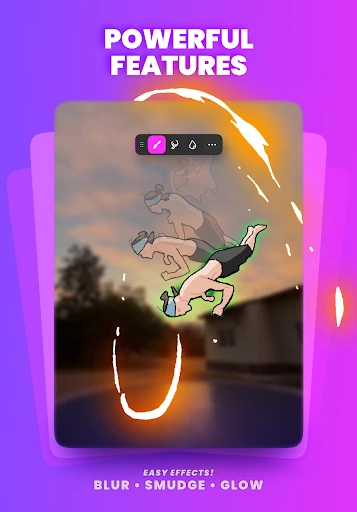
FlipaClip: Create 2D Animation stands as a definitive leader in the mobile Art & Design category, successfully democratizing the complex art of frame-by-frame animation. By distilling the traditional flipbook experience into a powerful digital interface, it provides a versatile platform that caters to both casual hobbyists and serious creators. Within the competitive landscape of animation apps, FlipaClip distinguishes itself through its balance of accessibility and professional-grade functionality, making it the premier choice for creating social media content, storyboards, and short films on the go.
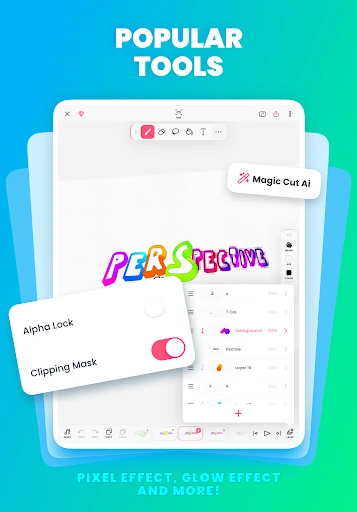
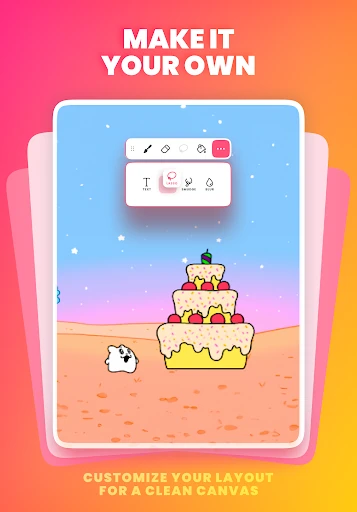
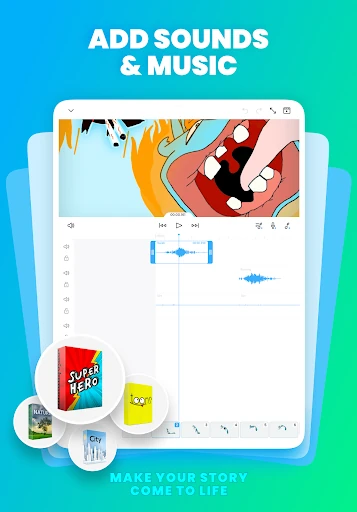
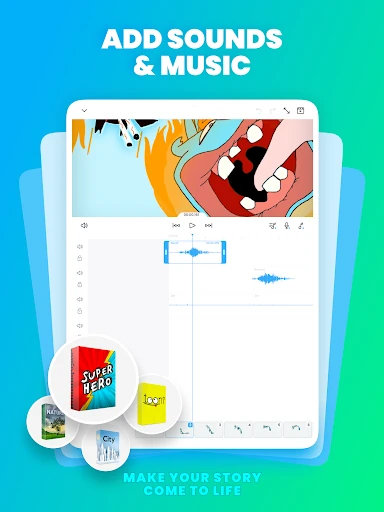
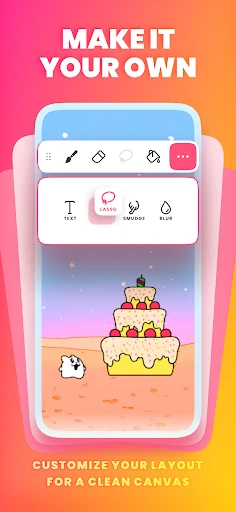
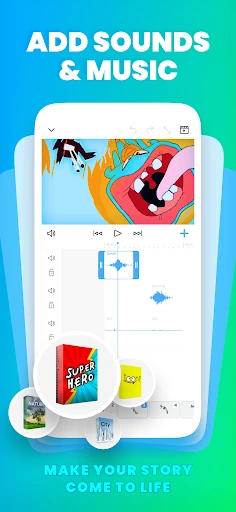
The UI of FlipaClip is a masterclass in mobile-first design for creative tools. It manages to host a complex set of features—layers, timelines, and toolsets—without overwhelming the user's canvas. The interaction design is intuitive; gestures are utilized effectively for zooming and navigating the timeline, which is a critical requirement for the Art & Design category where screen real estate is at a premium. The UX facilitates a "low floor, high ceiling" experience, where a child can create a basic stick-figure animation in minutes, yet a professional can spend hours fine-tuning a multi-layered, synchronized scene.
To further solidify its professional standing, FlipaClip could benefit from more advanced vector-based drawing tools and "auto-tweening" capabilities for simple shape transitions, which would significantly speed up the workflow for repetitive tasks. Additionally, improving project organization with folders and tags would help power users who manage dozens of active animation files simultaneously.
FlipaClip: Create 2D Animation is the ideal tool for social media influencers, aspiring animators, and digital artists who require a portable yet potent animation studio. While its layer limitations on the free tier may push power users toward the premium version, the app’s sheer ease of use and comprehensive feature set make it an essential download. It is highly recommended for anyone looking to transition from static illustrations to dynamic storytelling without the steep learning curve of traditional industry software.