
Advertisement
Click to download now, finish the installation quickly, and directly unlock the "all-round experience"
Advertisement
Screenshots
Click to download now, finish the installation quickly, and directly unlock the "all-round experience"
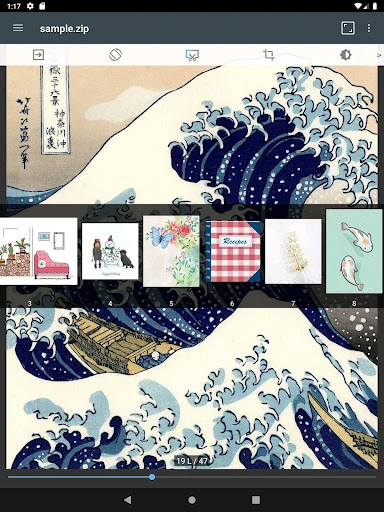
ComicScreen - PDF, ComicReader is a sophisticated, performance-driven utility that occupies a critical niche in the digital comic landscape. Unlike storefront-based readers, ComicScreen functions as a powerful architectural bridge between complex file archives and the end-user reading experience. It is designed for enthusiasts who curate their own collections, offering a high-degree of flexibility that handles everything from legacy CBR files to modern AVIF image formats. In an ecosystem often cluttered with bloated interfaces, ComicScreen stands out as a professional-grade tool focused on speed, compatibility, and file management.
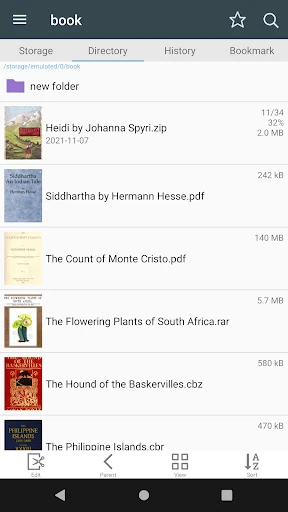
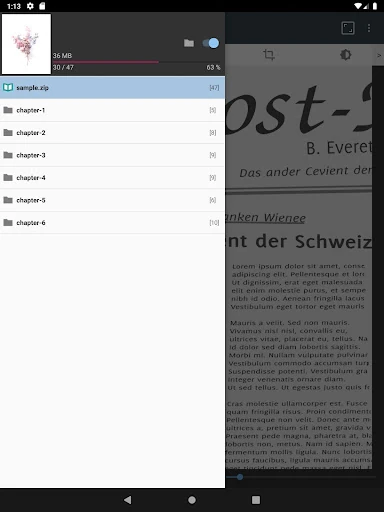
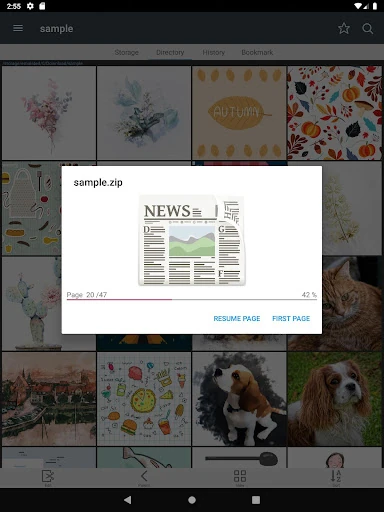
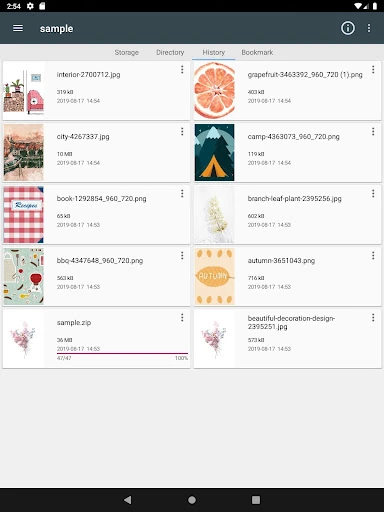
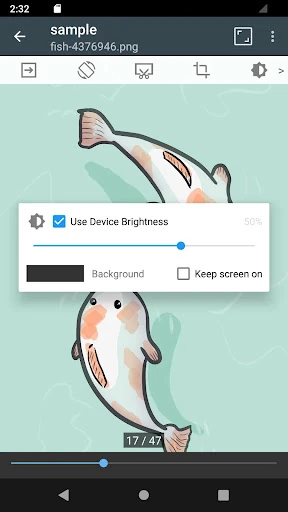
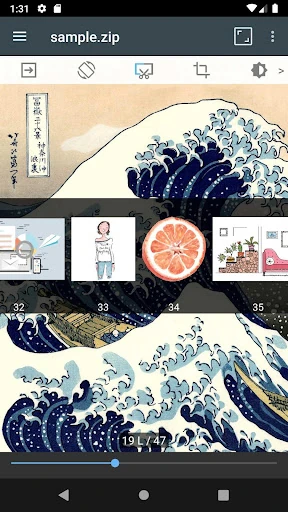
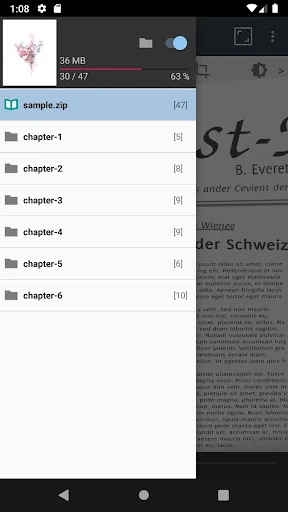
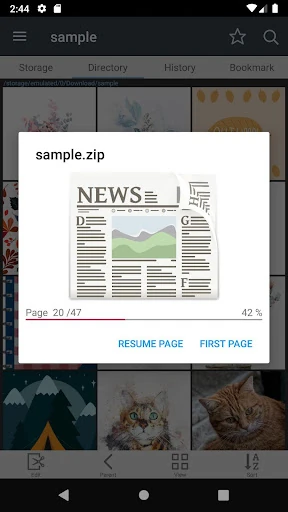
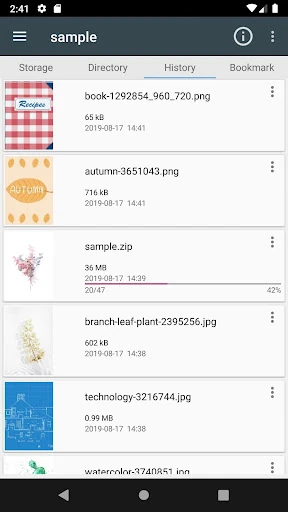
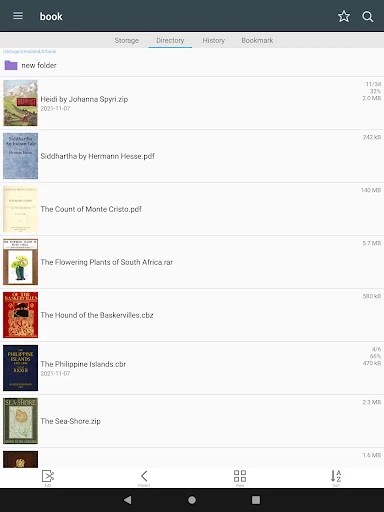
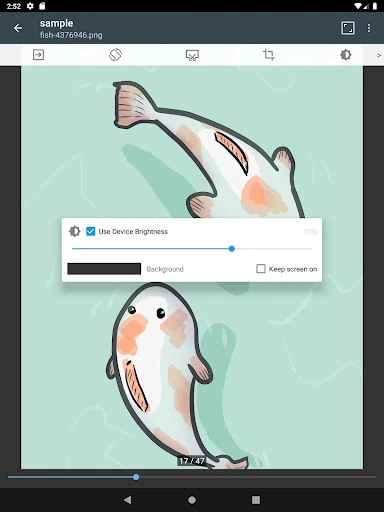
The user interface of ComicScreen adopts a utilitarian philosophy, prioritizing functionality and performance over aesthetic flair. While it may lack the colorful "Material You" animations found in lifestyle apps, the UX is meticulously tuned for high-speed image rendering and smooth scrolling. The inclusion of a robust File Explorer with Drag & Drop capabilities makes organizing large volumes of data intuitive. For a Comics category app, the design succeeds by staying out of the way of the content, though the density of features may present a slight learning curve for novice users.
To further dominate the market, ComicScreen could benefit from a centralized "Library View" that automatically aggregates covers and metadata from all sources into a unified gallery. Adding native integration for mainstream cloud providers like Google Drive or Dropbox would also bridge the gap for users who do not maintain their own FTP or SMB servers. Finally, a modern UI overhaul with customizable themes would help attract a broader demographic of casual readers.
ComicScreen - PDF, ComicReader is the "Swiss Army Knife" of digital comic consumption, specifically tailored for the power user and the archival collector. It is the ideal solution for users with extensive private libraries stored on external media or networked servers. If you require a fast, no-nonsense reader that can open virtually any file format you throw at it, this app is an essential addition to your device.