Advertisement
Click to download now, finish the installation quickly, and directly unlock the "all-round experience"
Advertisement
Screenshots
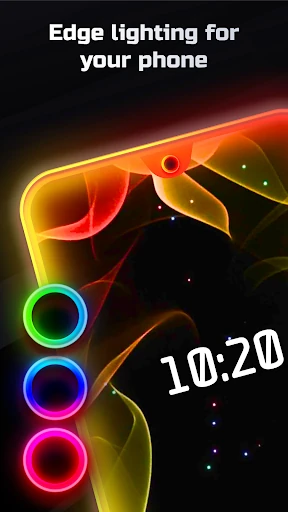
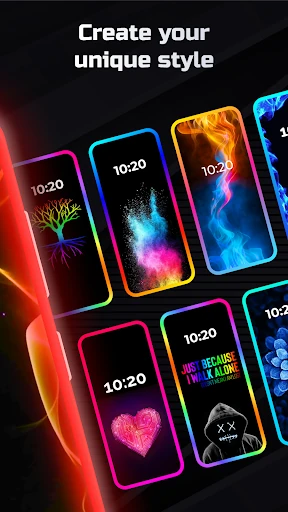
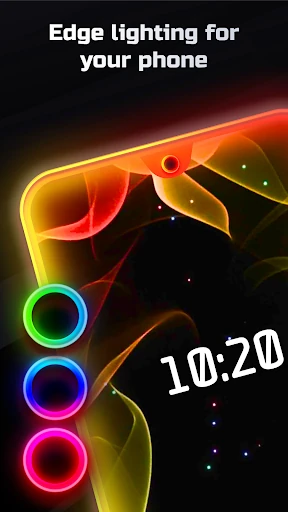
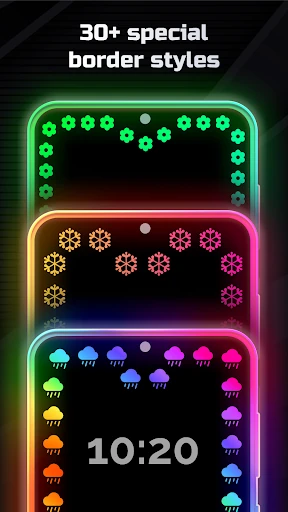
Click to download now, finish the installation quickly, and directly unlock the "all-round experience"
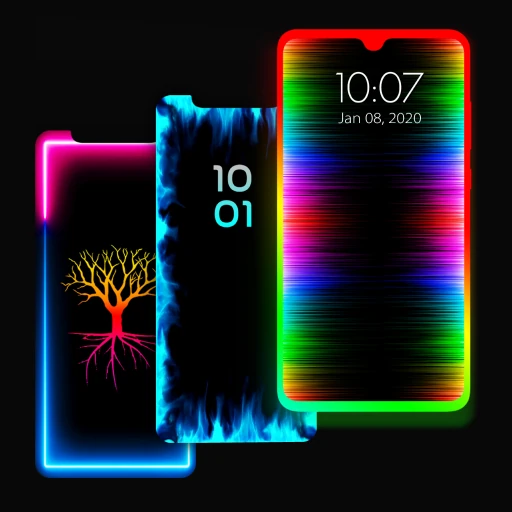
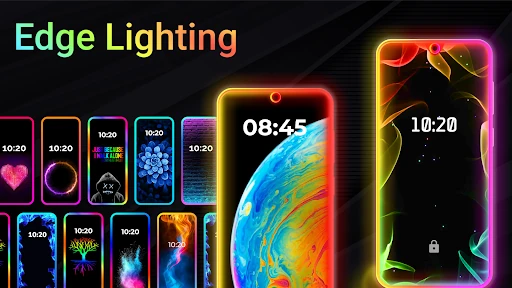
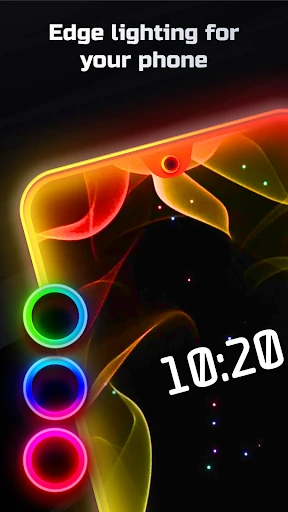
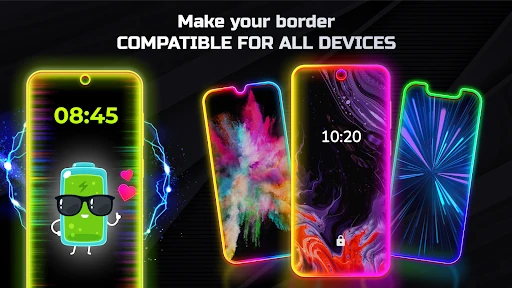
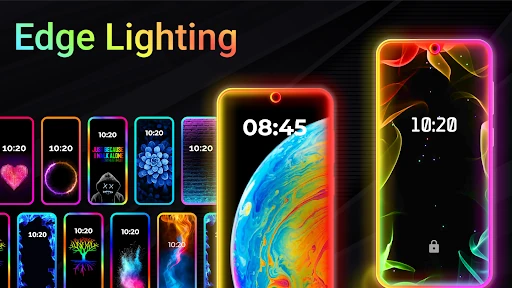
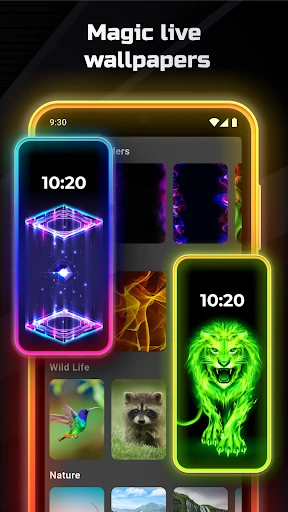
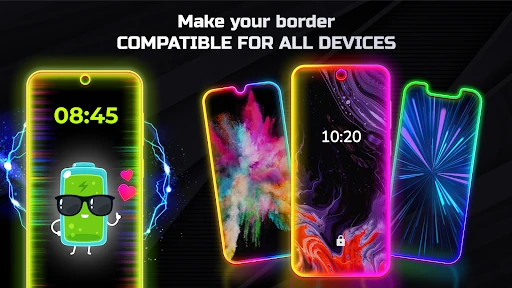
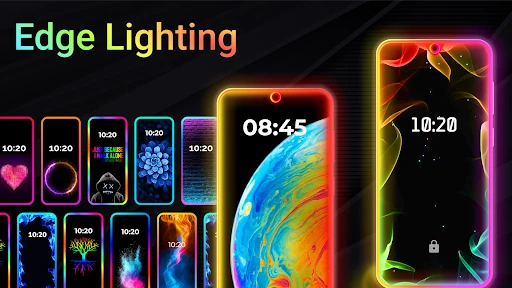
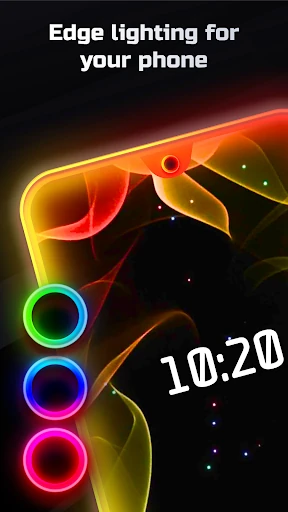
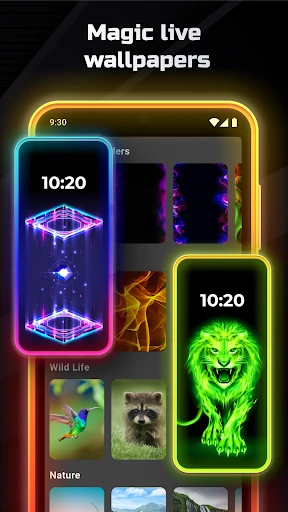
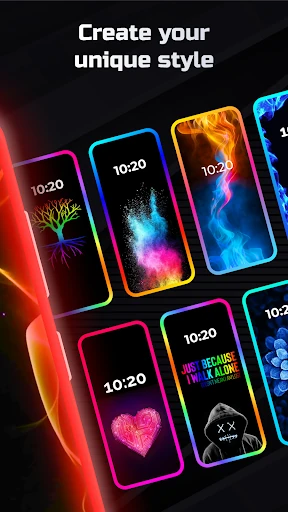
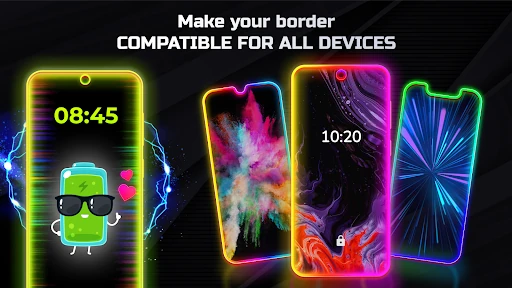
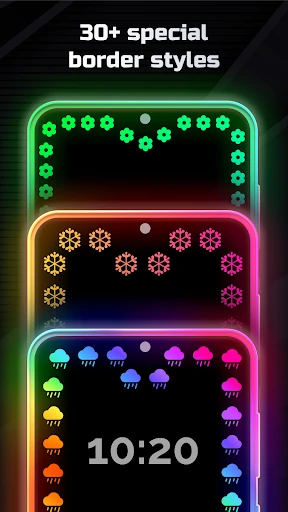
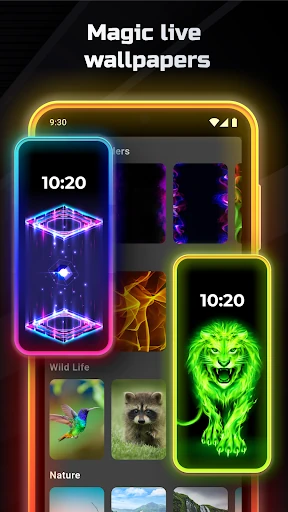
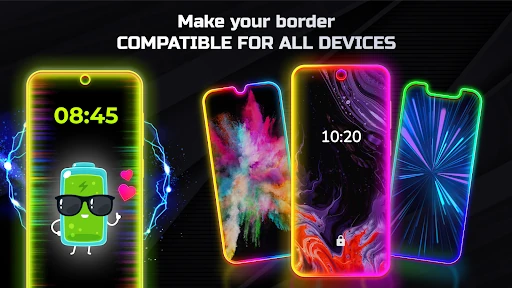
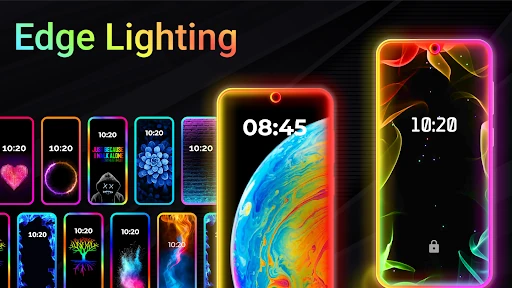
Edge Lighting - Borderlight stands as a sophisticated entry in the Android Personalization landscape, designed to democratize the premium "curved edge" aesthetic across the entire Android ecosystem. By bridging the gap between hardware limitations and software-driven aesthetics, this app allows users on virtually any device—from budget models to flagship Infinity displays—to experience high-end visual feedback. It is more than a simple wallpaper tool; it is a comprehensive UI enhancement suite that leverages user psychology regarding color and motion to create a more engaging mobile experience.
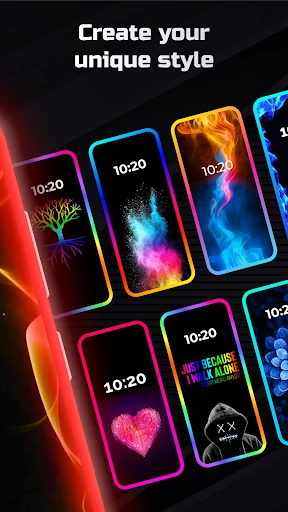
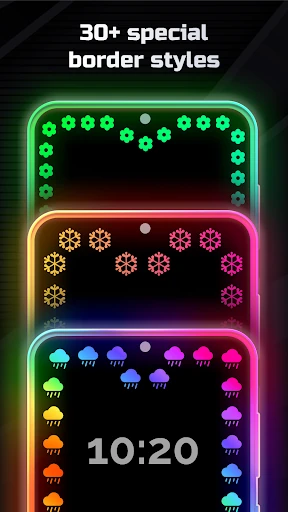
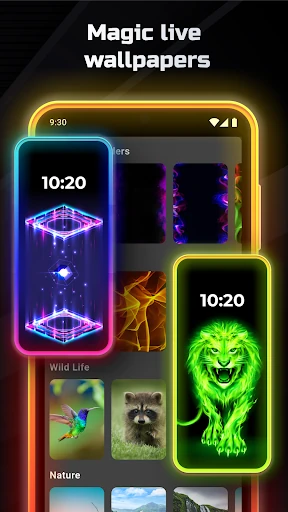
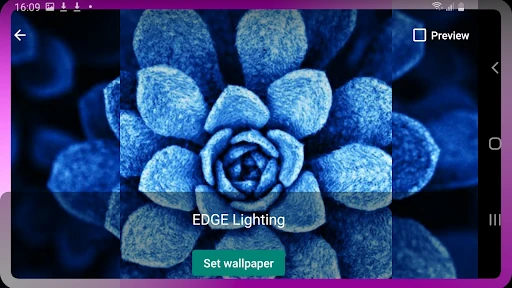
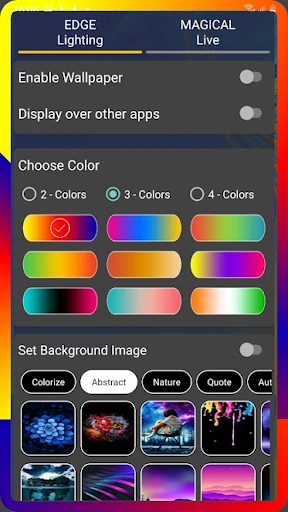
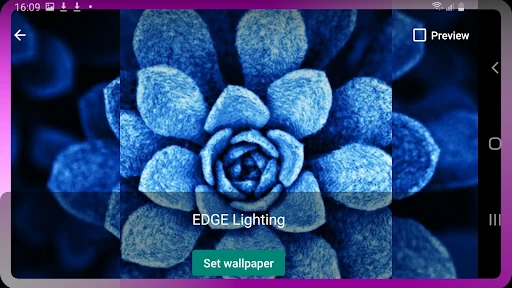
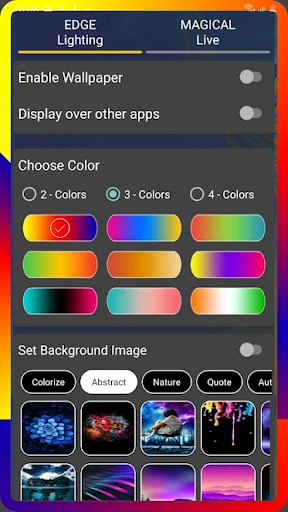
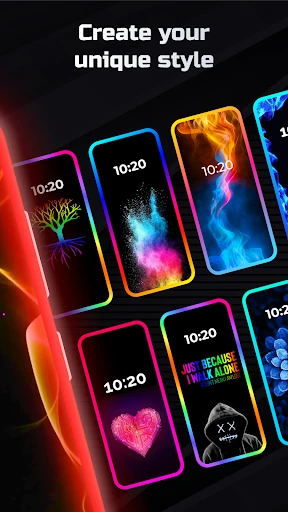
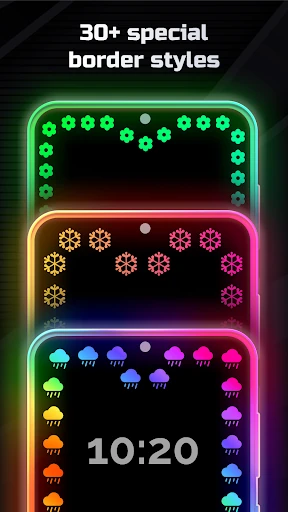
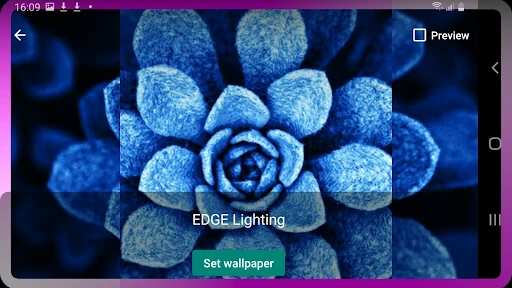
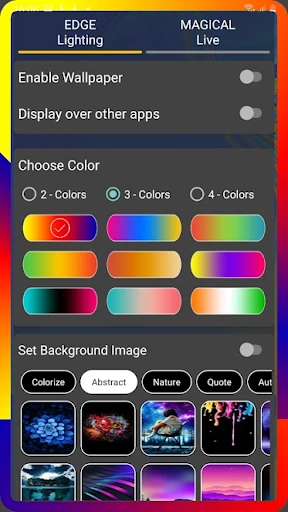
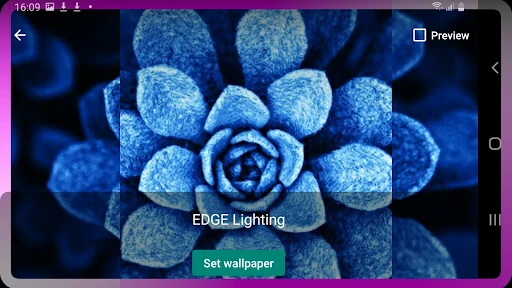
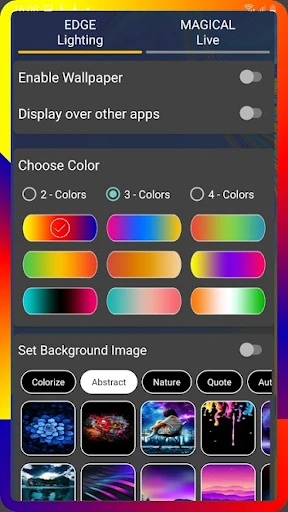
The user interface of Edge Lighting - Borderlight is centered around real-time visual gratification. In the Personalization category, users expect immediate feedback, and this app delivers through a responsive preview system. The layout intelligently separates granular manual controls (width, speed, and curves) from "Magical" one-click templates, catering to both power users who demand pixel-perfect control and casual users seeking a quick aesthetic upgrade. The design language is clean, focusing on high-contrast elements that mirror the vibrant RGB output the app produces.
To further elevate the application, the developers should consider adding "Notification Triggers," where specific border colors are tied to specific app alerts. Additionally, an "Eco-Mode" that automatically scales down animation frame rates when the device reaches a low battery threshold would address one of the primary pain points of live personalization apps.
Edge Lighting - Borderlight is a top-tier recommendation for Android users who prioritize phone aesthetics and want to stand out from the stock interface. It is particularly valuable for owners of flat-screen devices who wish to emulate the "Edge" display look found on premium flagships. If you are looking for a highly stable, deeply customizable way to add a rhythmic glow to your mobile experience, this app is an essential download.