
Advertisement
Click to download now, finish the installation quickly, and directly unlock the "all-round experience"
Advertisement
Screenshots
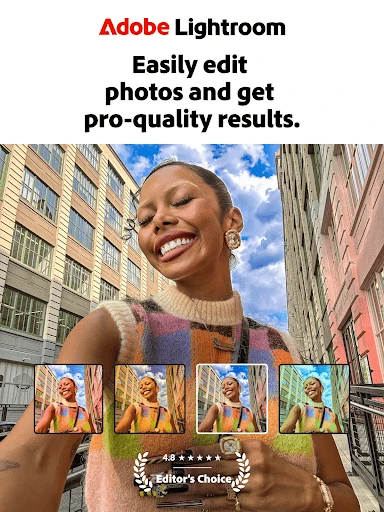
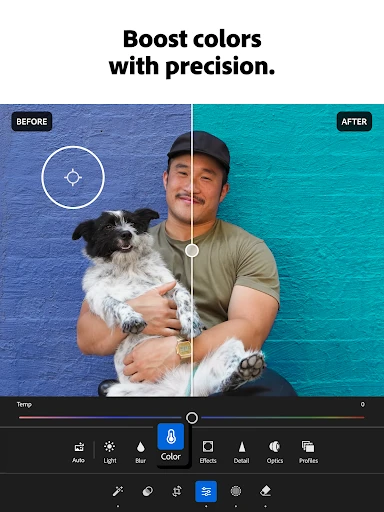
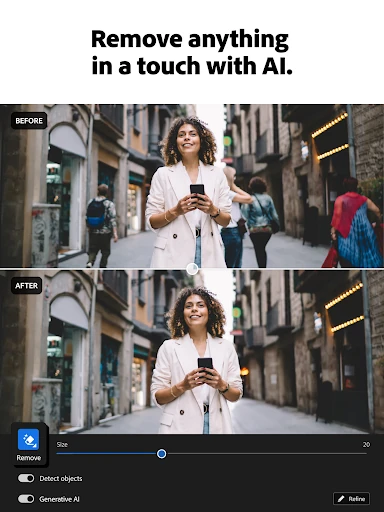
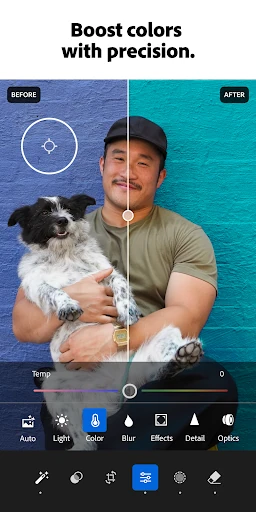
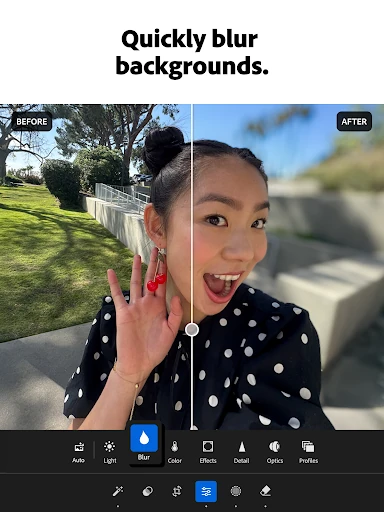
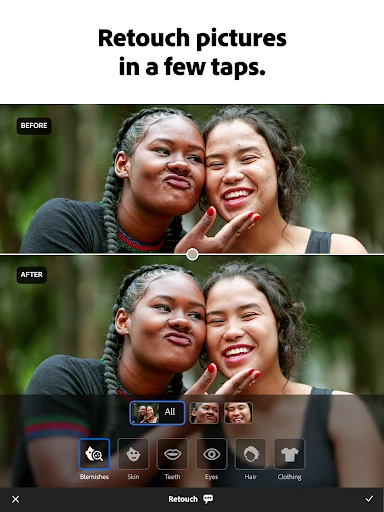
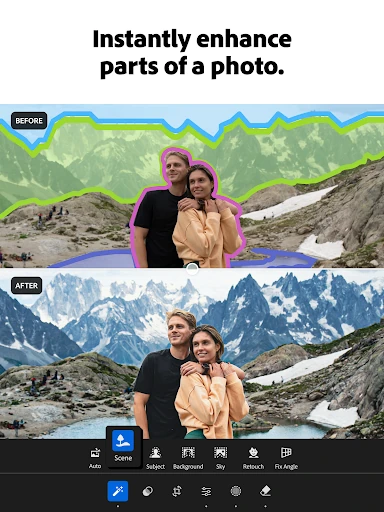
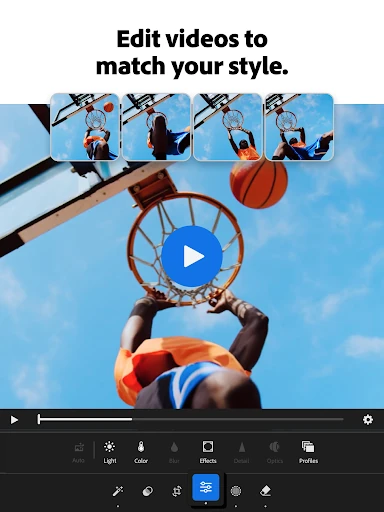
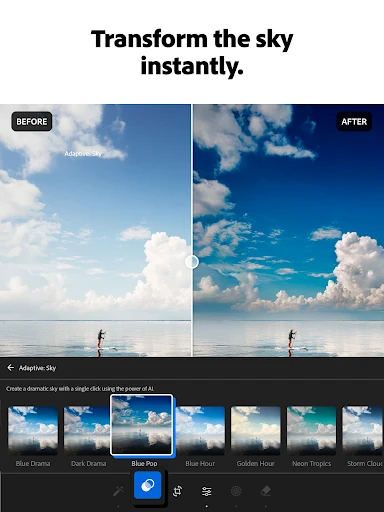
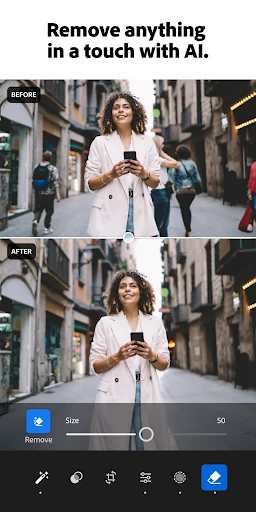
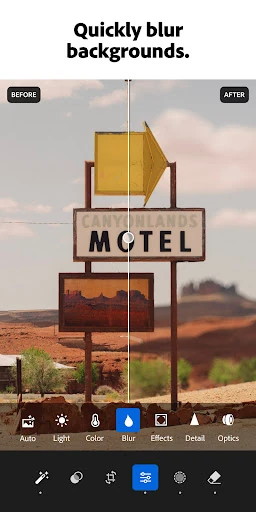

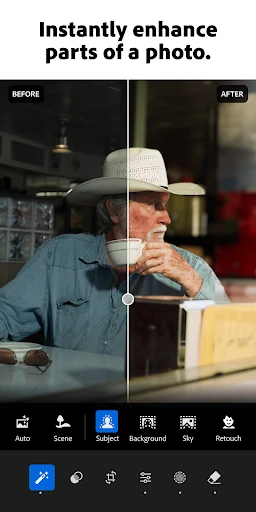
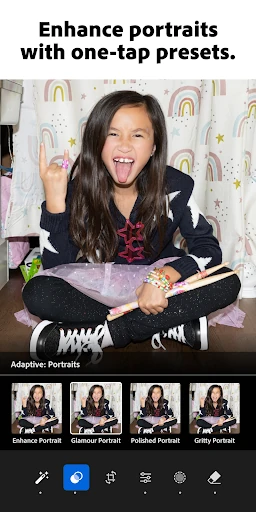

Click to download now, finish the installation quickly, and directly unlock the "all-round experience"
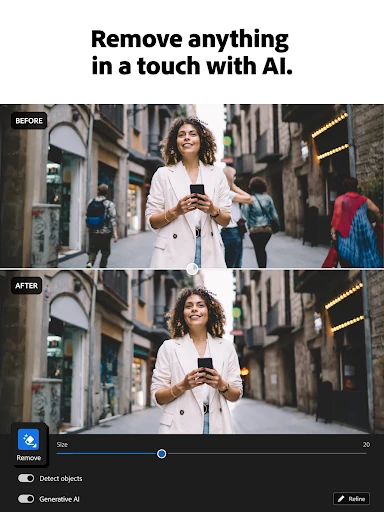
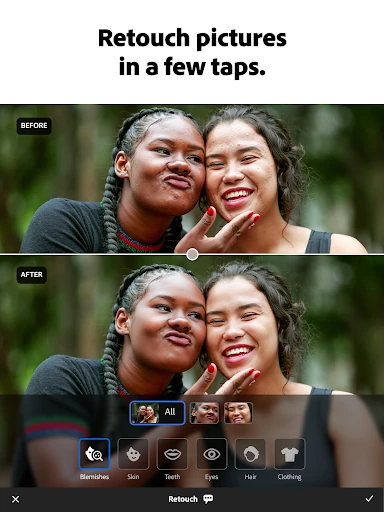
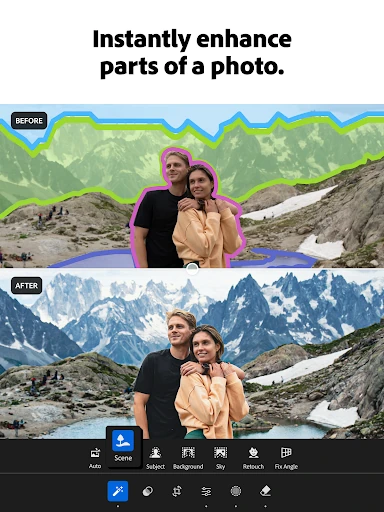
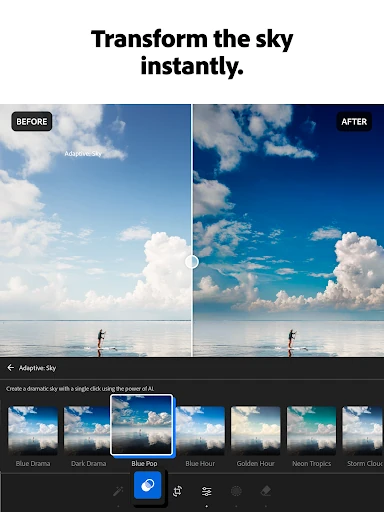
Lightroom Photo & Video Editor stands as a titan in the Photography category, offering a sophisticated ecosystem that transcends simple filters. Developed by Adobe, it provides a seamless bridge between mobile spontaneity and professional-grade precision. Whether you are a social media influencer seeking aesthetic consistency or a serious photographer needing RAW control on the go, Lightroom delivers an unmatched suite of non-destructive editing tools powered by advanced AI that sets the gold standard for mobile post-processing.
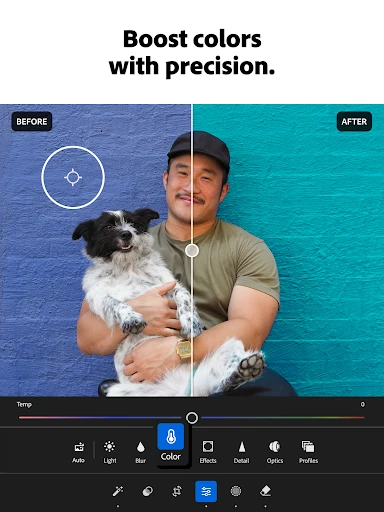
The UI of Lightroom is a masterclass in packing professional complexity into a mobile-friendly layout. It utilizes a slider-centric interface that provides tactile, granular control over exposure, color, and tone, making deep adjustments feel natural on a touch screen. While the sheer depth of options can be intimidating for beginners, the organized categorization of tools and the inclusion of community-driven tutorials ensure that the user experience remains educational rather than overwhelming. The design prioritizes the visual canvas, keeping the workspace clean while keeping powerful sub-menus just a tap away.
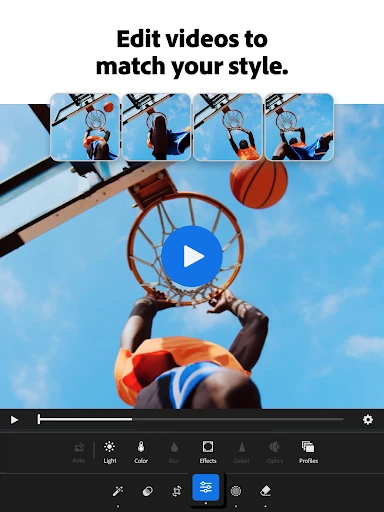
In future updates, Adobe could focus on enhancing the video editing module to include more robust timeline management and audio adjustment tools, which currently lag behind the photo editing capabilities. Furthermore, improving the offline experience by allowing more seamless local storage management without forcing cloud synchronization would benefit users in areas with limited connectivity.
Lightroom Photo & Video Editor is the definitive choice for content creators, photography enthusiasts, and professionals who require a portable yet powerful editing suite. While casual users might find the subscription model a hurdle, the value provided by its AI-driven features and workflow efficiencies is currently unmatched in the mobile market. This app is highly recommended for anyone serious about the quality of their visual output and seeking to elevate their mobile photography to a professional standard.