🏆 Expert Verdict & Overview
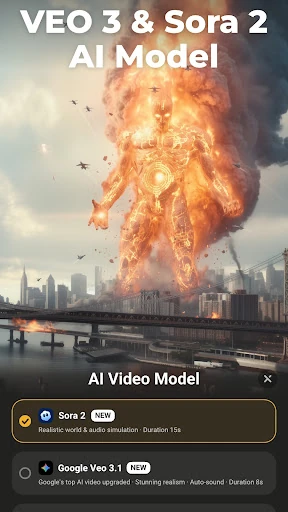
AI Video Editor - VideoShow AI represents a significant evolution in the mobile Video Players & Editors category, successfully bridging the gap between traditional timeline-based editing and cutting-edge generative AI. By integrating advanced models like VEO 3, Pixverse, and Kling, it moves beyond simple filter applications to become a comprehensive creative hub. This app is designed for the modern creator who requires high-speed output for platforms like TikTok and Instagram without sacrificing the depth of professional features like 4K export and multi-layer overlays. It stands out as a versatile powerhouse that democratizes complex video production for mobile users.
🔍 Key Features Breakdown
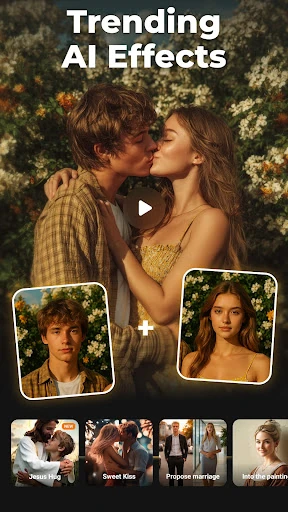
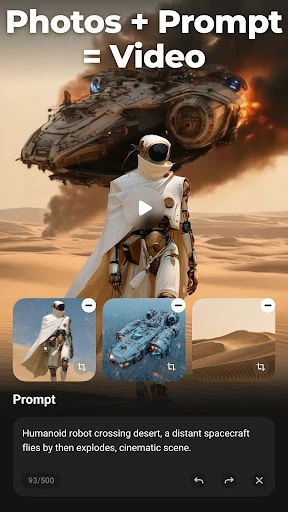
- Multi-Model AI Generation: By leveraging models like Vidu and Hailuo, the app allows users to transform text prompts or static images into high-quality cinematic clips, solving the problem of high production costs and the need for expensive filming equipment.
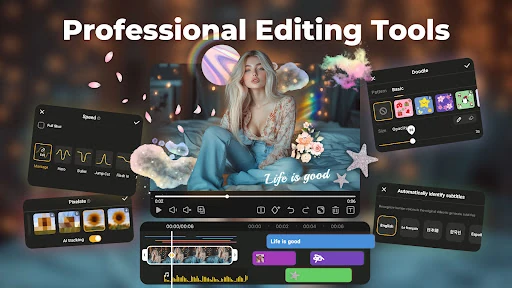
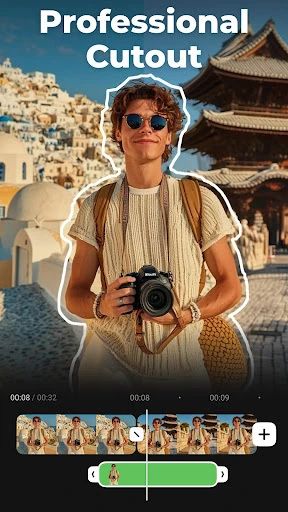
- Intelligent Post-Production Tools: Features like AI Subtitles and AI Mosaic automate tedious manual tasks, such as transcribing speech to text or masking sensitive information, significantly reducing editing time.
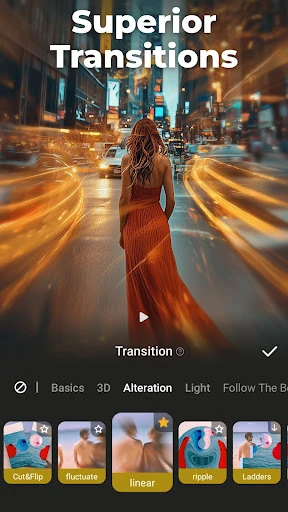
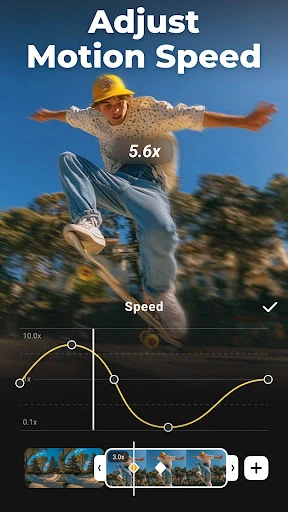
- AI Keyframing & Blending: These tools solve the complexity of manual animation by automatically generating smooth transitions between two images, allowing for professional-grade motion graphics with minimal effort.
- Professional Export Suite: Support for 4K Ultra HD and lossless saving ensures that content remains high-fidelity across all social media platforms, addressing the common mobile issue of pixelated or degraded uploads.
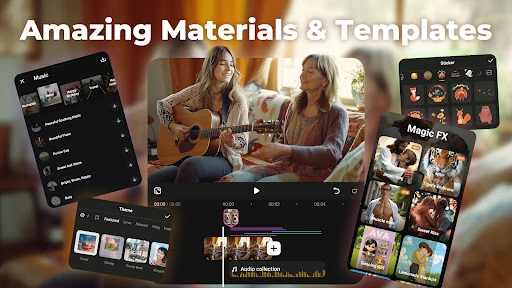
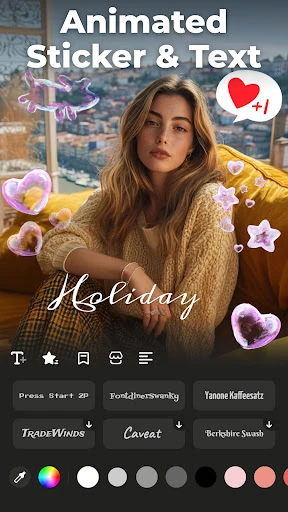
- Comprehensive Materials Center: A vast library of licensed music, FX, and themed templates provides a one-stop-shop for aesthetics, eliminating the need for third-party asset sourcing.
🎨 User Experience & Design
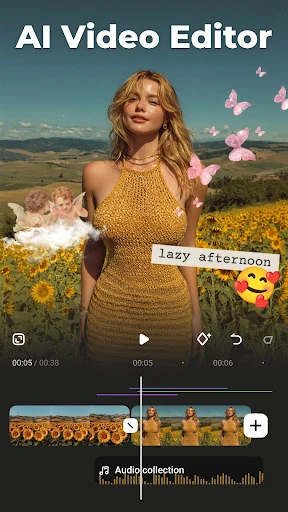
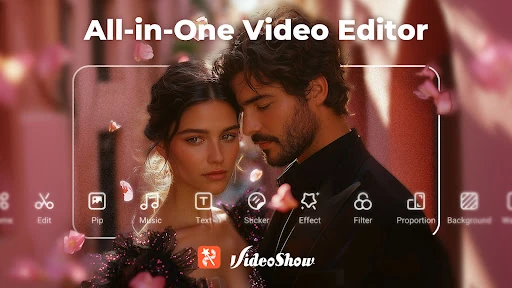
The interface of VideoShow AI is engineered to balance high-level functionality with accessibility. Given the density of features—ranging from simple trimming to complex AI blending—the UI manages to stay relatively uncluttered through a modular design. The "All-in-one" philosophy is evident in the workflow: users can jump from AI generation directly into the editing timeline. However, for a novice, the sheer volume of buttons and tools may present a slight learning curve. The design follows standard mobile editing paradigms (bottom toolbar and top preview), which makes it intuitive for those migrating from other editors, while the dedicated AI sections are clearly delineated to prevent confusion between traditional and generative workflows.
⚖️ Pros & Cons Analysis
- ✅ The Good: Exceptional integration of industry-leading AI models (Kling, VEO 3) for realistic video generation.
- ✅ The Good: Robust export options including 4K and GIF formats, catering to diverse social media requirements.
- ❌ The Bad: The presence of watermarks and advertisements in the free version can be disruptive to the creative process.
- ❌ The Bad: Advanced AI features may require a stable internet connection and significant processing power, which could lag on older hardware.
🛠️ Room for Improvement
While the AI integration is impressive, the app could benefit from more detailed "AI Prompt Tutorials" to help users get better results from the text-to-video engine. Additionally, streamlining the VIP transition could improve user retention; currently, some users might find the distinction between free and paid tools slightly jarring during the editing process. Reducing the app's overall storage footprint through cloud-based asset management could also enhance the experience for users with limited device space.
🏁 Final Conclusion & Recommendation
AI Video Editor - VideoShow AI is an ideal solution for social media influencers, digital marketers, and casual creators who need to produce high-impact content quickly. It is particularly well-suited for those looking to experiment with the latest AI video trends without needing a desktop setup. For professionals, it serves as a powerful secondary tool for on-the-go edits. We highly recommend this app for anyone seeking a "smart" editor that does the heavy lifting of animation and transcription through automation.