🏆 Expert Verdict & Overview
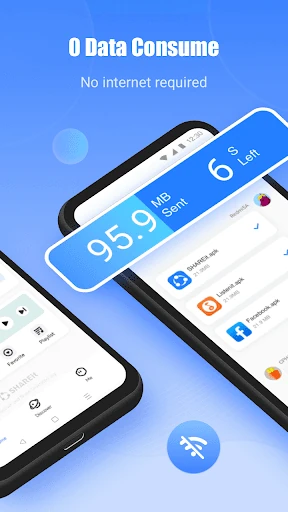
SHAREit: Transfer, Share Files stands as a titan in the Tools category, transcending its origins as a simple peer-to-peer sharing utility to become a comprehensive digital Swiss Army knife. Trusted by over 2 billion users globally, it addresses the fundamental pain point of data-restricted environments: the need to move massive files—apps, games, and high-definition media—without an active internet connection. As an analyst, it is clear that SHAREit has successfully transitioned from a niche utility to an all-in-one ecosystem that manages, protects, and consumes content, setting a high benchmark for speed and cross-platform versatility in the mobile space.
🔍 Key Features Breakdown
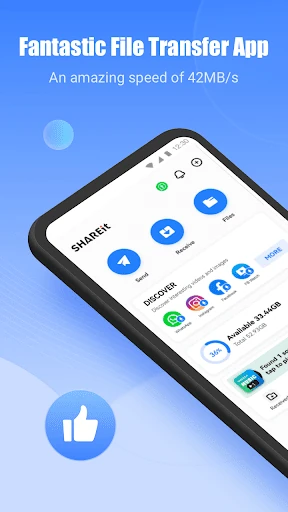
- Ultra-High-Speed Transfer: Leveraging Wi-Fi Direct technology, it achieves speeds up to 42MB/s—200 times faster than traditional Bluetooth—eliminating wait times for large file migrations.
- Intelligent Phone Clone: Simplifies the hardware upgrade cycle by migrating contacts, messages, and media between devices, supporting a vast array of manufacturers from Samsung to iPhone.
- Specialized Game Transmission: Features a dedicated PUBG transmission tool that moves large game files and their associated cache in one click, bypassing the need for manual file path navigation.
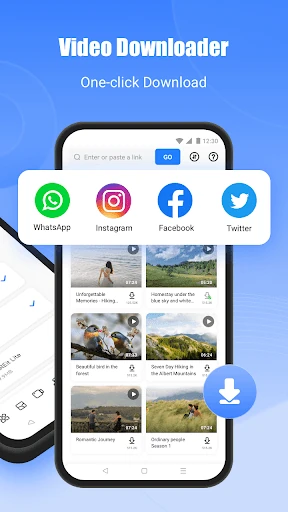
- Multi-Platform Downloader: Integrated functionality allows users to scrape and save media directly from social platforms like WhatsApp, Facebook, and Instagram into local storage.
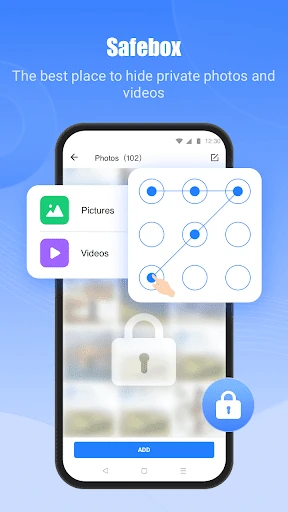
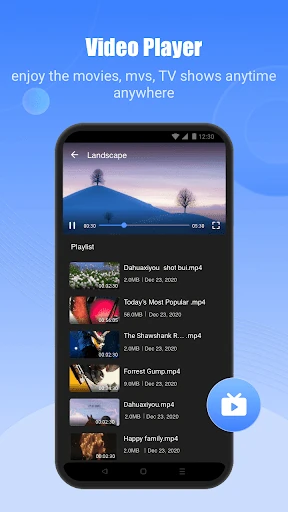
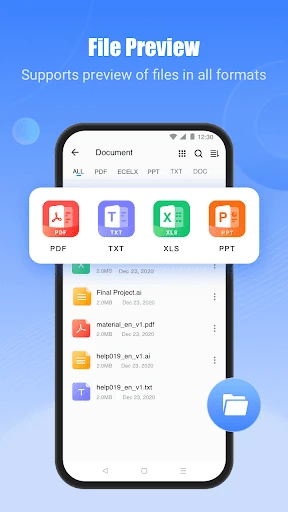
- Integrated Utility Suite: Beyond sharing, it includes a robust File Manager, an encrypted "Safebox" for private media, and a high-definition Music/Video player, reducing the need for multiple third-party apps.
🎨 User Experience & Design
The interface of SHAREit is built for high-traffic utility, emphasizing accessibility with large, clear action buttons for sending and receiving. While the UI can feel crowded due to the sheer number of secondary features—such as the video feed and music player—the core file-sharing workflow remains intuitive. For a Tool-category app, it prioritizes functional speed; the connection process via QR codes effectively bridges the gap between different operating systems, making the cross-platform experience surprisingly seamless for a non-technical user base.
⚖️ Pros & Cons Analysis
- ✅ The Good: Unrivaled transfer speeds that function entirely offline, saving significant mobile data costs for users in developing markets.
- ✅ The Good: Excellent cross-platform compatibility that allows effortless communication between Android, iOS, and PC.
- ❌ The Bad: Significant "feature creep" has led to a cluttered interface that may overwhelm users who only desire the core transfer functionality.
- ❌ The Bad: The presence of aggressive advertisements and promotional content can occasionally detract from the efficiency of the user experience.
🛠️ Room for Improvement
To further refine the experience, the developers should consider a "Lite Mode" or a more modular UI that allows users to hide secondary features like the online video feed if they only use the app for file transfers. Additionally, streamlining the permission requests and enhancing the transparency of background processes would help build deeper trust with privacy-conscious users in the modern app landscape.
🏁 Final Conclusion & Recommendation
SHAREit: Transfer, Share Files is the definitive solution for users who frequently move large amounts of data, particularly those in areas with expensive or unstable internet connectivity. It is a must-have for gamers and power users who regularly switch devices or share high-resolution media. Despite the crowded UI, its core performance is unmatched, making it a mandatory installation for anyone looking to maximize the utility of their mobile hardware.