
SmartThings
Samsung Electronics Co., Ltd.
Downloads
1,000,000,000+
Version
Latest
Advertisement
Click to download now, finish the installation quickly, and directly unlock the "all-round experience"
Advertisement
Screenshots
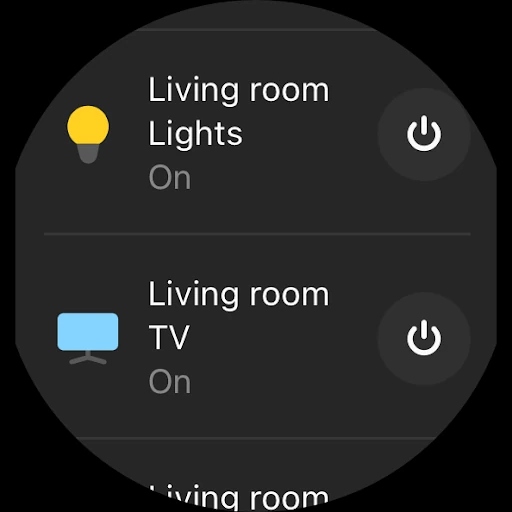
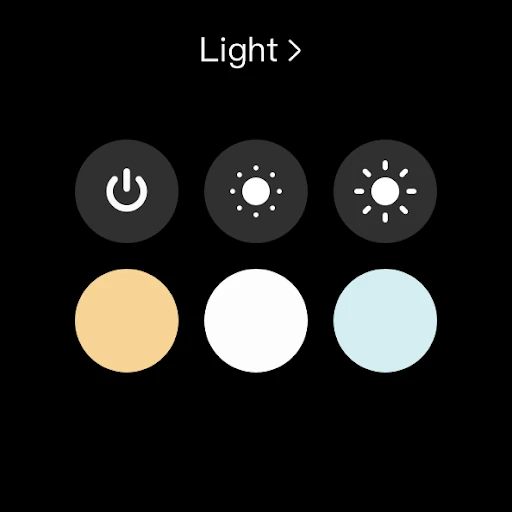
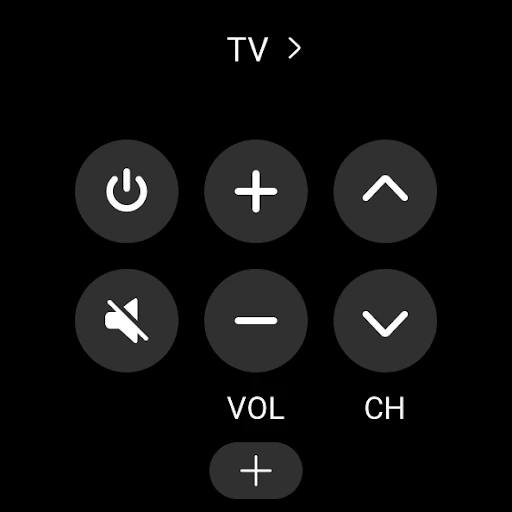
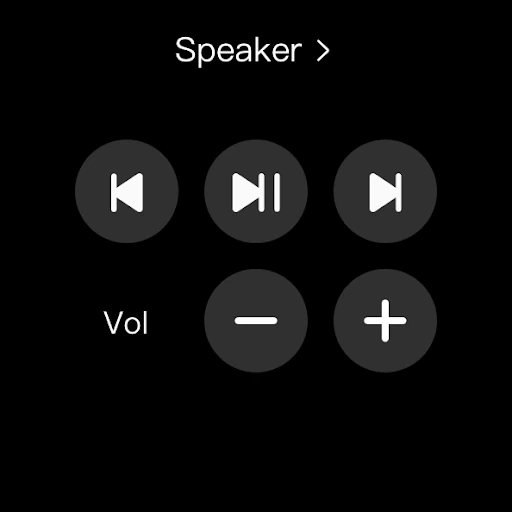
Click to download now, finish the installation quickly, and directly unlock the "all-round experience"
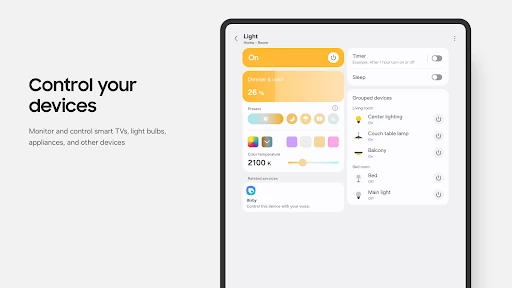
SmartThings stands as a titan in the Lifestyle category, serving as the central nervous system for the modern connected home. Developed by Samsung, it has transcended its hardware roots to become a versatile platform capable of orchestrating an expansive ecosystem of third-party devices. In the competitive landscape of IoT (Internet of Things) management, SmartThings distinguishes itself by offering a rare blend of deep technical automation and accessible user control. It is not merely a remote control for your TV; it is a sophisticated engine that synchronizes everything from security cameras to kitchen appliances, making it an essential tool for anyone looking to digitize their domestic environment.
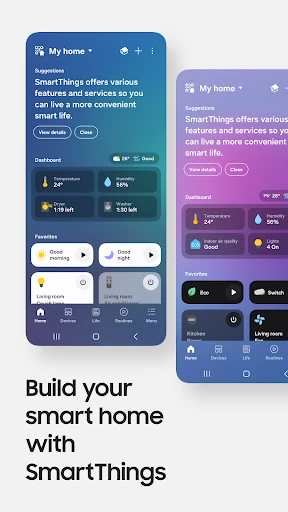
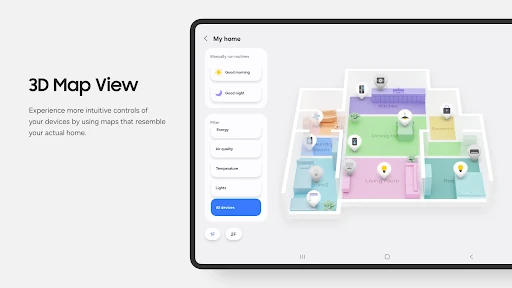
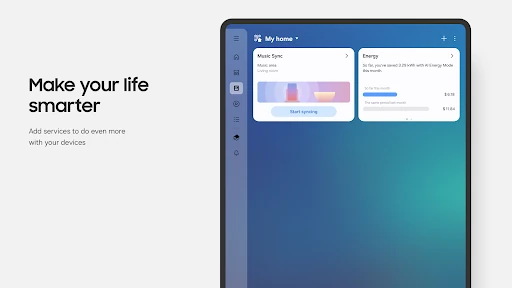
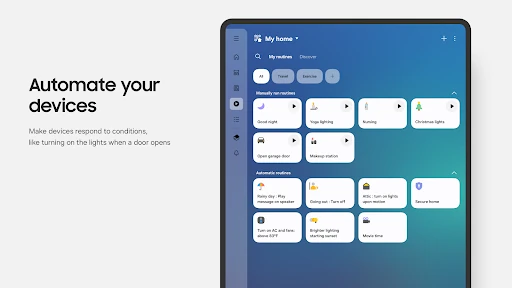
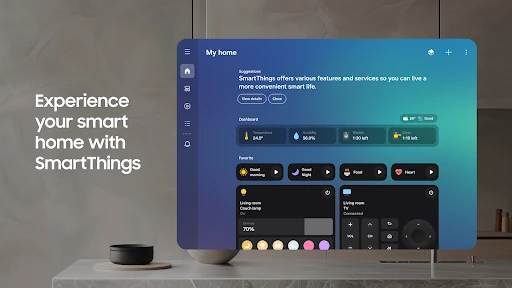
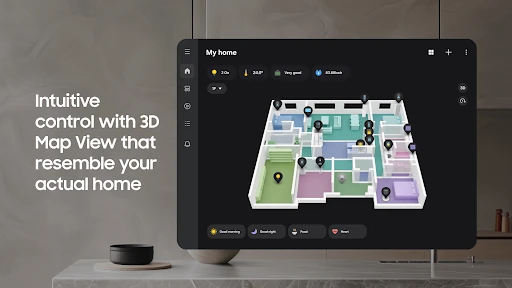
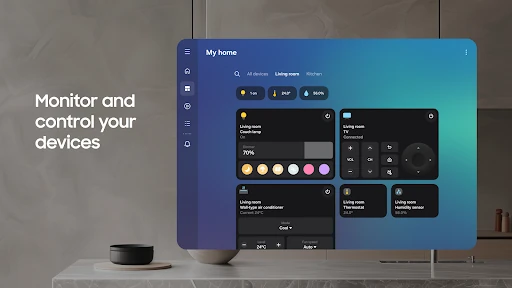
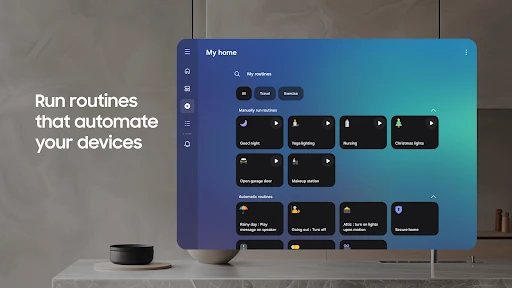
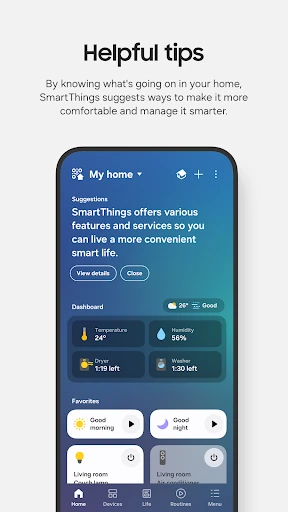
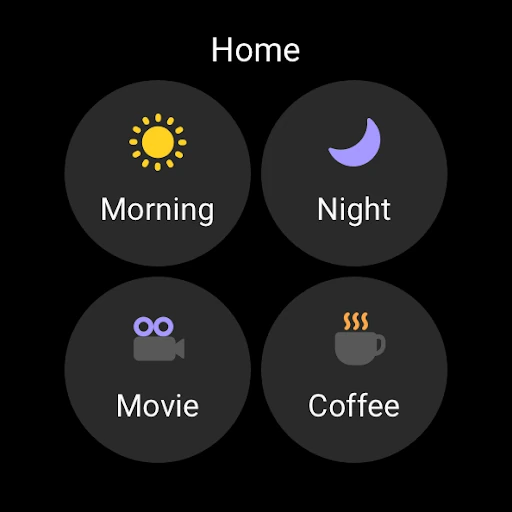
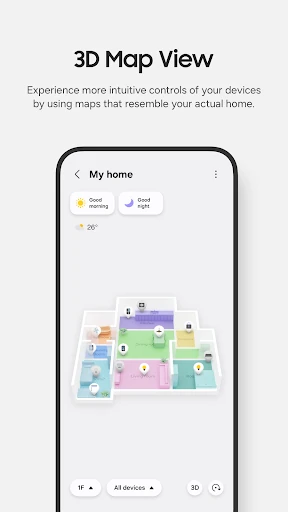
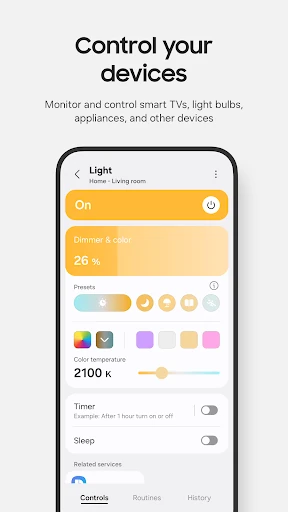
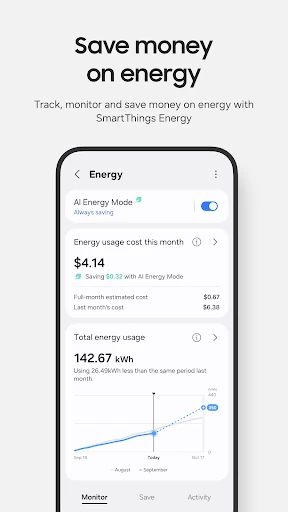
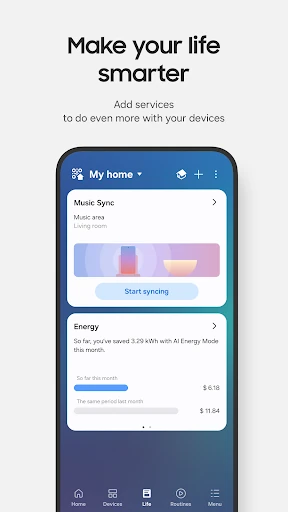
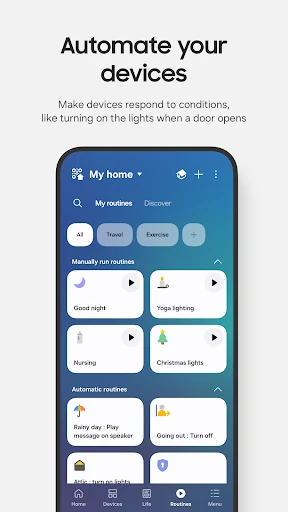
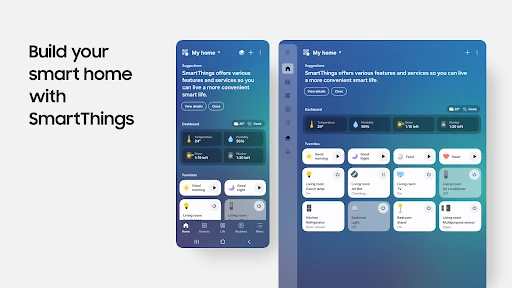
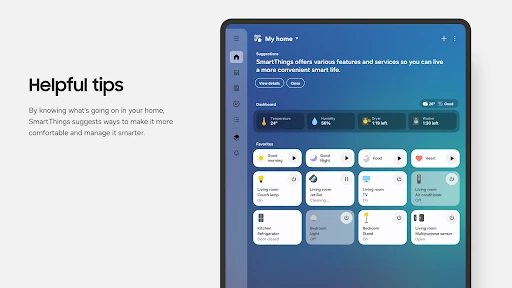
The UI design of SmartThings follows a modern, card-based aesthetic that aligns with contemporary Lifestyle app standards. It prioritizes clarity, using visual hierarchy to help users quickly identify device statuses. The "Life" and "Automations" tabs provide a logical flow, separating daily control from complex logic. However, the UX is clearly optimized for the Samsung ecosystem; users on Samsung hardware enjoy a more seamless integration with the system OS, while those on third-party Android devices may encounter slight friction. Despite this, the inclusion of QR code scanning for device pairing demonstrates a commitment to reducing the barrier to entry for non-technical users.
To truly dominate the market, SmartThings should focus on feature parity across all Android manufacturers, ensuring that non-Samsung users have access to the same depth of integration. Additionally, the initial setup process involves a heavy volume of permission requests; streamlining these into a more contextual "just-in-time" permission model could improve user trust. Finally, enhancing the offline capabilities of the app would ensure that critical home routines remain functional even during internet outages.
SmartThings is the premier choice for users who have invested in the Samsung hardware ecosystem, but it remains a top-tier contender for any smart home enthusiast due to its broad compatibility. It is best suited for "power users" who want to build a cohesive automated environment rather than just toggling individual lights. For anyone seeking a robust, scalable, and future-proof hub for their lifestyle technology, SmartThings is a highly recommended installation.