Advertisement
Click to download now, finish the installation quickly, and directly unlock the "all-round experience"
Advertisement
Screenshots

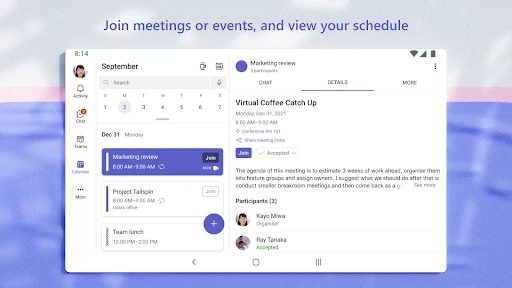

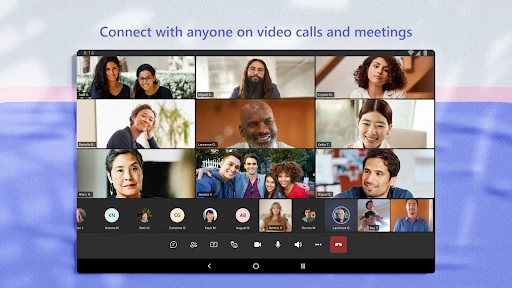
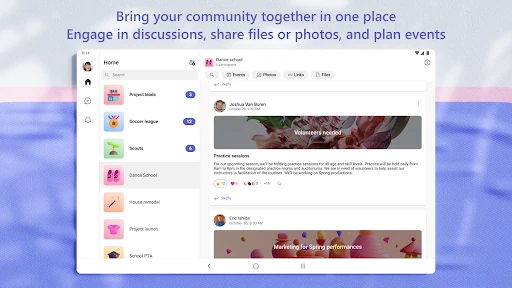
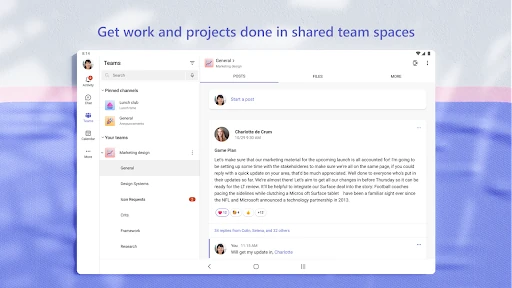

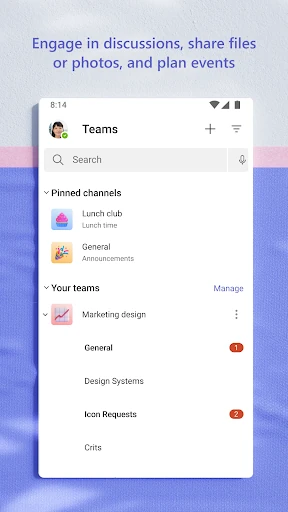
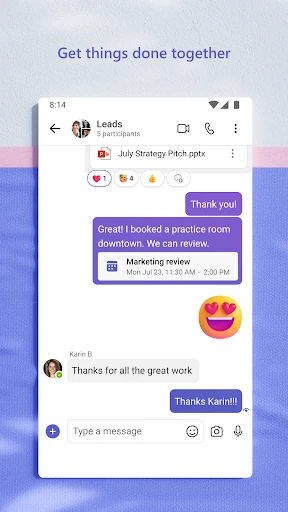
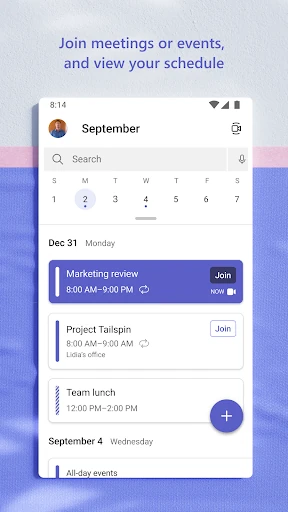

Click to download now, finish the installation quickly, and directly unlock the "all-round experience"
Microsoft Teams has evolved from a simple corporate chat tool into a comprehensive communication and collaboration powerhouse that defines the modern digital workspace. In the current Business landscape, it serves as the central nervous system for organizations, seamlessly merging synchronous communication with asynchronous document management. By integrating the legacy of Skype and the power of Microsoft 365, Teams offers an unmatched "all-in-one" environment. It is no longer just for the enterprise; its expansion into community and personal use makes it a versatile contender for anyone needing to bridge the gap between conversation and execution.
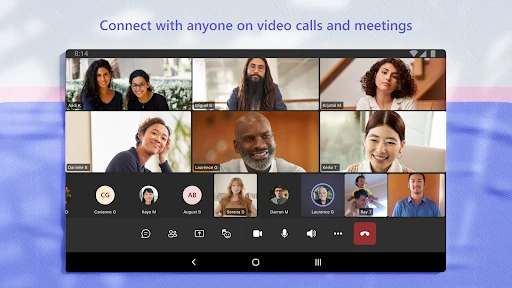
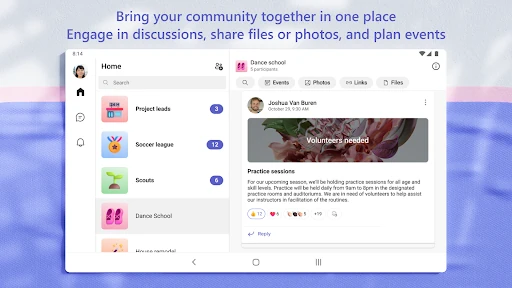
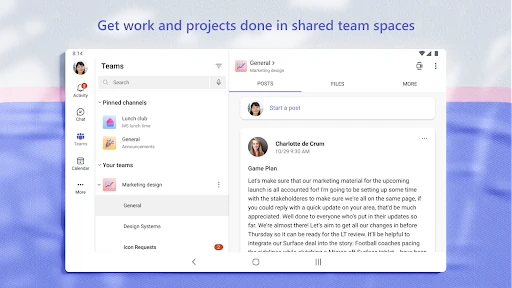
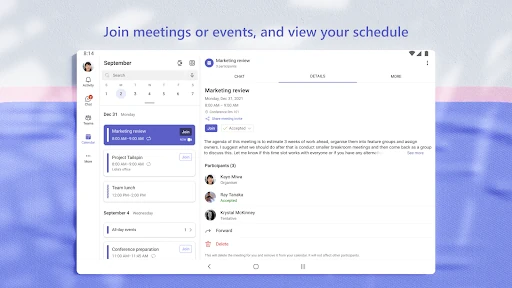
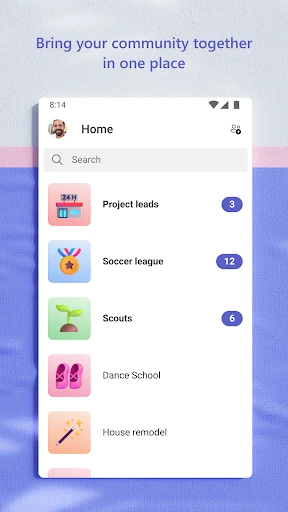
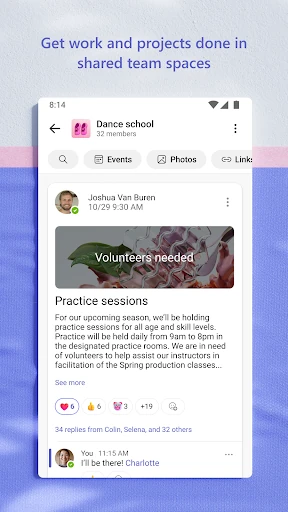
The UI of Microsoft Teams is designed for high-density information management, which is the standard for the Business category. The layout utilizes a bottom-navigation bar on mobile to provide quick access to Activity, Chat, Teams, and Calendars. While the interface is clean and professional, the sheer depth of features can create a steeper learning curve for novice users. However, for power users, the UX is highly efficient, utilizing @mentions, message animations, and organized channel structures to minimize friction and keep communication context-specific.
To further refine the user experience, Microsoft should focus on optimizing the app's startup time and reducing overall battery consumption on mobile devices. Streamlining the account-switching mechanism would greatly benefit "prosumers" who use the app for both work and personal communities. Additionally, simplifying the notification settings to prevent "alert fatigue" would enhance the overall UX for users belonging to multiple active channels.
Microsoft Teams is the definitive choice for professionals, educators, and community leaders who require more than just a chat app. It is best suited for organizations already invested in the Microsoft ecosystem or groups that need to manage complex projects with high security requirements. For those seeking a robust, secure, and feature-rich collaboration environment, Teams remains the industry benchmark.