🏆 Expert Verdict & Overview
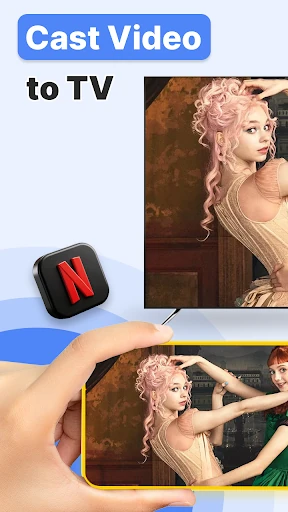
TV Cast: Anycast in smart view is a versatile utility designed to bridge the gap between mobile devices and the big screen, positioning itself as a comprehensive solution within the House & Home ecosystem. In an era where media consumption is fragmented across various platforms, this app provides a unified gateway for DLNA, Chromecast, and Miracast protocols. It stands out by offering a professional-grade casting experience that emphasizes multitasking and low latency, making it a valuable tool for users who want to transform their living room into a dynamic multimedia hub without the constraints of brand-specific ecosystems.
🔍 Key Features Breakdown
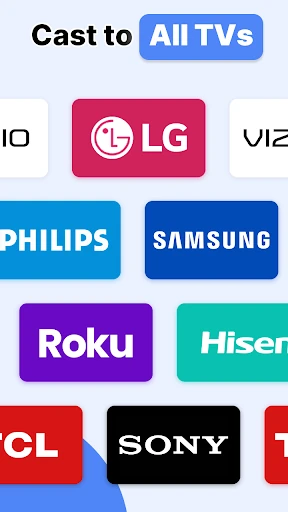
- Universal Protocol Support: By integrating Chromecast, Miracast, Airplay, and DLNA, the app ensures compatibility with a vast array of smart TVs and streaming sticks, solving the frustration of hardware-specific connectivity issues.
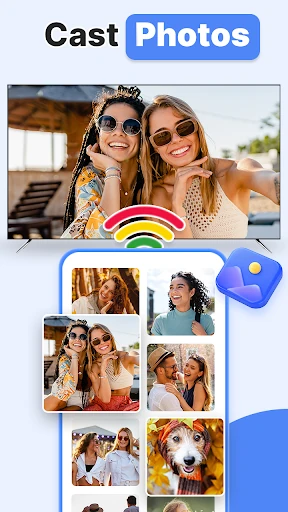
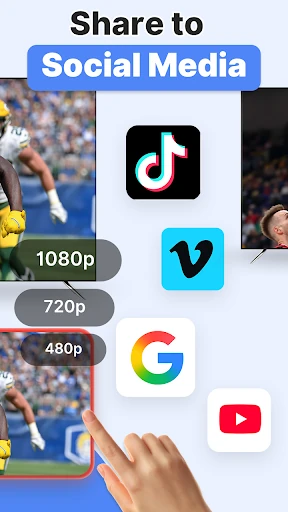
- Automated Media Discovery: The app automatically scans local storage and SD cards for videos, photos, and documents, streamlining the process of finding and displaying personal media on the television.
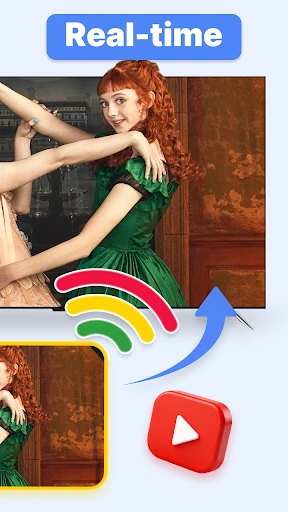
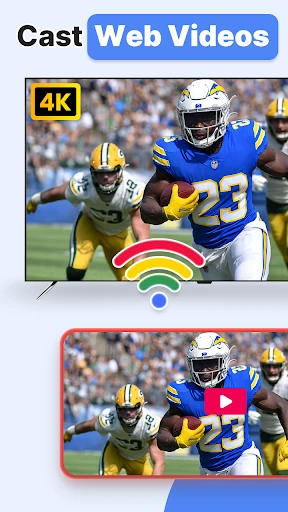
- Multi-Tasking Casting: Unlike traditional screen mirroring, this feature allows users to cast content and then use their phones for other tasks, ensuring the viewing experience is not interrupted by notifications or phone activity.
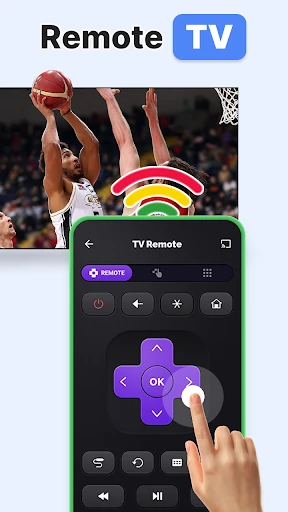
- Integrated Remote Control: The addition of a TV remote function reduces the need for multiple physical controllers, consolidating the user's home entertainment management into a single mobile interface.
🎨 User Experience & Design
In the House & Home category, user experience is defined by how quickly a user can achieve their goal with minimal friction. TV Cast: Anycast in smart view adheres to a logical, step-by-step connection flow that minimizes setup anxiety. The interface is designed for utility, prioritizing device discovery and file browsing. While many third-party casting apps suffer from cluttered layouts, this app maintains a functional design language that guides the user through the connection process, ensuring that even non-technical users can successfully cast their media in just a few taps.
⚖️ Pros & Cons Analysis
- ✅ The Good: Exceptional device compatibility covering almost every major TV brand including Samsung, LG, Sony, and Roku.
- ✅ The Good: Low-latency wireless display technology that significantly reduces lag during video playback.
- ❌ The Bad: Strict network requirements, such as the mandatory disabling of VPNs, which may be a hurdle for security-conscious users.
- ❌ The Bad: Dependence on DLNA certification for full functionality, which might exclude some older or budget-tier smart devices.
🛠️ Room for Improvement
To further elevate the user experience, the app could benefit from direct integration with cloud storage services like Google Drive or Dropbox, allowing users to cast files that aren't stored locally. Additionally, providing a built-in troubleshooting guide for specific TV brands within the app could help users resolve connection issues more efficiently without needing to consult external manuals.
🏁 Final Conclusion & Recommendation
TV Cast: Anycast in smart view is an ideal solution for media enthusiasts and families who own a variety of smart home devices and need a reliable, "Swiss Army Knife" for content sharing. It is particularly recommended for users who find native mirroring too restrictive and want the freedom to use their phones while streaming. For anyone looking to maximize the potential of their smart TV, this app is a highly recommended utility that delivers on its promise of a seamless big-screen experience.