
Advertisement
Click to download now, finish the installation quickly, and directly unlock the "all-round experience"
Advertisement
Screenshots




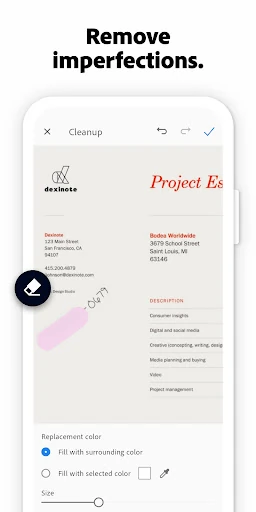



Click to download now, finish the installation quickly, and directly unlock the "all-round experience"
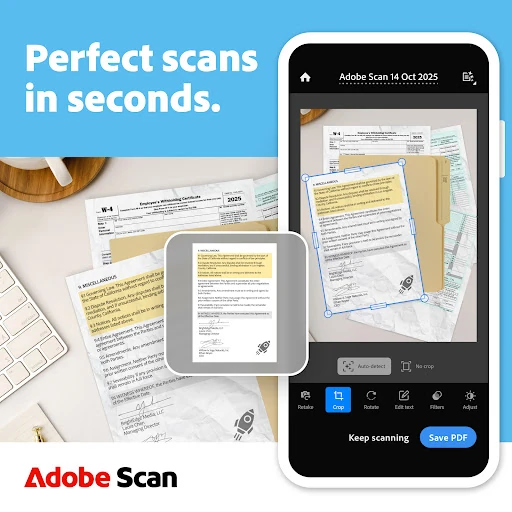
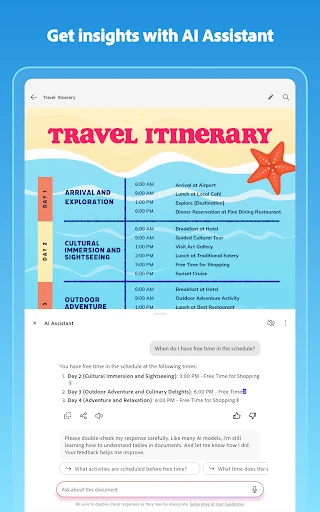
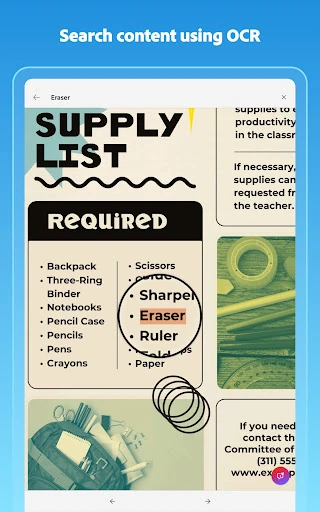
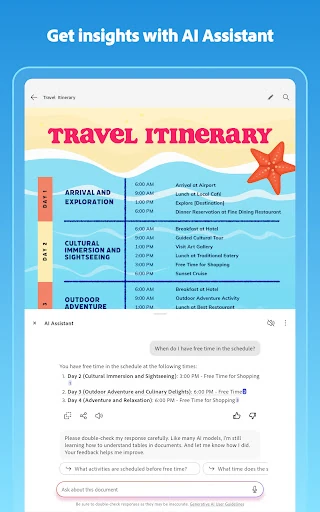
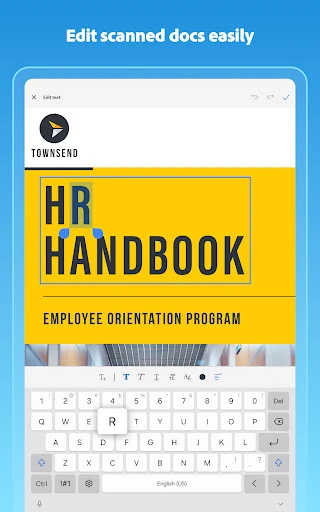
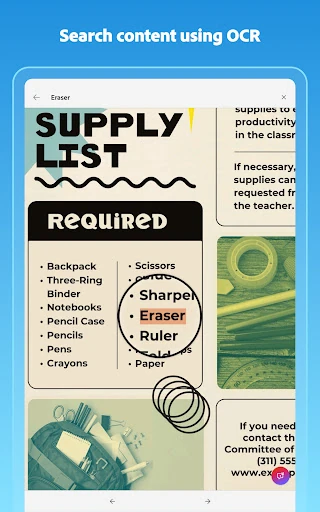
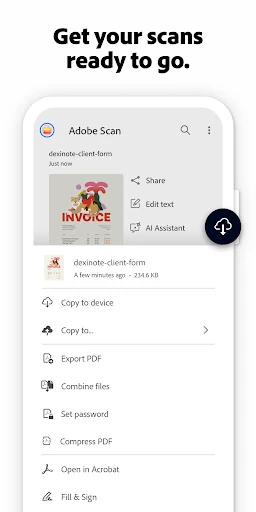
Adobe Scan AI PDF Scanner stands as a definitive leader in the mobile Business category, transforming the smartphone from a simple communication device into a sophisticated document processing hub. By leveraging advanced OCR (Optical Character Recognition) and new Generative AI capabilities, Adobe has moved beyond simple photo-to-PDF conversion. This app is designed for professionals who require high-fidelity digital archives, offering automated perspective correction and intelligent text extraction that integrates seamlessly with the broader Adobe Document Cloud ecosystem. It is an essential tool for digitizing the physical workflow with enterprise-grade precision.
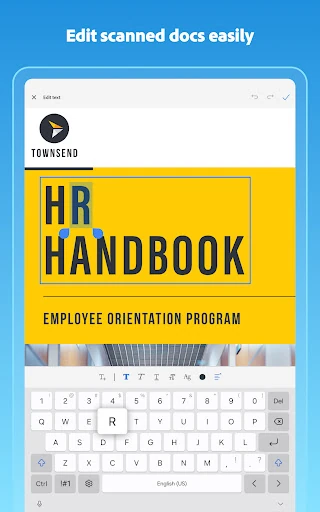
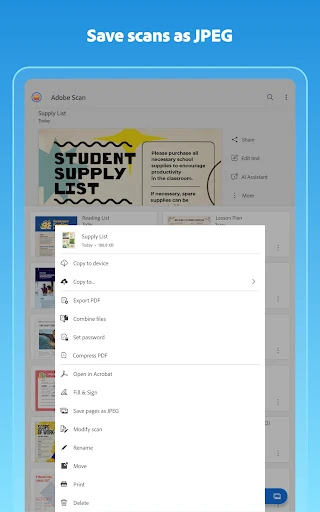
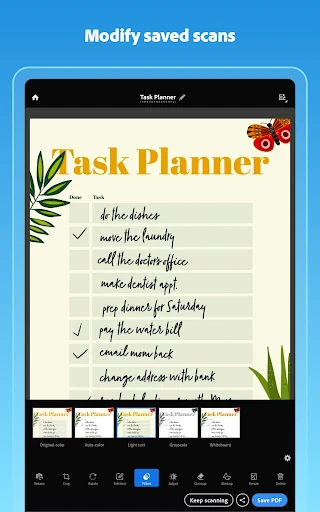
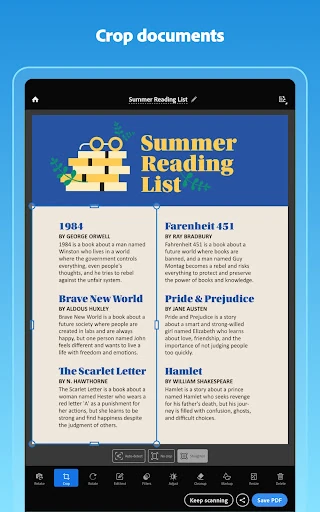
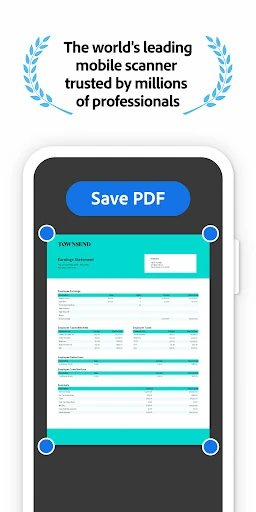
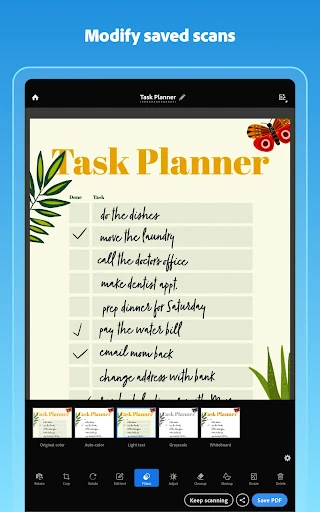
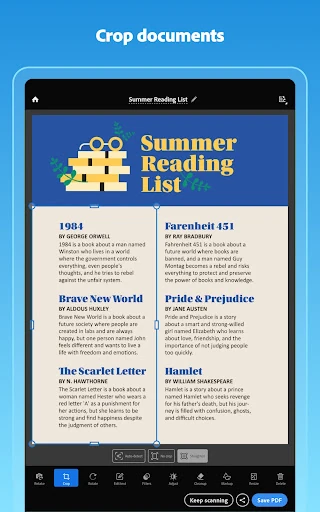
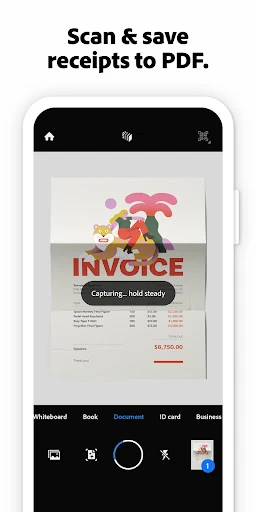
The UI of Adobe Scan is built on the principle of "invisible tech." The app utilizes a minimalist interface that prioritizes the viewfinder, featuring automatic border detection that captures documents without requiring the user to press a shutter button. This frictionless UX is critical for business users who need to scan on the go. The design language is consistent with the Adobe Acrobat family, ensuring a professional feel. Navigation is intuitive, with clearly labeled tools for modification, reordering, and color adjustment, making the transition from physical paper to digital file feel instantaneous and reliable.
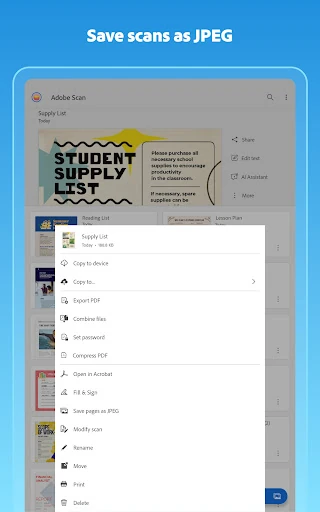
While the AI features are groundbreaking, the app would benefit from deeper offline functionality, particularly for OCR processing. Additionally, while the Adobe Cloud integration is robust, providing more direct, native export options to a wider variety of third-party cloud providers (like Notion or Obsidian) without intermediate steps would further enhance its utility for modern power users. Expanding the free tier's OCR limit would also lower the barrier for casual users or students.
Adobe Scan AI PDF Scanner is the premier choice for corporate professionals, students, and administrative workers who handle high volumes of paperwork. Its combination of AI-driven insights and world-class scanning technology makes it more than a utility—it is a productivity multiplier. If you are already within the Adobe ecosystem, this app is a mandatory installation; for others, it remains the most reliable and feature-rich scanner available on the market today.