Advertisement
Click to download now, finish the installation quickly, and directly unlock the "all-round experience"
Advertisement
Screenshots
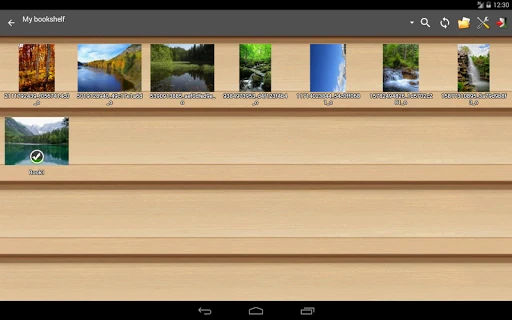
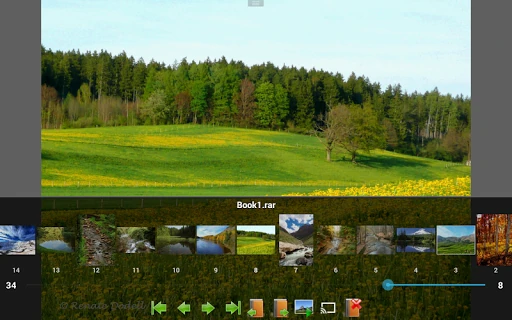
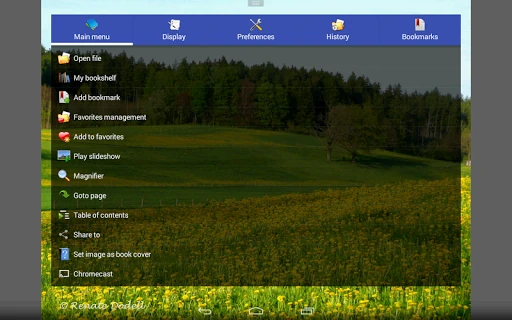
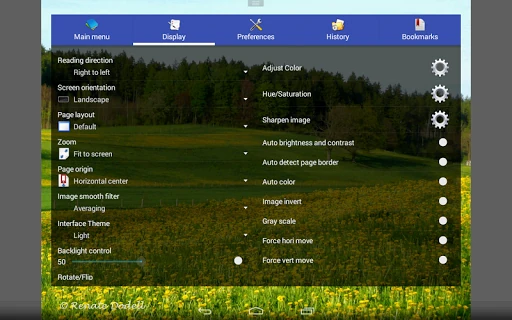
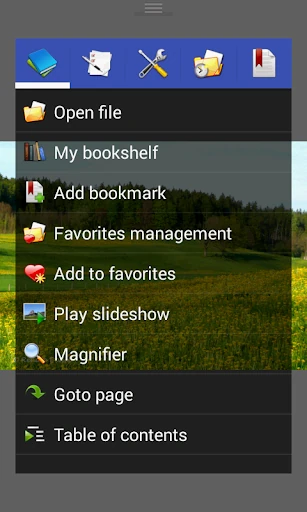
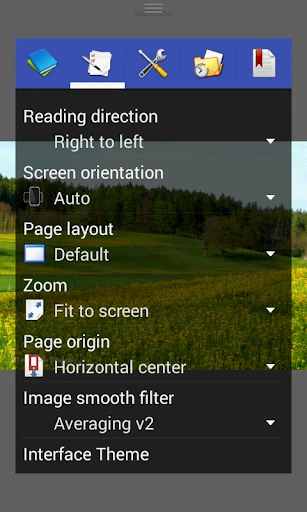
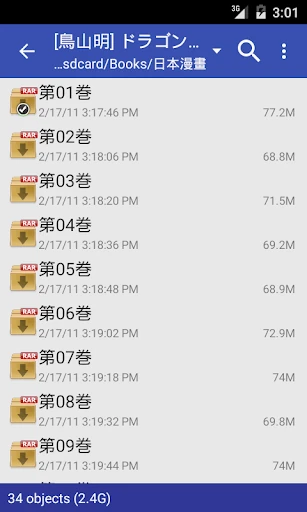
Click to download now, finish the installation quickly, and directly unlock the "all-round experience"
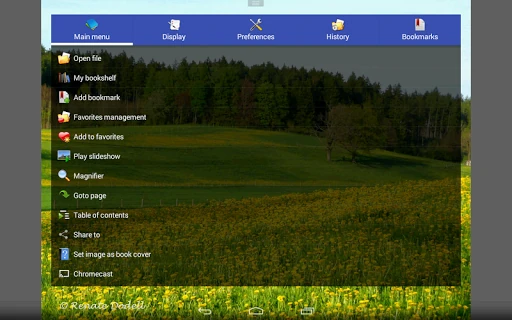
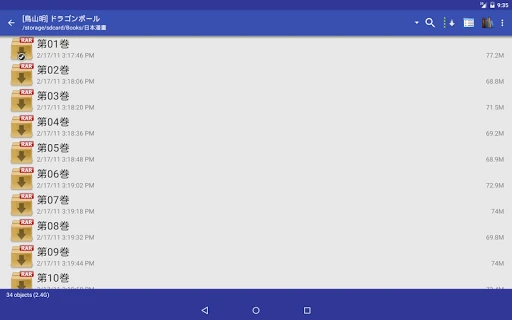
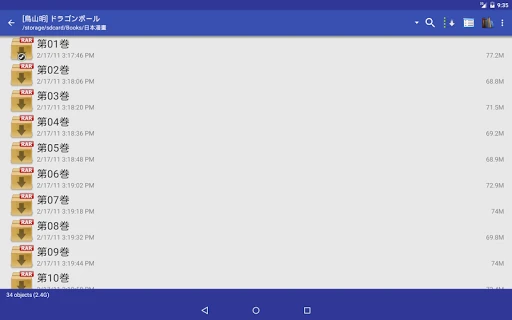
Perfect Viewer remains a definitive cornerstone in the Android comics ecosystem, catering to power users who demand high performance and extensive customization. As a veteran in the Comics landscape, it transcends simple image viewing by offering a robust, "Swiss Army Knife" approach to digital reading. While it prioritizes function over modern aesthetic trends, its ability to handle virtually any format—from archival CBZ files to complex network streams—solidifies its position as a top-tier choice for serious collectors and enthusiasts who need a fast, reliable interface for their digital libraries.
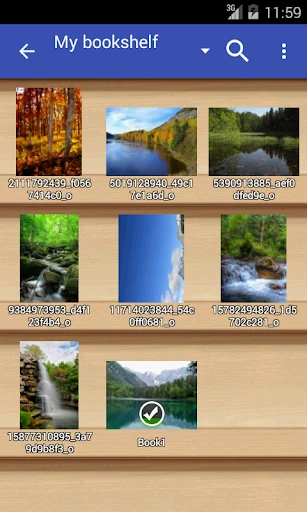
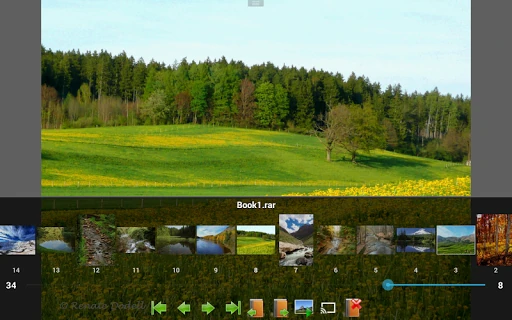
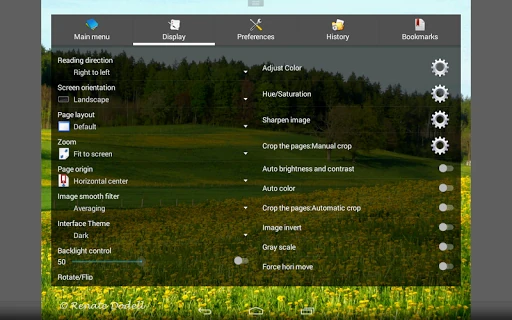
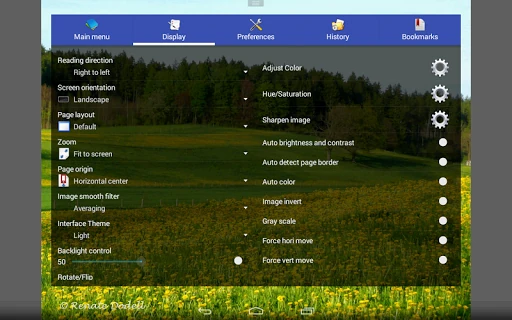
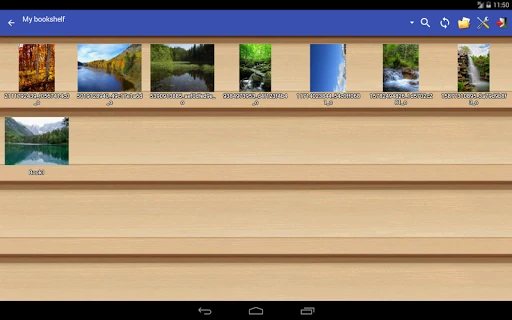
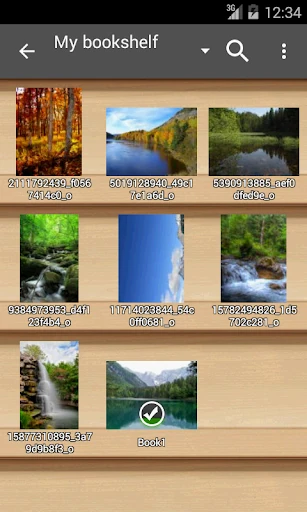
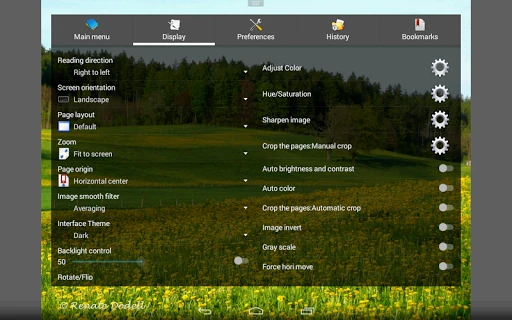
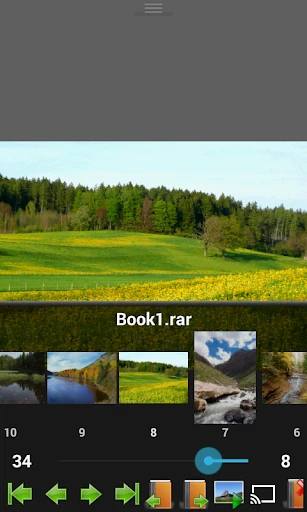
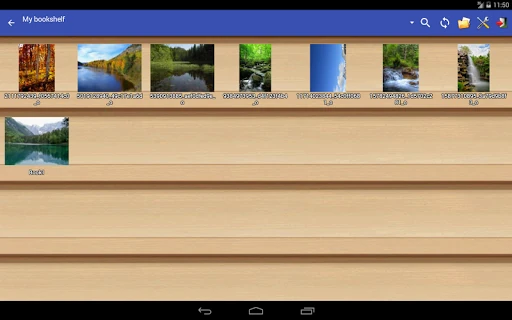
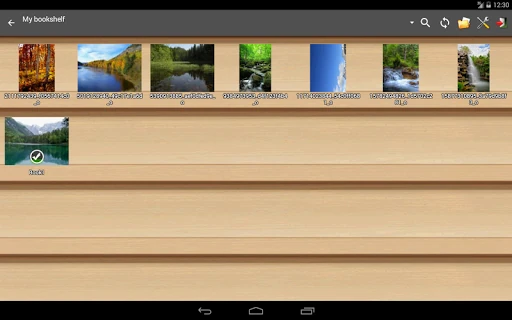
The user interface of Perfect Viewer reflects a utilitarian philosophy, prioritizing deep functionality and speed over contemporary visual flair. While the "Bookshelf" management system provides a familiar way to organize libraries, the sheer density of the settings menus can be intimidating for newcomers. However, the UX excels in performance; page transitions are nearly instantaneous thanks to intelligent pre-caching. For the Comics category, where fluidity is paramount, Perfect Viewer delivers a high-tier experience by allowing users to map almost every gesture and tap zone to a specific command, creating a truly tailored reading environment.
To stay competitive with modern readers, the app would benefit from a visual refresh to simplify navigation and hide advanced settings behind a "Basic/Advanced" toggle. Consolidating the separate plugin system (for PDF and Cloud access) into a single, unified experience would also reduce friction during the initial setup. Additionally, integrating a more modern onboarding tutorial would help new users navigate the complex feature set more effectively.
Perfect Viewer is the premier choice for "power readers" and digital archivists who have large, diverse collections of media. It is specifically recommended for users who host their libraries on NAS drives or cloud services and require a high degree of control over image rendering. While casual readers might find the setup process complex, it remains the most powerful and versatile viewer available for the Android platform.