Microsoft SwiftKey AI Keyboard
SwiftKey
Downloads
1,000,000,000+
Version
Latest
Advertisement
Click to download now, finish the installation quickly, and directly unlock the "all-round experience"
Advertisement
Screenshots
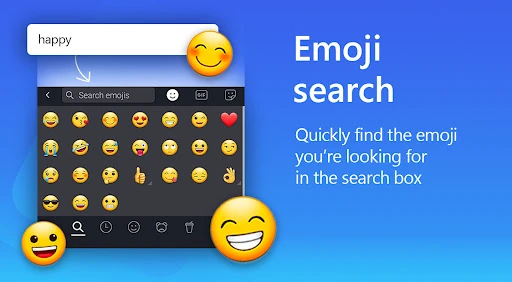
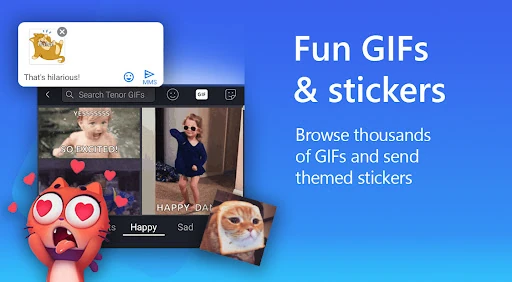
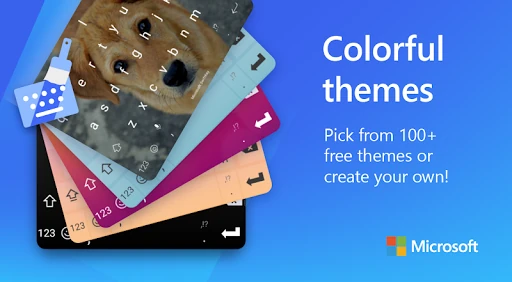
Click to download now, finish the installation quickly, and directly unlock the "all-round experience"
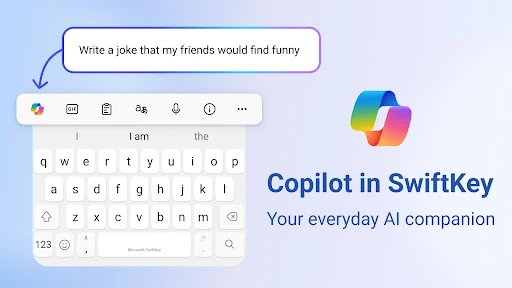
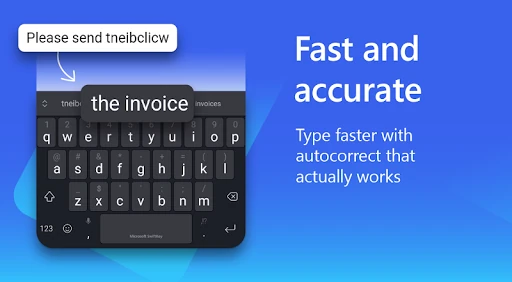
Microsoft SwiftKey AI Keyboard remains a dominant force in the Personalization category, evolving from a pioneer in predictive text to a comprehensive AI-driven productivity suite. By integrating Microsoft’s Copilot directly into the typing interface, it transcends the traditional role of a keyboard, offering users an omnipresent digital assistant. Its sophisticated machine learning algorithms analyze individual writing styles with high precision, making it an essential tool for users seeking to maximize efficiency and accuracy across all mobile communication platforms.
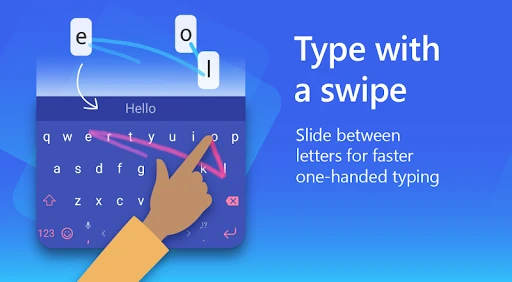
The user interface of Microsoft SwiftKey AI Keyboard is a benchmark for the Personalization segment. It successfully balances a feature-rich environment with a clean, unobtrusive design. The "Flow" swipe-to-type mechanic is remarkably fluid, reducing physical strain during long typing sessions. However, the addition of the Copilot and AI toolbar adds a layer of complexity; while highly functional, it requires a slight learning curve for users to navigate the expandable menus without cluttering their view. The responsiveness of the adaptive emoji keyboard is a standout UX element, anticipating user intent with impressive accuracy.
To further solidify its lead, Microsoft should consider introducing a "Lite" mode that disables heavy AI features for users on older hardware or those prioritizing battery life. Additionally, the privacy controls could be made more granular and transparent, giving users more explicit control over which data is used for AI training. Enhancing the "Compose" feature to include more specialized writing styles, such as "Legal" or "Academic," would also provide more value to professional user segments.
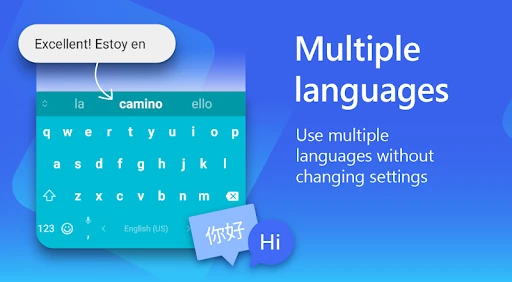
Microsoft SwiftKey AI Keyboard is the premier choice for power users, polyglots, and anyone looking to leverage generative AI in their daily mobile interactions. It is particularly well-suited for professionals who need to draft and edit text on the go. While it may be "overkill" for users seeking a simple, lightweight typing tool, its robust feature set and unparalleled prediction capabilities make it a "must-download" for the modern smartphone experience.