Advertisement
Click to download now, finish the installation quickly, and directly unlock the "all-round experience"
Advertisement
Screenshots
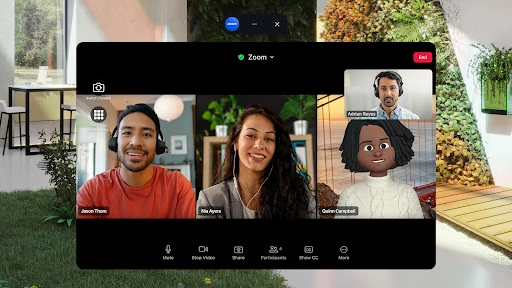
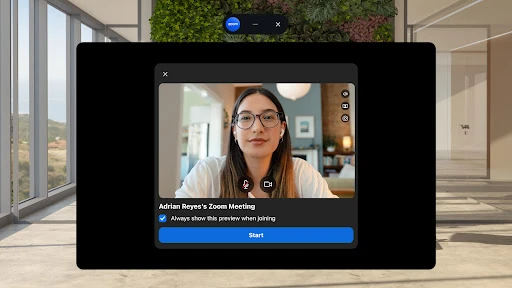
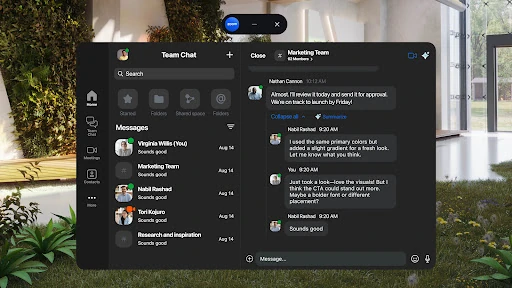
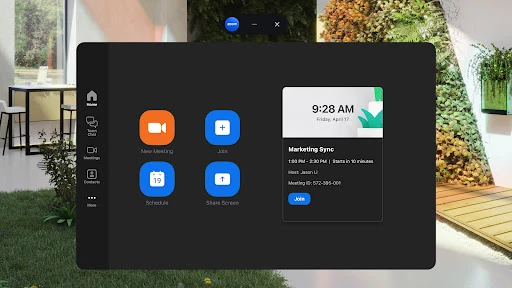
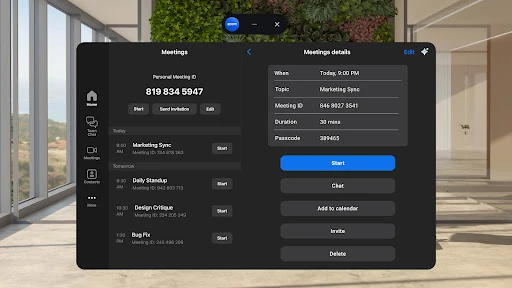
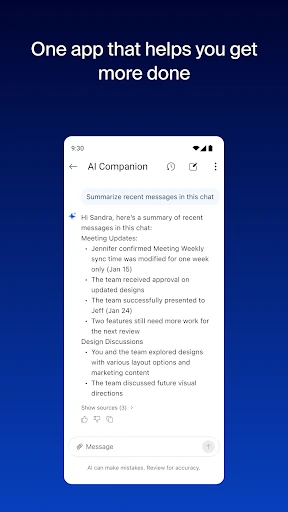
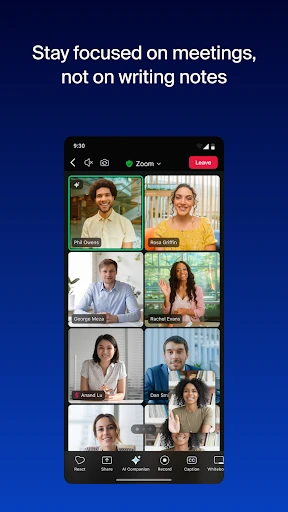
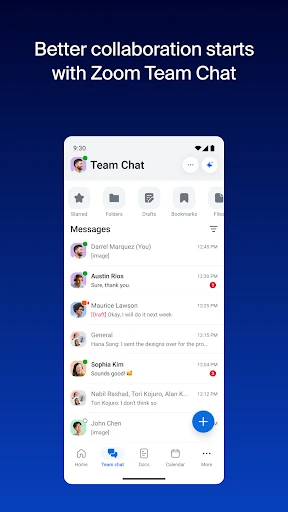
Click to download now, finish the installation quickly, and directly unlock the "all-round experience"
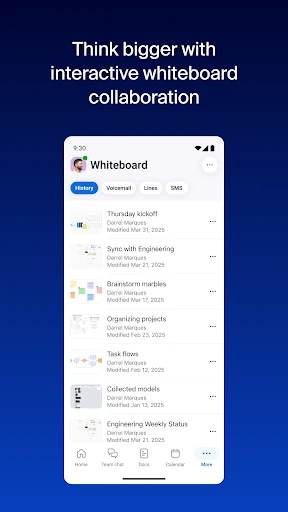
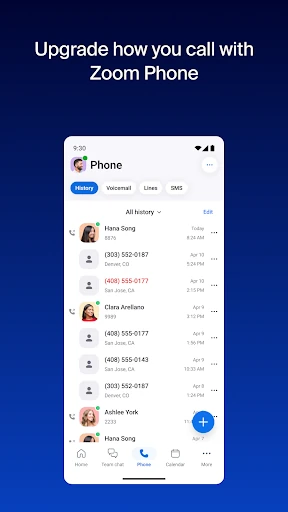
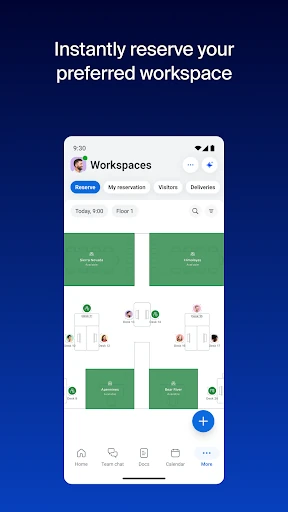
Zoom Workplace represents a significant evolution in the business productivity landscape, transitioning from a standalone video conferencing tool into a comprehensive, AI-first collaboration hub. By integrating team chat, phone, whiteboarding, and document management into a single interface, it directly challenges established ecosystems like Microsoft 365 and Google Workspace. For the modern professional, Zoom Workplace offers a highly cohesive environment that prioritizes speed and intelligence, particularly through its AI Companion. It is an essential utility for organizations seeking to streamline their tech stack while maintaining high standards for security and cross-platform reliability.
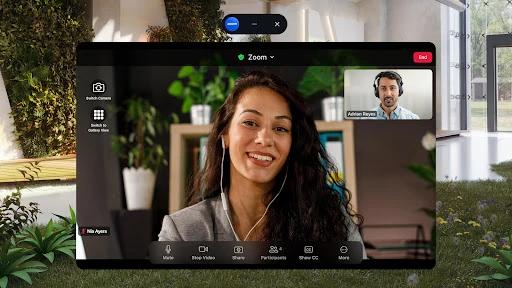
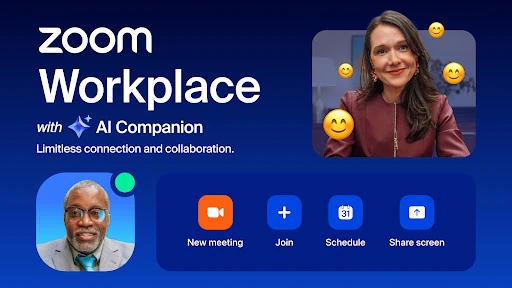
The UI of Zoom Workplace for Android is remarkably well-organized considering the sheer volume of features it encompasses. In the Business category, where "feature bloat" is a common pitfall, Zoom maintains a clean, modular aesthetic. The inclusion of Picture-in-Picture mode for multitasking and Split Screen support for tablets demonstrates a deep understanding of mobile workflow needs. The navigation is intuitive, utilizing a "one-tap" philosophy for its most critical actions—joining meetings and starting chats—which significantly lowers the cognitive load for busy users.
As Zoom Workplace continues to expand into Docs, Mail, and Calendar, there is a risk of the interface becoming cluttered for mobile users. A more customizable "bottom navigation" bar would allow users to pin the features they use most and hide the ones they don't. Additionally, expanding the availability of the AI Companion to more regions and languages would ensure a more equitable experience for global teams.
Zoom Workplace is the premier choice for distributed teams, enterprise employees, and freelancers who require a centralized "digital office." It is no longer just a meeting app; it is a full-scale productivity engine. We highly recommend this app for any organization already invested in the Zoom ecosystem that wants to leverage AI to reduce administrative overhead and improve team velocity. It remains a gold standard in the Business category for Android.