
Themepack - App Icons, Widgets
YoloTech
Downloads
50,000,000+
Version
Latest
Advertisement
Click to download now, finish the installation quickly, and directly unlock the "all-round experience"
Advertisement
Screenshots

Click to download now, finish the installation quickly, and directly unlock the "all-round experience"
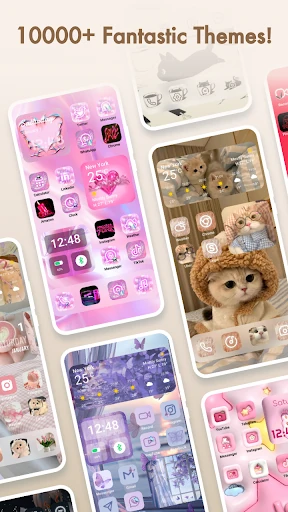
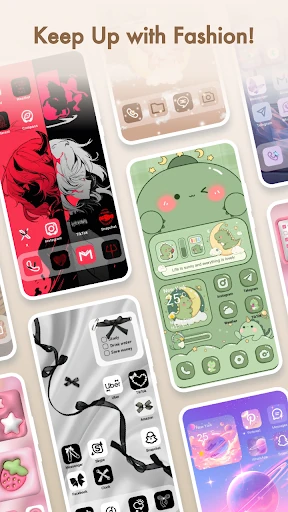
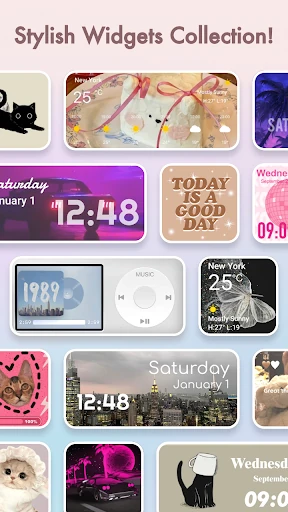
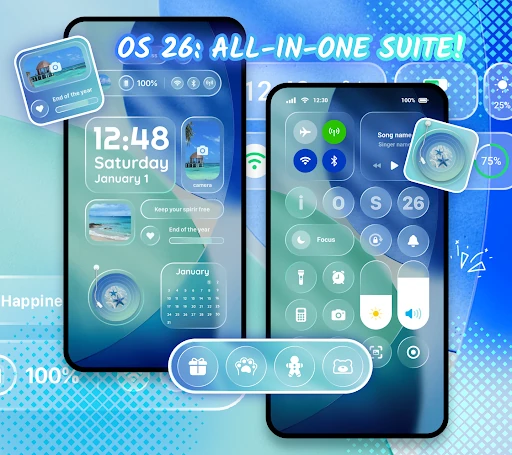
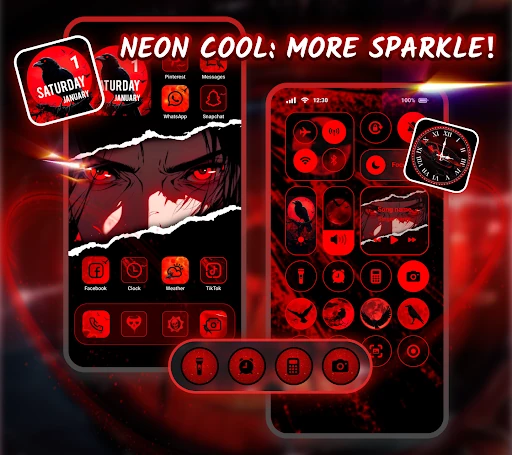
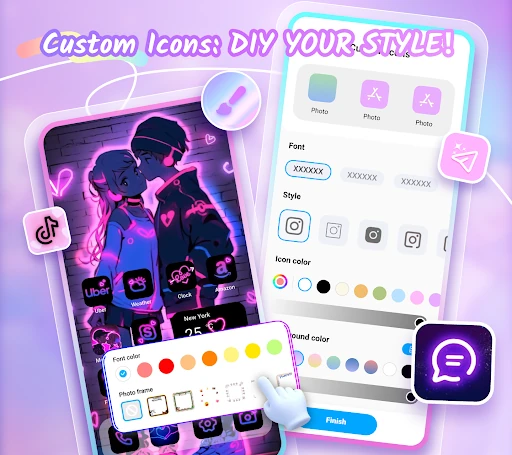
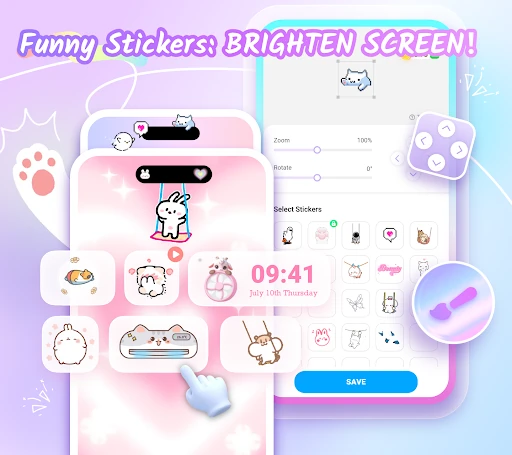
Themepack - App Icons, Widgets stands as a comprehensive powerhouse within the Android Personalization landscape. Designed for users who find stock interfaces restrictive, it offers an expansive library of over 10,000 functional assets. By consolidating icon masking, widget deployment, and wallpaper selection into a single ecosystem, the app eliminates the need for multiple disparate tools. Its positioning as both a repository of designer-made themes and a DIY creative suite allows it to cater to both casual users seeking a quick aesthetic refresh and power users who demand granular control over their device's visual identity.
The user interface of Themepack is built around the "One-Click" philosophy, which is essential for a category that can often feel overwhelming. The navigation is intuitive, categorizing themes into popular niches like K-pop, Anime, and Neon to streamline the discovery process. From a UX perspective, the inclusion of a step-by-step guide directly within the app lowers the barrier to entry for novice users. While the high volume of assets could lead to choice paralysis, the "Top Designer" curation ensures a baseline of visual quality that keeps the interface feeling premium rather than cluttered.
To further elevate the user experience, the developers should consider implementing a "Smart Search" filter that allows users to sort themes by color palette or specific art styles. Additionally, providing a more transparent, interactive walkthrough of why specific Accessibility Service permissions are needed—and how that data is strictly local—would build greater trust with the user base. Reducing the overall app footprint through cloud-based asset streaming could also benefit users with limited device storage.
Themepack - App Icons, Widgets is a top-tier recommendation for Android enthusiasts, particularly those within the anime, K-pop, and aesthetic-focused communities. It successfully bridges the gap between simple wallpaper apps and complex third-party launchers. If you are looking to completely overhaul your device's visual language without spending hours on manual configuration, this app is an essential download for your personalization toolkit.