
Dropbox: Secure Cloud Storage
Dropbox, Inc.
Downloads
1,000,000,000+
Version
Latest
Advertisement
Click to download now, finish the installation quickly, and directly unlock the "all-round experience"
Advertisement
Screenshots
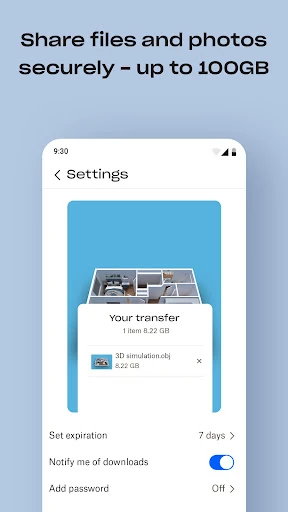
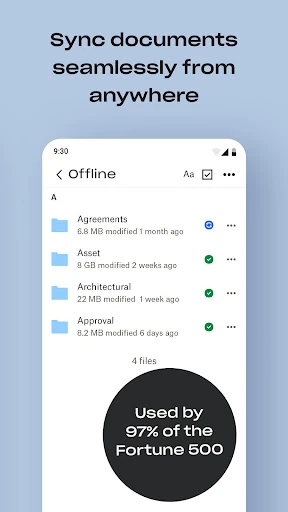
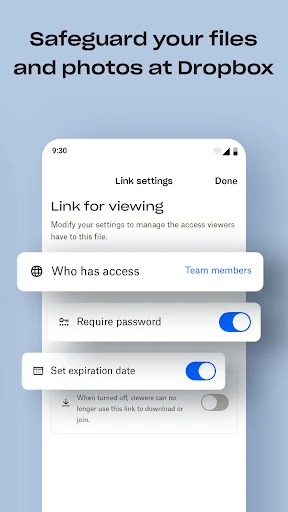
Click to download now, finish the installation quickly, and directly unlock the "all-round experience"
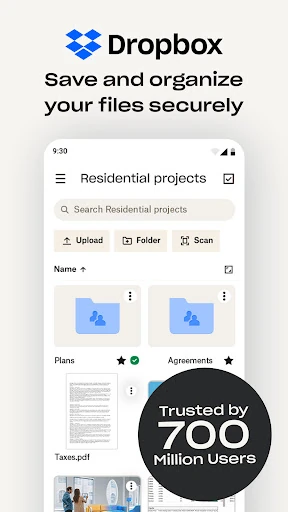
Dropbox: Secure Cloud Storage remains a titan in the productivity landscape, serving as a benchmark for reliable cloud synchronization and file management. With a massive user base exceeding 700 million, it has evolved from a simple folder-syncing tool into a comprehensive digital workspace. Its professional and authoritative presence in the market is justified by its seamless cross-platform integration and enterprise-grade security protocols, making it an essential utility for individuals and teams who prioritize data integrity and accessibility.
The interface of Dropbox is a masterclass in functional minimalism, adhering to the high standards expected of top-tier productivity applications. The UI is clean, utilizing a logical hierarchy that makes navigation intuitive even for non-technical users. Transitions between mobile and desktop environments feel consistent, which is crucial for maintaining workflow rhythm. The app prioritizes speed and clarity, ensuring that high-density file lists are easy to parse and that core actions, such as sharing or scanning, are never more than a couple of taps away.
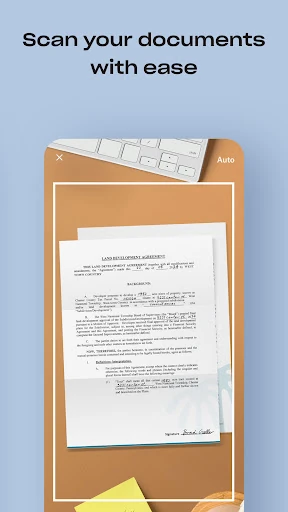
While Dropbox is highly polished, the "freemium" experience could be improved by increasing the base storage for new users to better compete with modern cloud standards. Additionally, integrating the "Passwords" and "Vault" features more deeply into the primary navigation—rather than treating them as semi-separate utilities—would streamline the user experience for Plus subscribers. There is also a small opportunity to enhance the document scanner with more advanced OCR (Optical Character Recognition) capabilities for better text searchability within scanned PDFs.
Dropbox: Secure Cloud Storage is the ideal solution for professionals, remote teams, and power users who require a dependable, secure, and high-performance environment for their digital assets. While casual users might find the free tier limiting, the app’s stability and sophisticated feature set make it a "must-have" for those managing significant workflows. It is highly recommended for anyone who needs a "data vault" that works across all devices without friction.