Advertisement
Click to download now, finish the installation quickly, and directly unlock the "all-round experience"
Advertisement
Screenshots
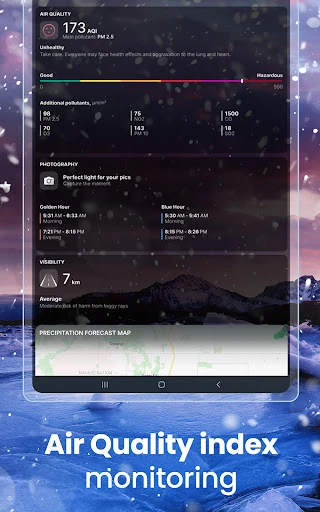
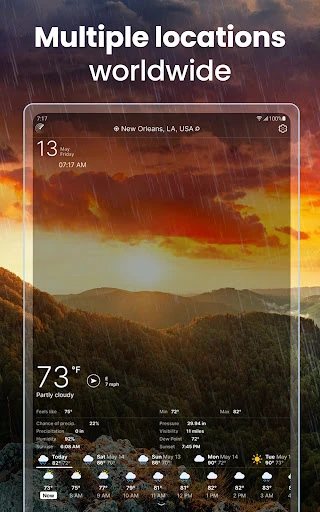
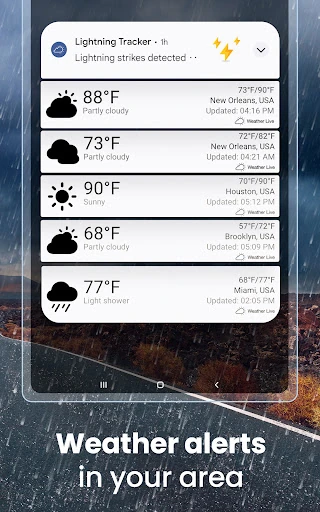
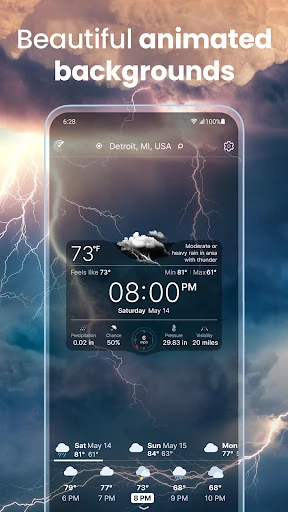
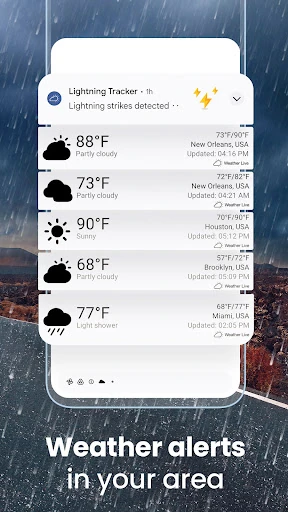
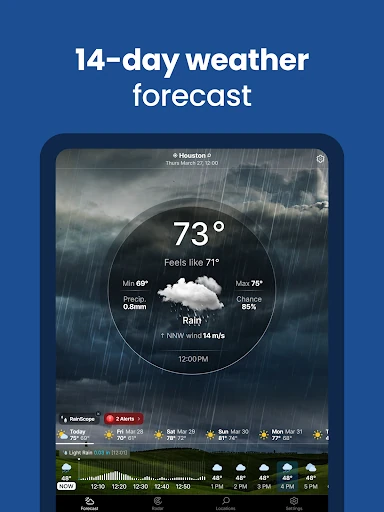
Click to download now, finish the installation quickly, and directly unlock the "all-round experience"
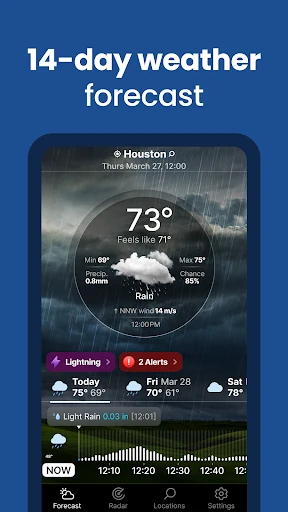
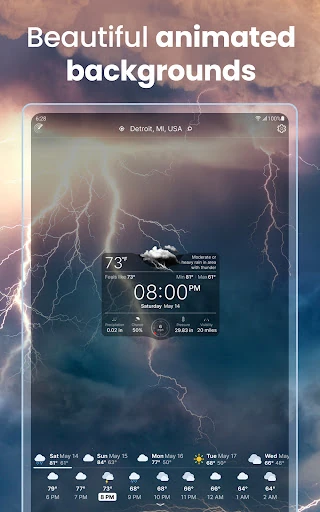
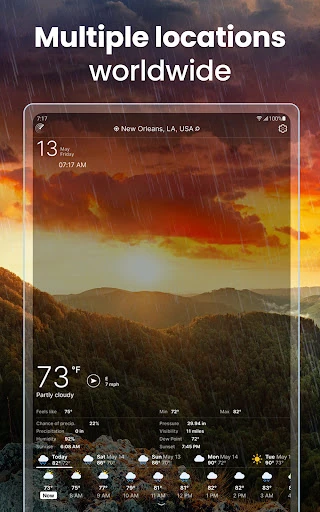
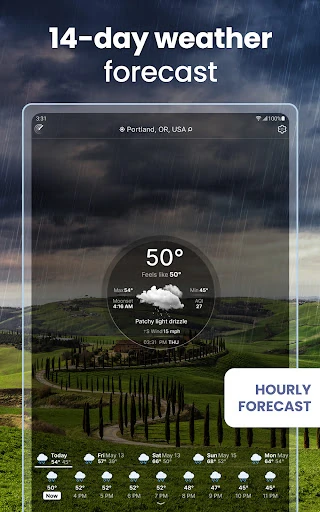
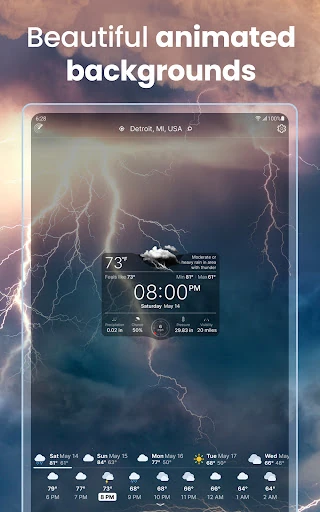
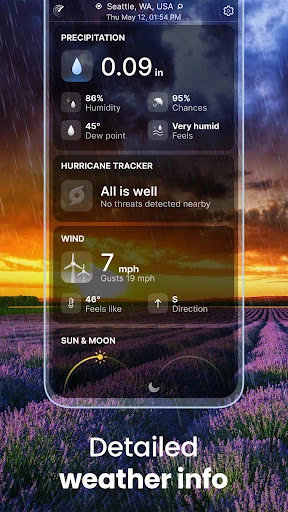
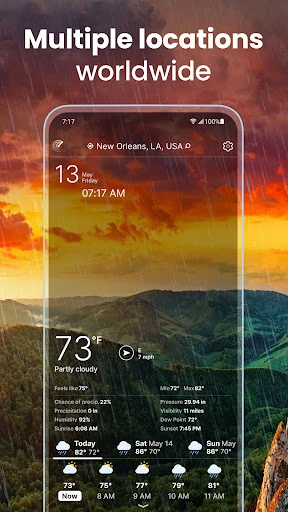
Weather Live° positions itself as a premium, high-fidelity meteorological tool designed for users who demand both aesthetic beauty and data density. In a crowded Google Play category, it distinguishes itself through its "live" background animations that mirror real-time conditions, effectively bridging the gap between a standard utility and an immersive visual experience. While many competitors focus solely on raw data, Weather Live° prioritizes the delivery of that data through a customizable interface, making it one of the more versatile options for enthusiasts who want to curate their own weather dashboard.
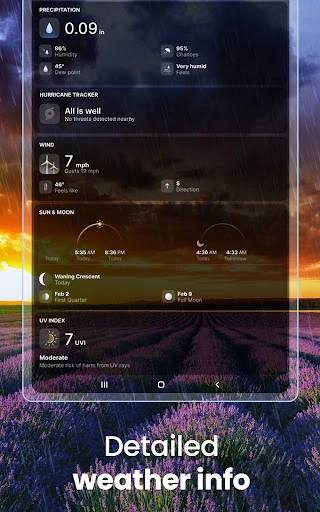
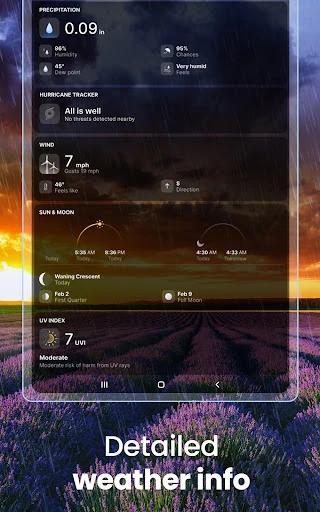
The design philosophy of Weather Live° is centered on the concept of "beautiful pixels." The UI is modern and sleek, utilizing high-definition animations that change based on the time of day and current weather state, which provides an intuitive at-a-glance understanding of the environment. From a UX perspective, the ability to rearrange data blocks is a standout feature, as it respects the user's preference for data hierarchy. The navigation is fluid, though the depth of information available in the detailed layout may require a slight learning curve for novice users to fully master.
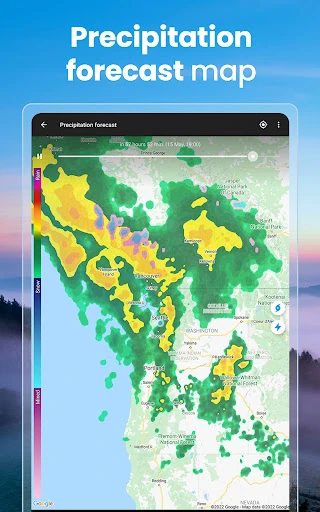
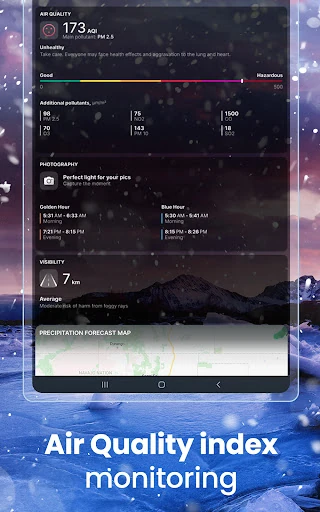
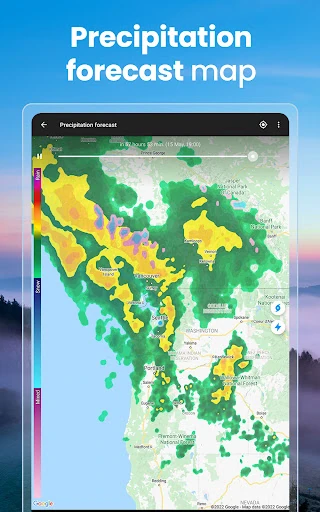
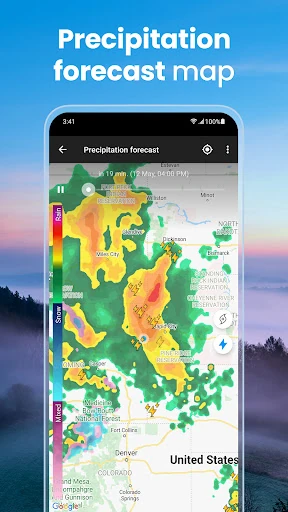
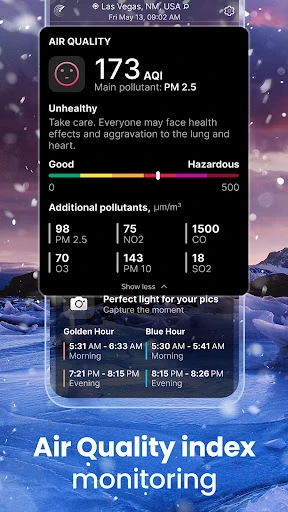
To further enhance the user experience, the developers could consider moving critical health-related data, such as the UV Index and Air Quality Index, to the free tier to increase the app's utility as a public safety tool. Additionally, integrating more hyperlocal weather stations could improve the granularity of the "RainScope" feature in less-populated regions. Streamlining the subscription prompt frequency for free users would also improve overall satisfaction and long-term retention.
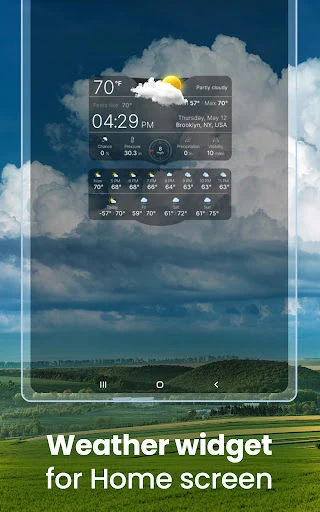
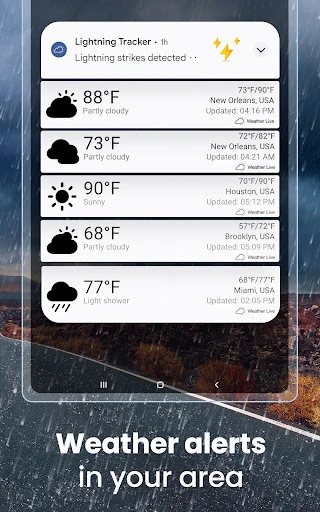
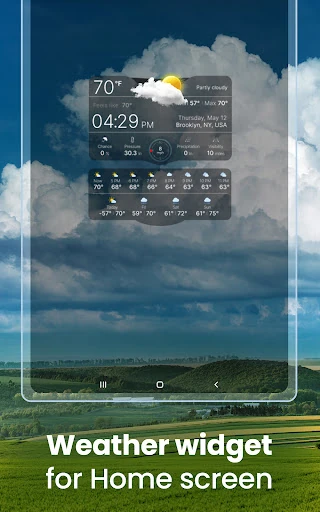
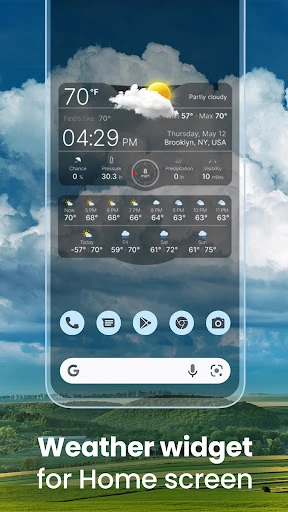
Weather Live° is an ideal choice for the design-conscious user and the "weather-watcher" who appreciates a blend of art and science. It is particularly well-suited for users who rely on home screen widgets for quick updates and those who enjoy a personalized data experience. While the free version offers a solid foundation, the app truly shines in its Premium form, making it a recommended download for those willing to invest in a top-tier, ad-free weather dashboard.