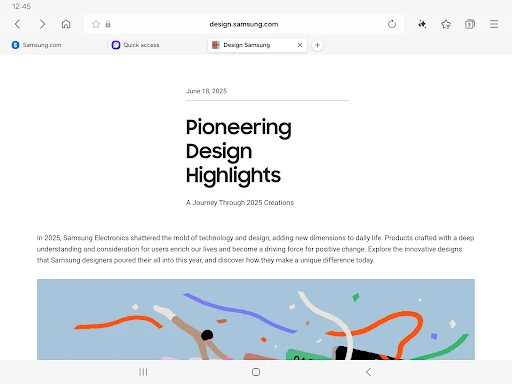
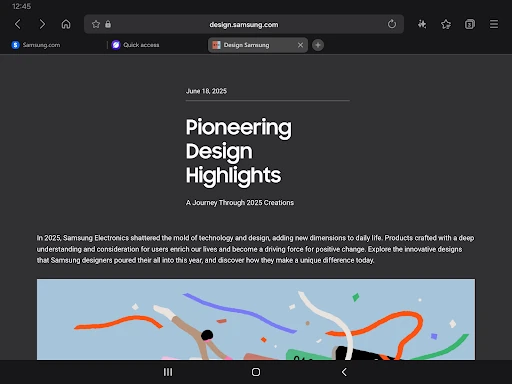
🏆 Expert Verdict & Overview
Samsung Internet Browser stands as a formidable competitor in the mobile browsing landscape, often surpassing industry standards for speed and customization. Although categorized under Communication, it acts as a central hub for digital interaction, offering a refined alternative to Chrome that is deeply integrated into the Android ecosystem. This browser is a masterclass in balancing high-end performance with robust privacy safeguards, making it an essential tool for users who demand a more personalized and secure web experience.
🔍 Key Features Breakdown
- Smart Anti-Tracking: This feature utilizes intelligent identification to block domains with cross-site tracking capabilities, ensuring your browsing habits remain private and reducing the data footprint left behind.
- Video Assistant: It enhances the media consumption experience by providing dedicated playback controls and pop-up players, solving the frustration of limited native web video interfaces.
- Auto Close Unused Tabs: A productivity-focused tool that automatically clears inactive tabs after a set period, preventing memory bloat and maintaining a clean workspace for the user.
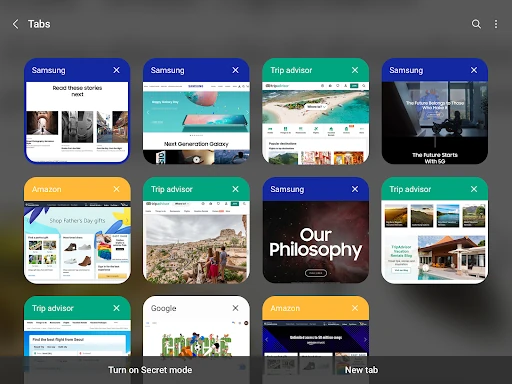
- Grid View Tab Manager: The updated multi-column layout for mobile devices allows for a more intuitive visual overview of open pages, making navigation faster and more efficient.
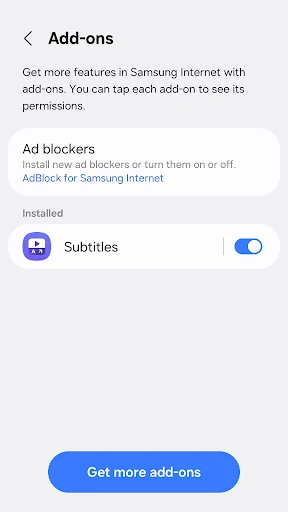
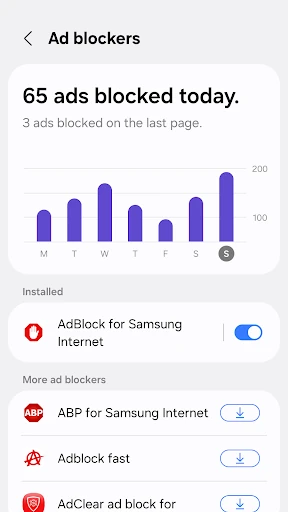
- Content Blocker Support: By allowing third-party extensions, the browser empowers users to filter out intrusive ads and scripts, leading to faster load times and cleaner page layouts.
🎨 User Experience & Design
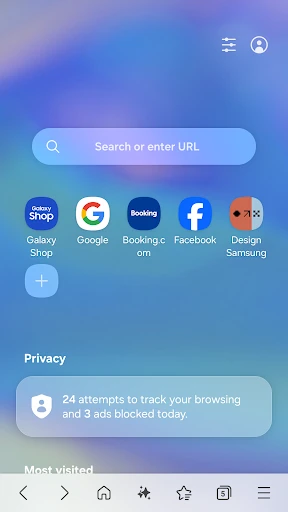
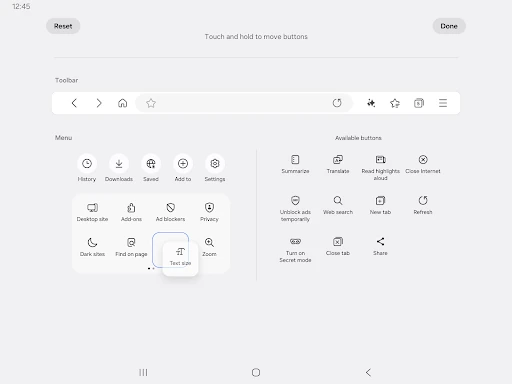
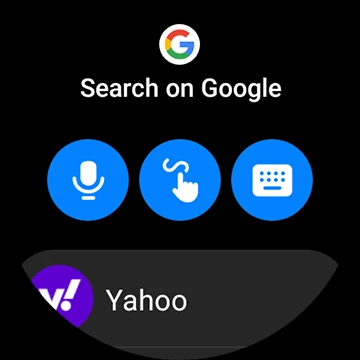
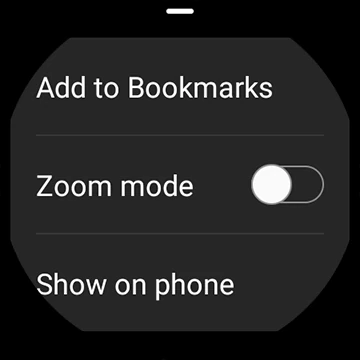
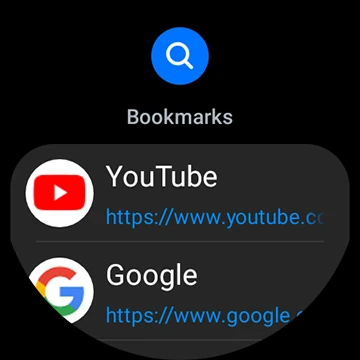
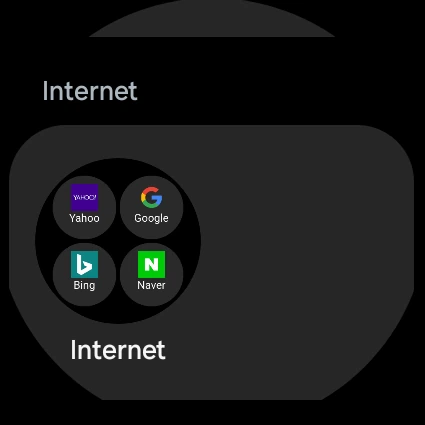
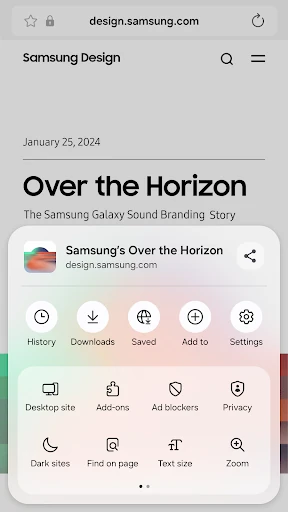
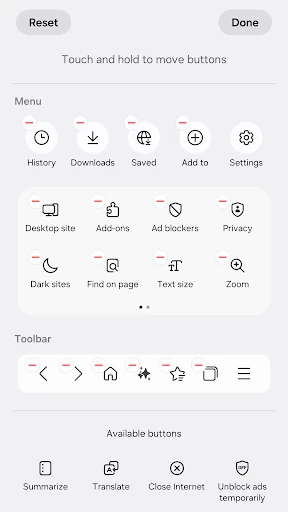
The UI design of Samsung Internet Browser is widely regarded as one of the most ergonomic in the Communication category. It prioritizes "reachability," placing essential navigation elements and the customizable menu at the bottom of the screen, which is ideal for modern, large-format smartphones. The interface feels fluid thanks to smooth scroll animations and a highly responsive engine. Whether using Dark Mode—which is arguably the best implementation in any mobile browser—or navigating the Wear OS companion app, the design remains consistent, professional, and user-centric.
⚖️ Pros & Cons Analysis
- ✅ The Good: Exceptional ergonomic design with bottom-aligned navigation for easy one-handed use.
- ✅ The Good: Comprehensive privacy suite including Smart Protection and malicious site warnings.
- ❌ The Bad: Full synchronization of bookmarks and data requires a Samsung account, which may be a hurdle for non-Galaxy users.
- ❌ The Bad: The extension library is relatively limited compared to desktop-class browsers like Firefox.
🛠️ Room for Improvement
To further solidify its dominance, Samsung Internet could expand its extension ecosystem to include more third-party developer tools beyond just translators and ad-blockers. Additionally, improving the cross-platform sync experience for users on non-Samsung hardware or desktop environments (such as a native Windows application) would broaden its appeal significantly beyond the Galaxy enthusiast base.
🏁 Final Conclusion & Recommendation
Samsung Internet Browser is the premier choice for Android users who value a blend of aesthetics, speed, and privacy. While it is a must-have for Samsung Galaxy owners due to its deep hardware integration and Wear OS support, its superior UI/UX makes it a top-tier recommendation for any Android user tired of the stock browsing experience. It is best suited for power users and privacy-conscious individuals who want a highly customizable portal to the web.