
Advertisement
Click to download now, finish the installation quickly, and directly unlock the "all-round experience"
Advertisement
Screenshots





Click to download now, finish the installation quickly, and directly unlock the "all-round experience"
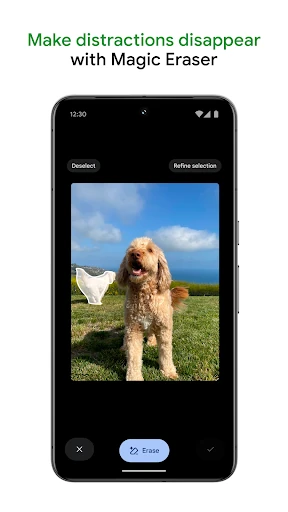
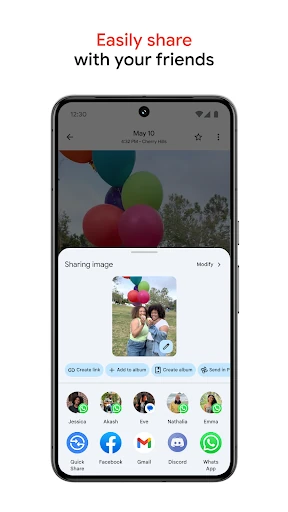
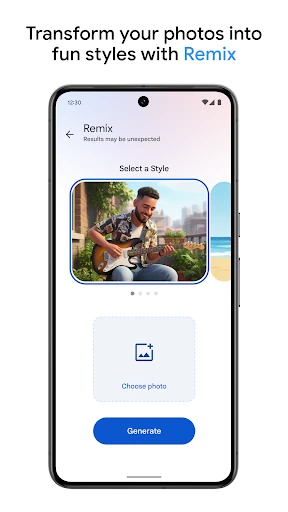
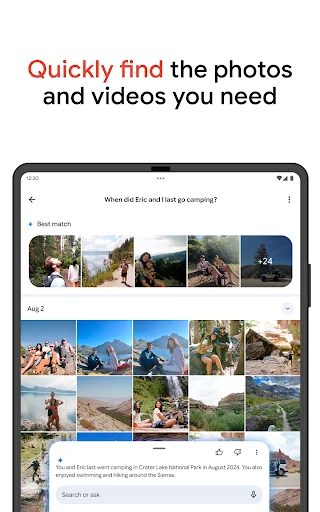
Google Photos has evolved from a simple gallery replacement into the definitive powerhouse of the photography landscape. As the industry benchmark for cloud-based media management, it leverages Google’s sophisticated machine learning to solve the perennial problem of digital clutter. Unlike traditional storage apps, Google Photos functions as an intelligent librarian, an automated editor, and a secure vault all in one. Its deep integration within the Android ecosystem and its cross-platform availability make it an essential utility for anyone looking to preserve memories without the manual labor of traditional file management.
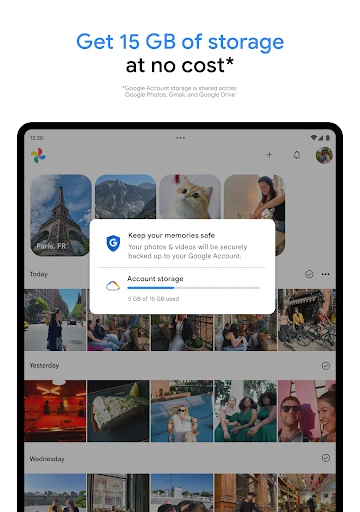
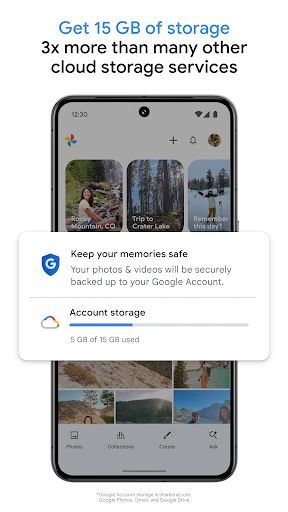
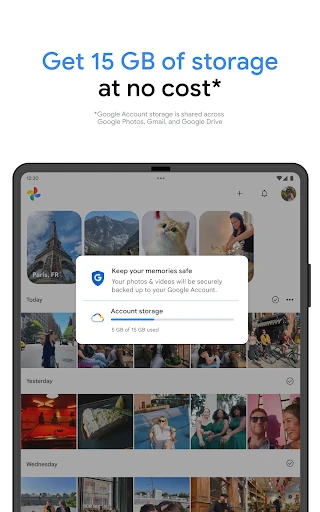
The UI of Google Photos is a masterclass in minimalist design, prioritizing content over chrome. The timeline-centric view uses intuitive gestures—such as pinching to change the grid scale—which makes navigating decades of photos feel fluid. The navigation bar is logically segmented into Photos, Memories, and Library, reducing cognitive load for the user. While the feature set is vast, the interface remains uncluttered, hiding complex AI tools within context-aware menus that appear only when needed. The "Memories" carousel at the top adds a layer of emotional engagement, turning a storage utility into a daily destination for nostalgia.
While the AI organization is stellar, the app could benefit from more robust manual tagging tools for power users who want granular control over metadata. Additionally, the "Memories" algorithm sometimes surfaces sensitive or unwanted content; implementing more refined "Hidden People & Dates" controls directly in the primary UI would enhance user comfort. Finally, improving the offline editing experience would ensure the app remains fully functional in low-connectivity environments.
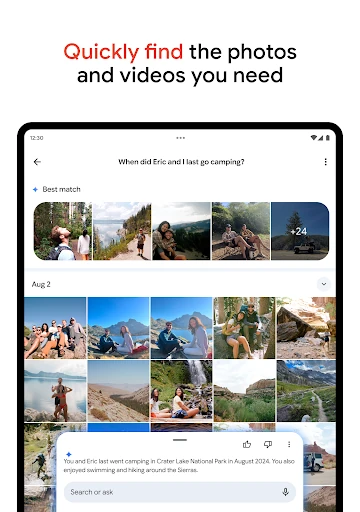
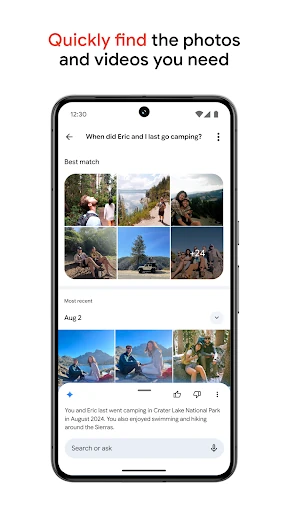
Google Photos is the ideal solution for everyone from casual smartphone photographers to family archivists who prioritize ease of use and long-term data safety. It is particularly valuable for users who have outgrown local storage and need an intelligent way to manage a lifetime of media. While power users may grumble at the shared storage limits, the sheer utility of its AI search and automated organization makes it the most comprehensive photography management tool on the market today. It is a "must-install" for any modern mobile user.