Advertisement
Click to download now, finish the installation quickly, and directly unlock the "all-round experience"
Advertisement
Screenshots
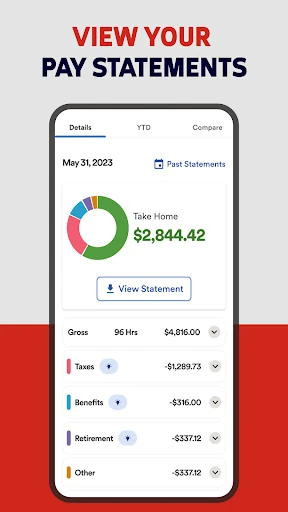
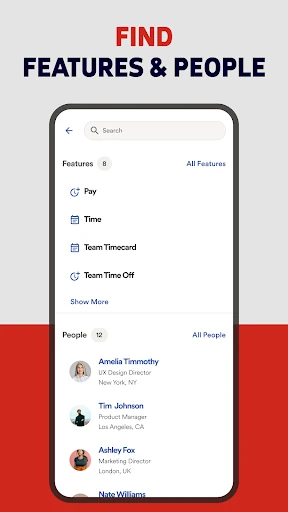
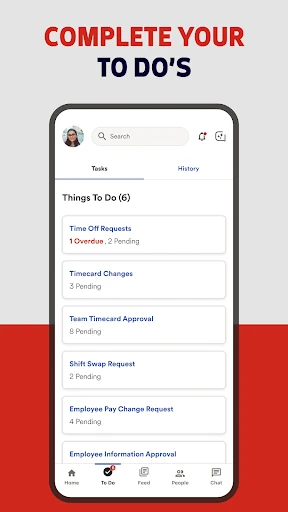
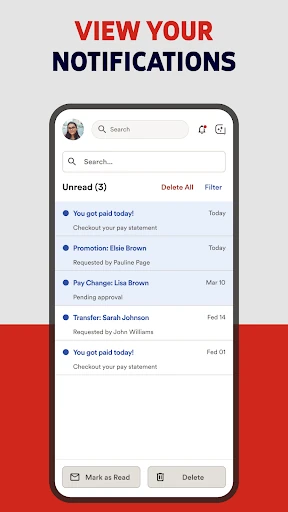
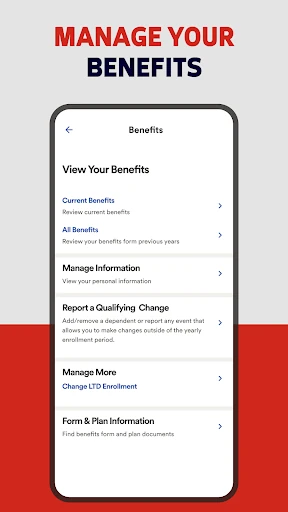
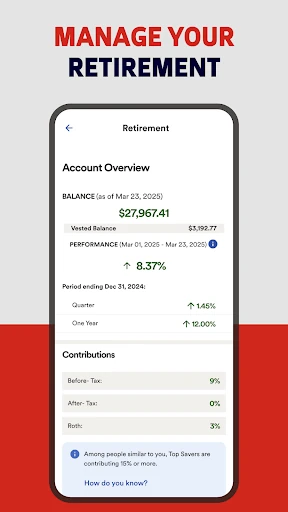
Click to download now, finish the installation quickly, and directly unlock the "all-round experience"
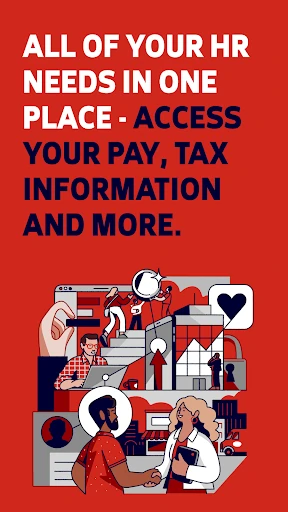
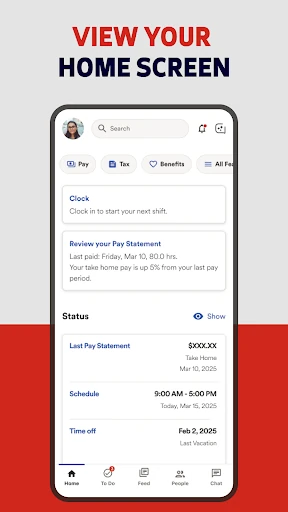
ADP Mobile Solutions is a robust, enterprise-grade utility that serves as the mobile extension of the ADP Human Capital Management (HCM) ecosystem. Within the Business landscape, it functions as a critical self-service bridge between employers and employees, digitizing traditional HR paperwork. Its primary value lies in its ability to centralize payroll, time tracking, and benefits administration into a secure, portable interface. For organizations already utilizing ADP’s backend products like Workforce Now or RUN, this app is an essential tool for maintaining workforce agility and reducing administrative overhead.
The interface of ADP Mobile Solutions reflects a "utility-first" design philosophy common in the Business category. The layout is structured to prioritize data density and security over aesthetic flair. Navigation is generally intuitive, utilizing a modular approach that separates employee tasks from managerial responsibilities. However, because the app must accommodate various ADP backend products, the UI can occasionally feel like a "web-wrapper" in certain sections, leading to slight inconsistencies in navigation speed compared to purely native applications. Despite this, the clear labeling and logical grouping of HR functions make it accessible for users of all technical skill levels.
To further enhance the user experience, ADP should focus on improving the "offline" capabilities for time-tracking, allowing employees to punch in or out in low-connectivity areas with automatic syncing once a connection is restored. Additionally, a more transparent "Feature Availability" guide within the settings could help manage user expectations regarding which modules their employer has enabled. Faster rendering of PDF-based pay statements would also significantly improve the document review workflow.
ADP Mobile Solutions is an indispensable tool for employees and managers operating within the ADP ecosystem. It is specifically designed for the modern workforce that requires "anywhere access" to their employment data. While its functionality is tethered to corporate configurations, its role in simplifying HR interactions is unmatched. We highly recommend this app for any professional whose company utilizes ADP’s suite of business services, as it effectively puts the HR department in the palm of your hand.