🏆 Expert Verdict & Overview
VivaVideo - Video Cut & Editor has established itself as a formidable contender in the Video Players & Editors landscape by pivoting towards an AI-first creative philosophy. It positions itself as a "creative partner" rather than a mere utility tool, bridging the gap between automated content generation and granular manual control. By offering a "Free & No Ads" experience, it disrupts the typical monetization model of mobile editors, providing high-end features like keyframe animation and AI voice cloning that are usually gated behind premium subscriptions. It is a highly versatile suite designed to help creators transition from imagination to influence across major social platforms.
🔍 Key Features Breakdown
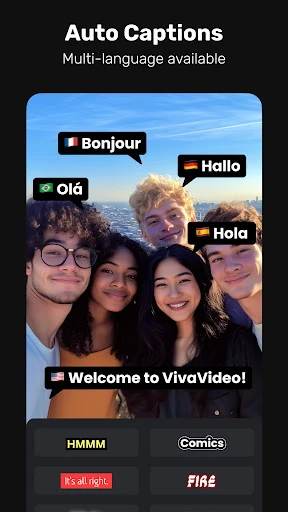
- AI Avatar & Voice Clone: This feature solves the "camera shyness" and production cost hurdles for creators by allowing text-to-speech talking heads with customized emotional delivery in multiple languages.
- Smart Tracking & Keyframes: These tools address the need for dynamic movement in mobile editing, allowing users to pin effects to moving objects or create custom animations that look professionally produced.
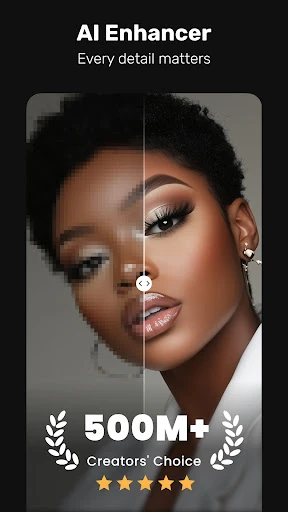
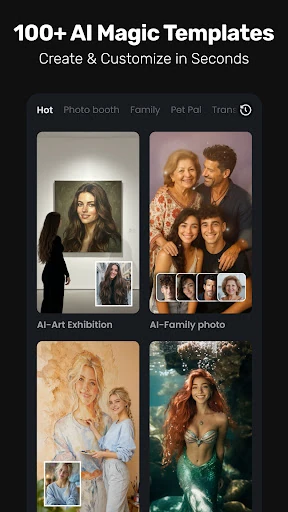
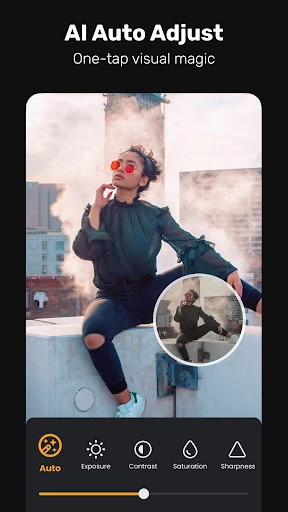
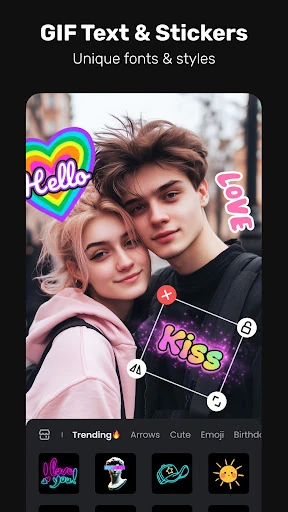
- Comprehensive AI Toolset: From AI Music Generation to "Image to Video" effects like AI hugs, these features solve the problem of creative block by generating assets and animations directly from user prompts.
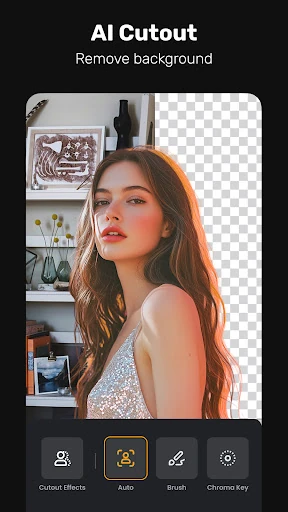
- Professional Utility (PIP, Masking, Chromakey): These features cater to the "pro" demographic, allowing for complex multi-layered compositions and background replacements that were once exclusive to desktop software.
🎨 User Experience & Design
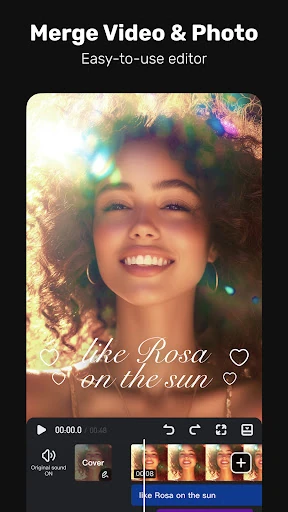
The UI of VivaVideo - Video Cut & Editor is strategically designed to handle a vast amount of functionality without overwhelming the user. By categorizing tools into "Beginner" (trim, split, templates) and "Professional" (keyframe, masking, chroma key) workflows, the app ensures a smooth learning curve. The interface follows the industry-standard horizontal timeline format, which is the gold standard for Video Players & Editors, ensuring that users coming from other platforms feel immediately at home. The absence of advertisements significantly improves the UX flow, allowing for uninterrupted creative sessions and faster project completion.
⚖️ Pros & Cons Analysis
- ✅ The Good: Exceptional AI integration, specifically the Veo 3-powered AI Avatar and the AI Voice Clone, which are ahead of many competitors.
- ✅ The Good: A truly feature-rich experience that includes pro-grade tools like speed curves and keyframe editing without the typical ad-supported friction.
- ❌ The Bad: The high volume of advanced AI features may lead to performance overhead or slower rendering times on entry-level mobile hardware.
- ❌ The Bad: With so many specialized sub-menus (AI Beat, Smart Tracking, Masking), the navigation can occasionally feel dense for a casual user looking for a simple "one-tap" edit.
🛠️ Room for Improvement
To further solidify its position, VivaVideo could benefit from a centralized "AI Workspace" where all generative assets (music, clones, and avatars) are stored for easy re-use across different projects. Additionally, implementing a "Lite Mode" toggle for users with older devices could help optimize the performance of the more resource-heavy AI tools. Improving the precision of the "Smart Stroke" in the AI Cutout feature would also help in achieving cleaner isolates for complex moving subjects.
🏁 Final Conclusion & Recommendation
VivaVideo - Video Cut & Editor is an ideal choice for the "new age" creator—specifically those targeting TikTok, Reels, and YouTube Shorts who require a mix of rapid AI generation and precise manual editing. Its zero-ad policy makes it a rare gem in the mobile editing category. We highly recommend this app for social media marketers, influencers, and hobbyists who want professional-grade effects without the professional-grade price tag or the steep learning curve of desktop alternatives.