🏆 Expert Verdict & Overview
KineMaster - Video Editor stands as a cornerstone in the Video Players & Editors category, offering a level of depth that rivals desktop software. As mobile content consumption shifts toward high-production vlogs and Shorts, KineMaster provides the comprehensive toolkit necessary to transition from a casual hobbyist to a serious creator. Its blend of traditional timeline editing and cutting-edge AI automation makes it a versatile powerhouse for any mobile storyteller looking for professional results on the go.
🔍 Key Features Breakdown
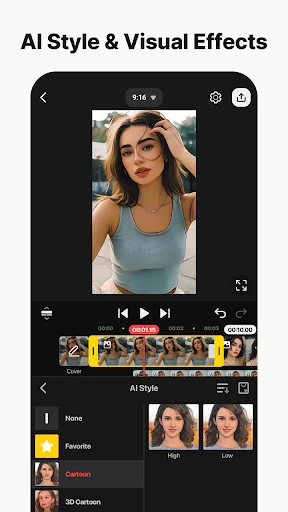
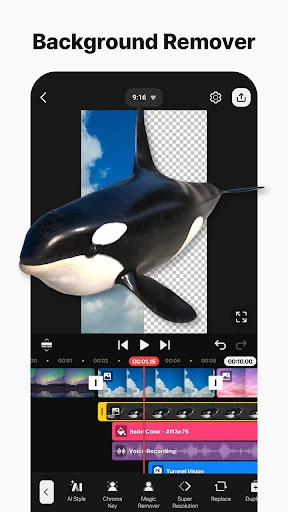
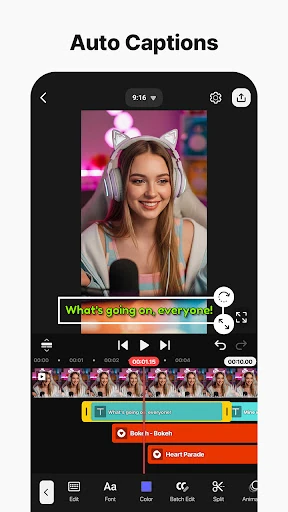
- AI-Driven Production Suite: From AI Auto Captions to Background Removal and Noise Reduction, these tools drastically reduce the time spent on tedious manual tasks, allowing creators to focus on the narrative.
- Professional Compositing Tools: Features like Keyframe Animation and Chroma Key (Green Screen) enable sophisticated visual effects and precise control over every asset's movement and placement.
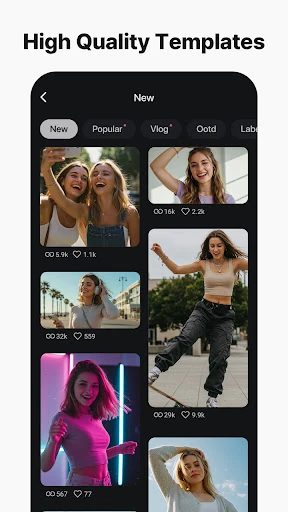
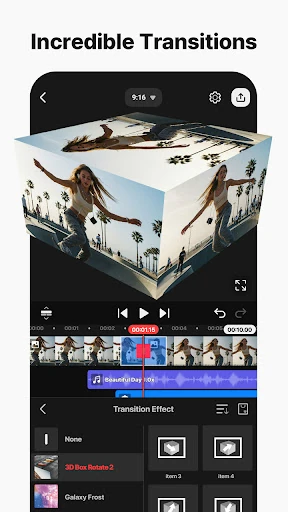
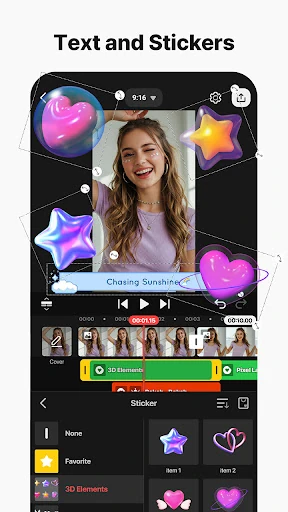
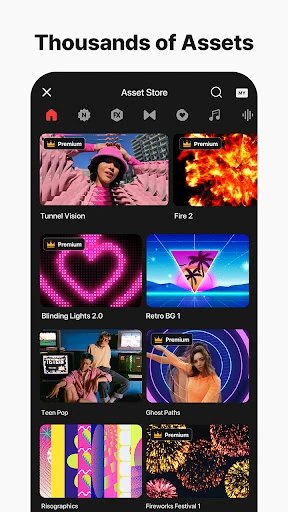
- Integrated Asset Store: A massive repository of stickers, music, and transitions provides instant access to professional-grade resources without leaving the app environment.
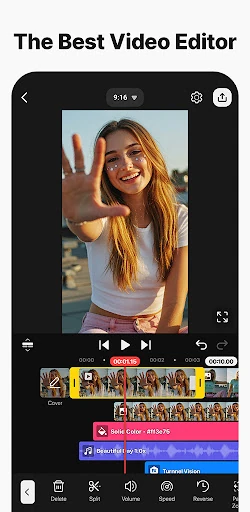
- Multi-Layer Timeline: The ability to stack photos, videos, and GIFs allows for complex compositing, which is essential for creating modern, high-energy social media content.
🎨 User Experience & Design
The UI of KineMaster is built for precision, offering a unique dual-orientation editing environment that adapts to the user's specific project needs. The timeline-based interface uses magnetic guides and multi-layer stacking to provide a tactile and responsive experience. While the density of features may present a learning curve for newcomers compared to simpler "one-tap" editors, the inclusion of full-screen previews and logical tool grouping ensures that the sophisticated design remains accessible to power users and aspiring editors alike.
⚖️ Pros & Cons Analysis
- ✅ The Good: Exceptional export capabilities including 4K at 60 FPS and transparent background support for advanced compositing.
- ✅ The Good: A robust AI suite that simplifies complex audio and visual editing tasks, such as vocal separation and motion tracking, with a single tap.
- ❌ The Bad: The interface can feel cluttered on smaller smartphone screens due to the sheer number of advanced tools and menus.
- ❌ The Bad: High-resolution 4K rendering requires significant hardware resources, which may lead to performance lag on entry-level or older mobile devices.
🛠️ Room for Improvement
To further solidify its market position, KineMaster could benefit from a more intuitive onboarding process for its keyframe animation system, which can be daunting for beginners. Additionally, optimizing the app's resource management to reduce export times on mid-range hardware and introducing a more streamlined "Quick Edit" interface for rapid social media posts would enhance its appeal to the broadest possible user base.
🏁 Final Conclusion & Recommendation
KineMaster - Video Editor is the definitive choice for professional vloggers, social media influencers, and mobile cinematographers who demand more than basic filters. It is a "pro-sumer" tool that rewards creativity and technical skill. This app is best suited for creators who want total control over their production value. If you are looking to elevate your Reels, YouTube videos, or Shorts with desktop-level precision on a mobile device, KineMaster is our top recommendation.