
Advertisement
Click to download now, finish the installation quickly, and directly unlock the "all-round experience"
Advertisement
Screenshots
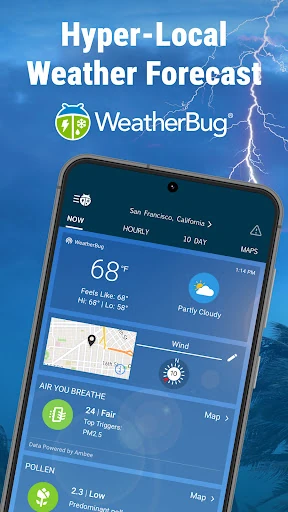
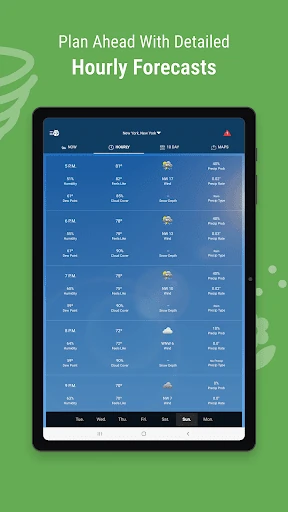
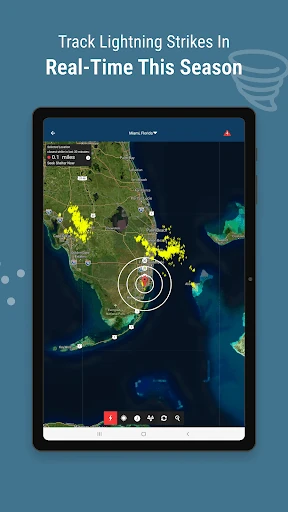
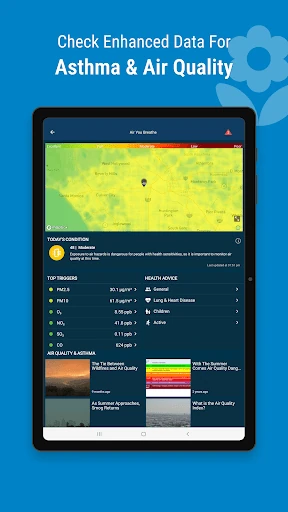
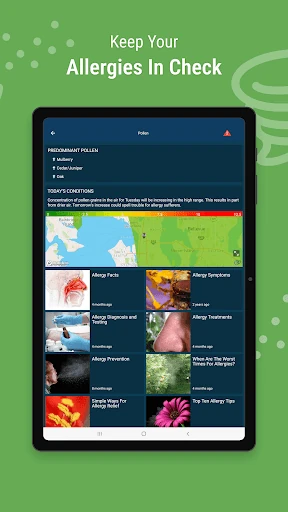
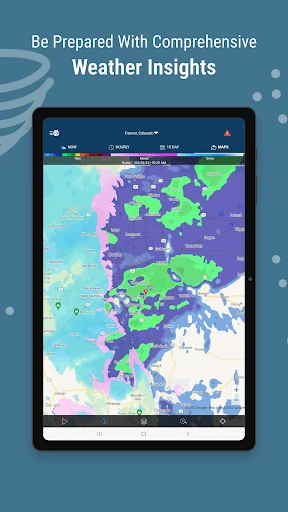
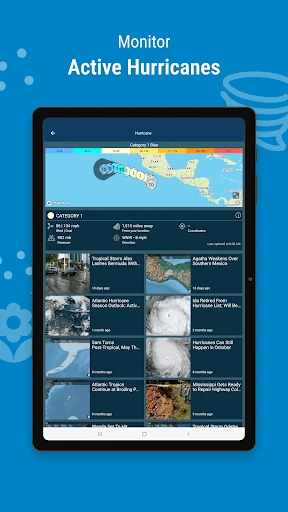
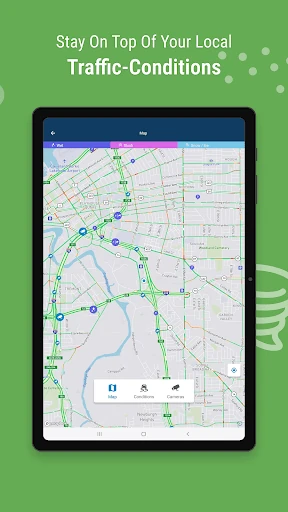
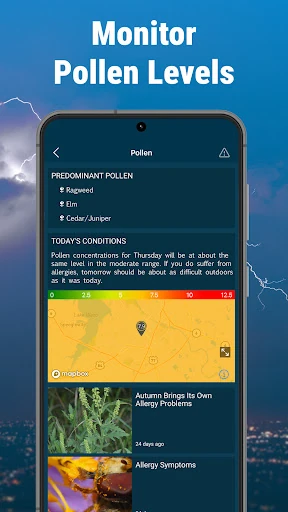
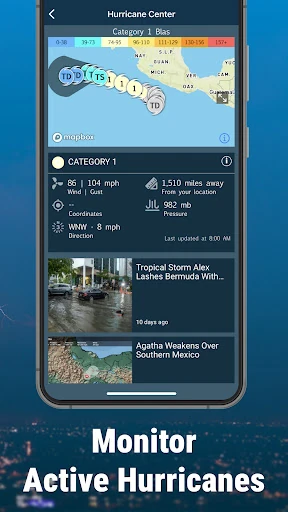
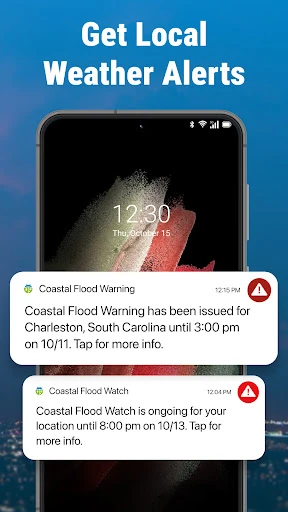
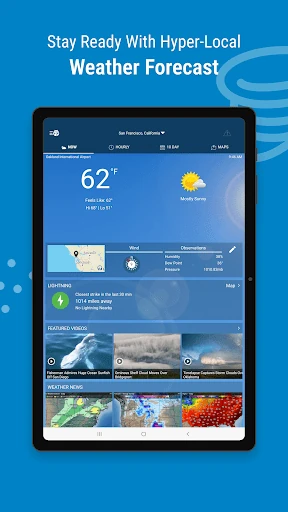
Click to download now, finish the installation quickly, and directly unlock the "all-round experience"
WeatherBug: Weather Forecast stands as a veteran pillar in the meteorological app space, having cultivated a reputation for reliability since 2000. It distinguishes itself from generic weather utilities by leveraging a massive proprietary network of weather sensors to deliver hyper-local, professional-grade data. In the current landscape, WeatherBug serves as a high-utility command center for users who prioritize safety and granular environmental insights over mere aesthetic minimalism. It is particularly adept at bridging the gap between casual daily forecasts and specialized severe weather tracking.
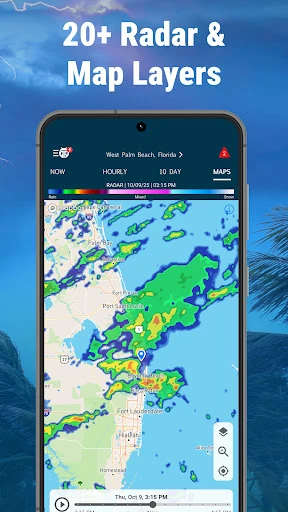
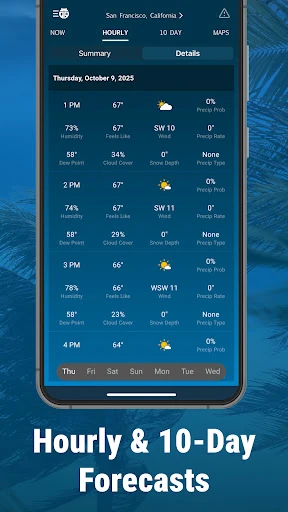
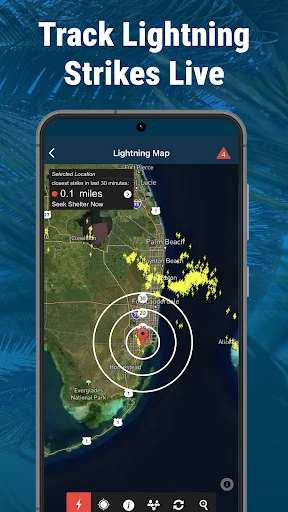
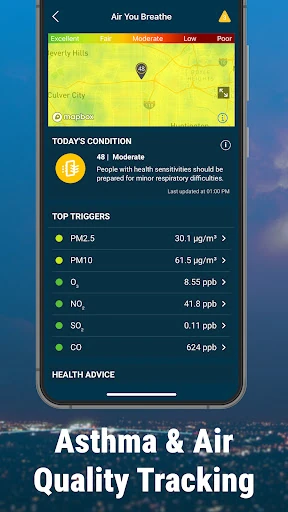
The UI of WeatherBug is built for information density. Unlike contemporary "clean" designs that hide data behind menus, WeatherBug puts critical metrics—like real-time precipitation and wind speeds—front and center. The navigation is structured around a dashboard that remains customizable via widgets and unit toggles, catering to power users. While the interface can feel slightly crowded due to the sheer volume of map layers and ad placements in the free tier, the UX logic is sound, ensuring that emergency alerts are never more than a glance away. The inclusion of the Disney Weather Check standards for outdoor sports adds a layer of curated UX specifically for family and recreational planning.
Future updates should focus on refining the visual hierarchy of the main dashboard to reduce "information overload" for new users. Streamlining the map layer selection process with preset "modes" (e.g., Commuter Mode, Storm Watch Mode, or Allergy Mode) would enhance the UX by filtering out irrelevant layers. Additionally, optimizing the app's resource consumption during high-frequency radar polling would improve performance on mid-range devices.
WeatherBug: Weather Forecast remains a top-tier recommendation for users who require more than just a basic temperature reading. It is the ideal tool for outdoor enthusiasts, parents, and residents of "Tornado Alley" or hurricane-prone coasts who need actionable, real-time safety data. While casual users might find the interface dense, the depth of its observation network makes it an essential utility for anyone whose safety or livelihood depends on the elements.