Advertisement
Click to download now, finish the installation quickly, and directly unlock the "all-round experience"
Advertisement
Screenshots
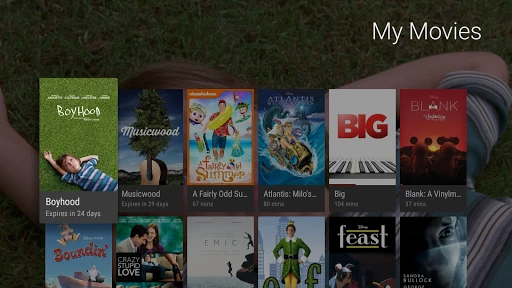
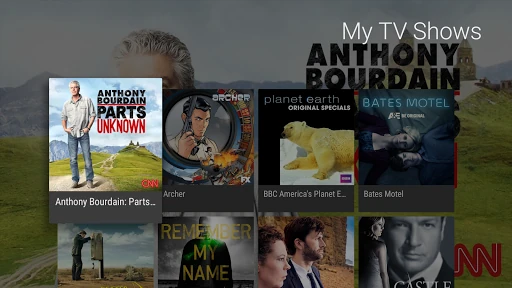
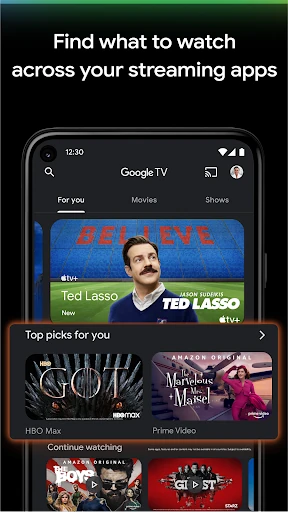
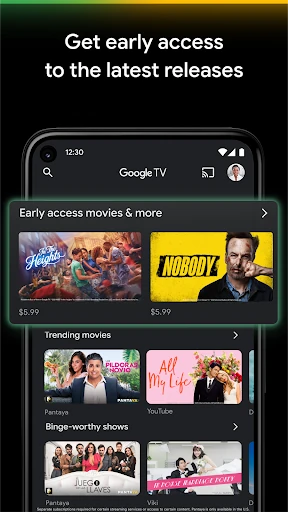
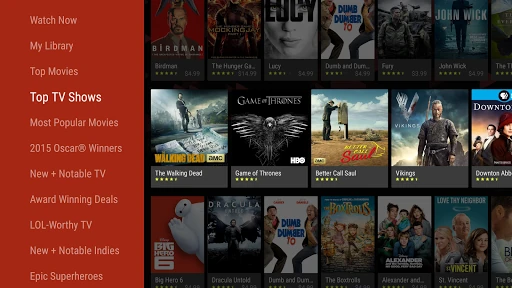
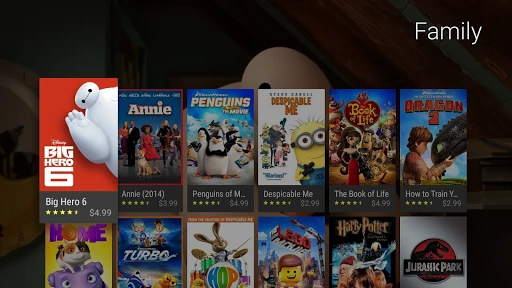
Click to download now, finish the installation quickly, and directly unlock the "all-round experience"
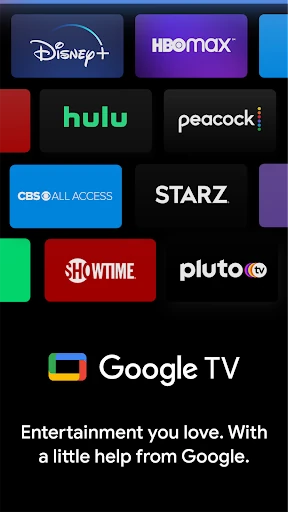
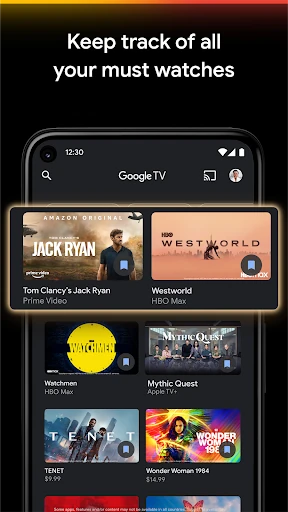
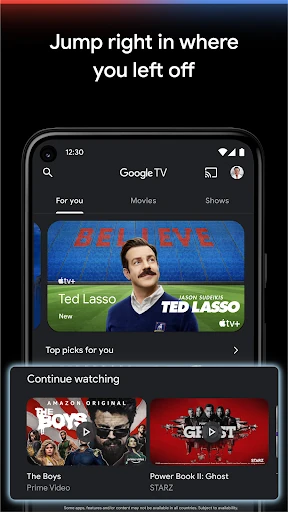
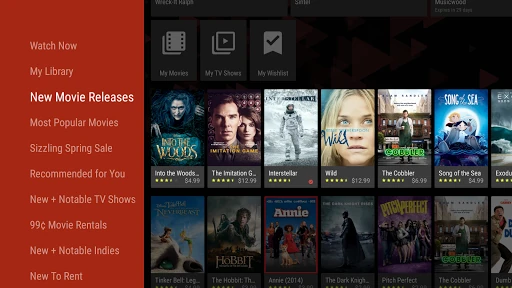
Google TV represents a sophisticated evolution in the Video Players & Editors landscape, transitioning from a transactional storefront into a comprehensive content discovery hub. By aggregating over 700,000 movies and episodes from disparate streaming platforms, it effectively addresses the "choice paralysis" modern users face. As the successor to Google Play Movies & TV, it serves as the connective tissue for the Android and Google TV ecosystem, offering a unified interface that prioritizes personalized curation over a fragmented app-by-app experience. For users deeply embedded in the Google ecosystem, it is an essential utility for managing digital media consumption across mobile and living room screens.
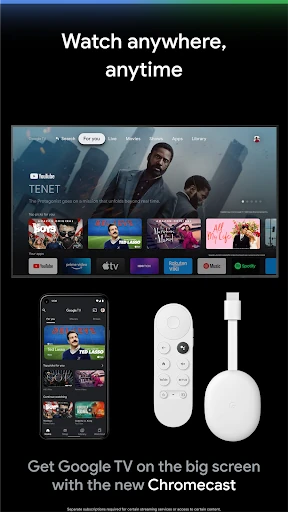
The UI of Google TV follows contemporary Material Design principles, emphasizing high-quality imagery and a content-first hierarchy. The navigation is streamlined into intuitive tabs—Home, Shop, and Library—which reduces the cognitive load for the user. In the context of Video Players & Editors, the app excels in its recommendation engine, which feels less like an advertisement and more like a tailored concierge service. The inclusion of the virtual remote directly within the app's framework is a masterclass in functional UX, transforming the smartphone into a high-utility peripheral for the television.
Future updates should focus on deeper "deep-linking" stability to ensure that jumping from Google TV to a third-party app is instantaneous and free of secondary splash screens. Additionally, integrating a "Live TV" aggregator more prominently for mobile users—similar to the Google TV hardware interface—would provide a more holistic entertainment overview. Improved granular control over recommendation algorithms would also allow users to "reset" or fine-tune their interests more effectively.
Google TV is the premier choice for users who subscribe to multiple streaming platforms and seek a centralized command center to manage their viewing habits. It is particularly indispensable for owners of Android TV OS devices. While it functions as a store, its true value lies in its role as an intelligent aggregator. We highly recommend this app for "streaming jugglers" who want to spend less time searching and more time watching.