Advertisement
Click to download now, finish the installation quickly, and directly unlock the "all-round experience"
Advertisement
Screenshots
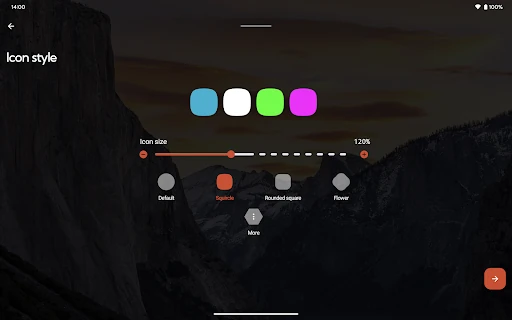
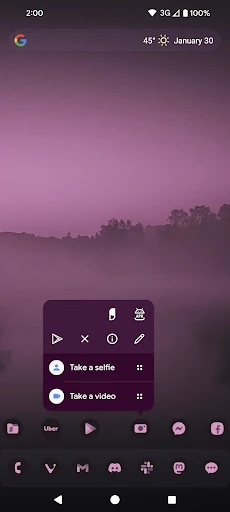
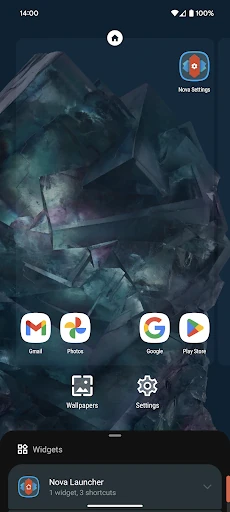
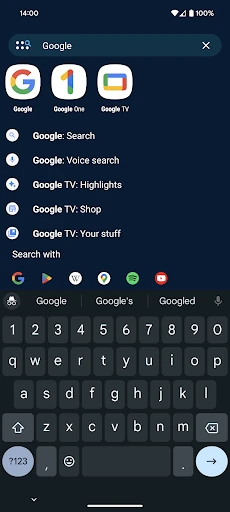
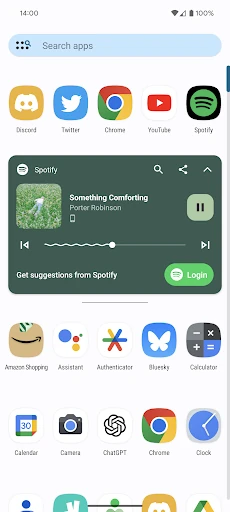
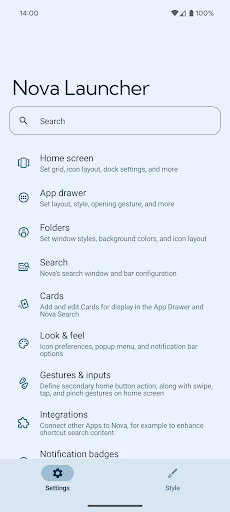
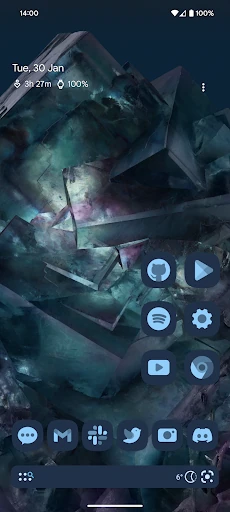
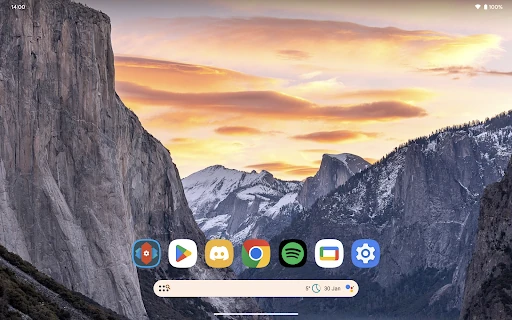
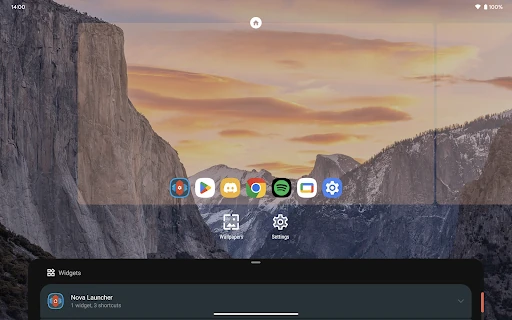
Click to download now, finish the installation quickly, and directly unlock the "all-round experience"
Nova Launcher stands as the undisputed gold standard in the Android personalization ecosystem. While many third-party launchers have come and gone, Nova has maintained its dominance by offering a perfect equilibrium between high-performance stability and granular customization. It serves as an essential bridge for users who find stock interfaces too restrictive but want to avoid the bloat often found in alternative home screen replacements. As a cornerstone of the Android community, it continues to define what a versatile, user-centric mobile experience should look like.
The UI of Nova Launcher is deceptive in its simplicity; it presents a clean, "Pixel-like" aesthetic out of the box that hides a massive depth of utility. From a UX perspective, it excels by adhering to Material Design principles while providing a settings menu that—while dense—is logically categorized. The fluidity of the animations and the snappiness of the interface transitions are industry-leading, ensuring that customization does not come at the cost of system performance or battery life.
While Nova is highly functional, the settings interface could benefit from a modern visual overhaul to make deep-level configuration feel more approachable. Additionally, enhancing the integration of the "innovative customizable cards" within the app drawer to include more third-party widget support would further solidify its position as a central hub for information.
Nova Launcher is the definitive choice for Android enthusiasts, power users, and anyone looking to reclaim control over their device's interface. It remains the most reliable way to modernize an aging phone or streamline a brand-new one. If you value a "clean" Android experience but demand the ability to tweak every pixel, Nova Launcher is an essential installation.