Advertisement
Click to download now, finish the installation quickly, and directly unlock the "all-round experience"
Advertisement
Screenshots
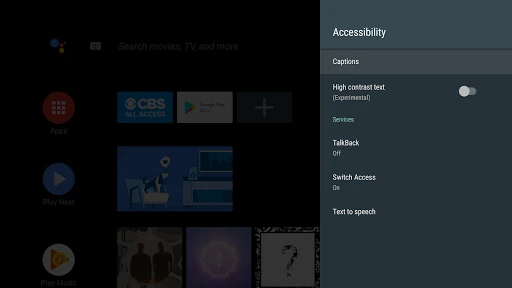
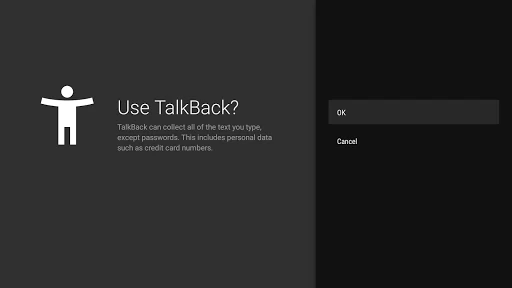
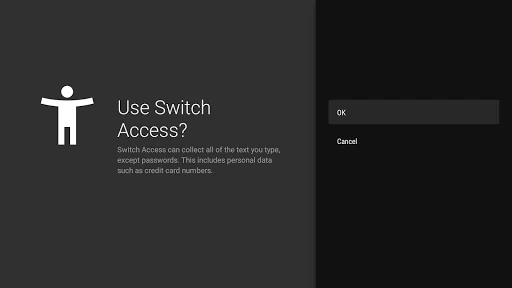
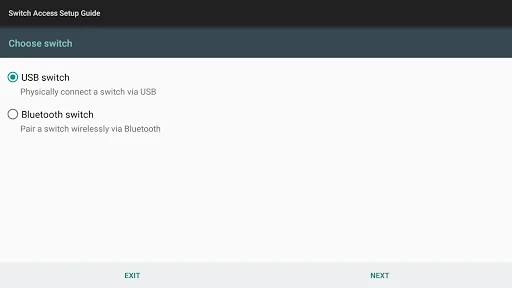
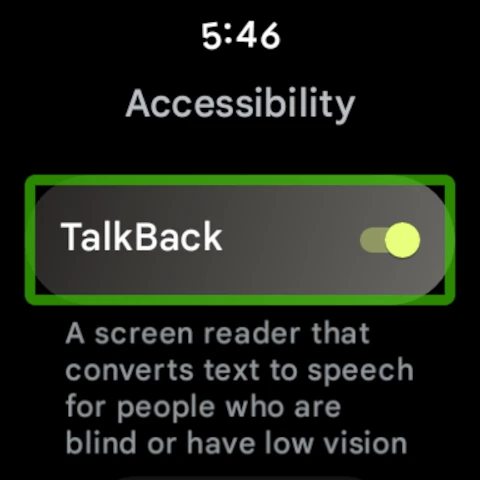
Click to download now, finish the installation quickly, and directly unlock the "all-round experience"
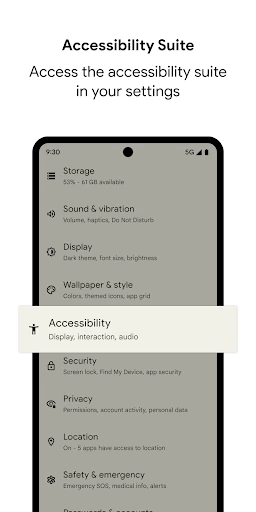
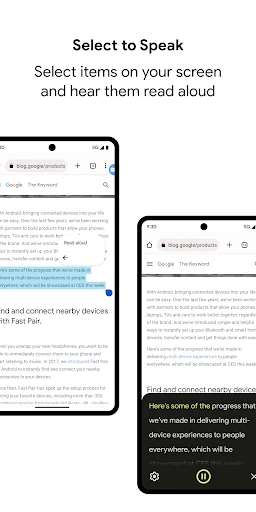
The Android Accessibility Suite is a mission-critical collection of tools developed by Google to bridge the gap between complex mobile technology and users with physical or visual impairments. As a cornerstone of the Tools landscape on Android, it transforms the smartphone from a visual-first interface into a multi-modal device capable of being operated eyes-free or through simplified physical inputs. Its integration directly into the system level ensures reliability and a unified experience that third-party accessibility applications rarely match, making it an essential utility for inclusivity.
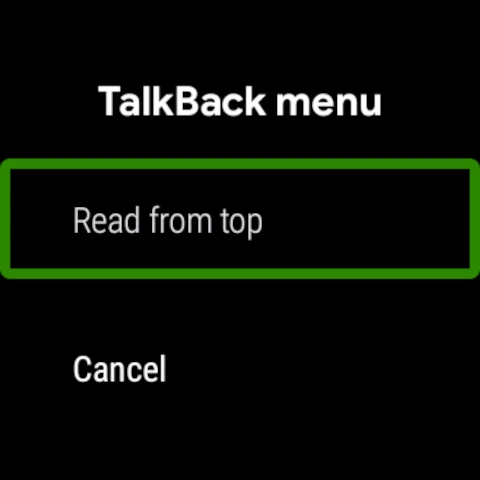
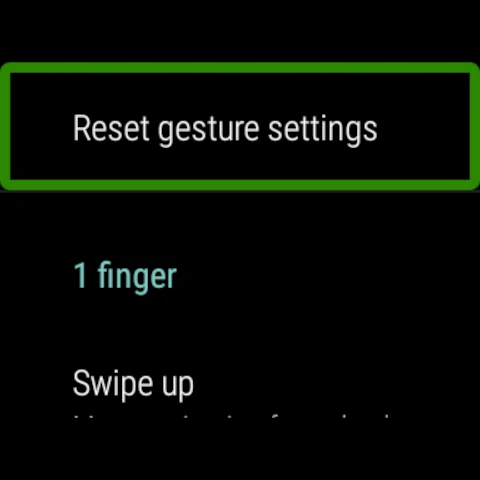
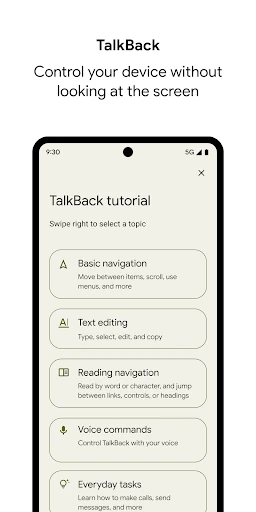
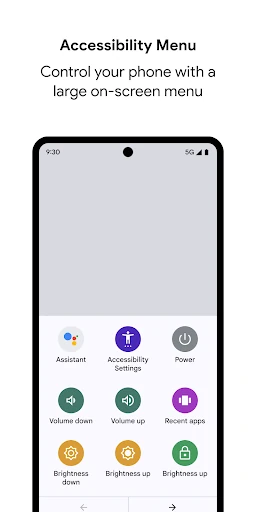
The user experience of the Android Accessibility Suite is rooted in the "Function over Form" philosophy. While it is tucked away within the system settings, its implementation is seamless. The UI for the Accessibility Menu utilizes high-contrast icons and large touch targets to accommodate users with low vision or limited dexterity. The gesture-based navigation for TalkBack is logical but requires a learning curve, adhering to industry standards for screen readers. Overall, the design prioritizes clarity and responsiveness, ensuring that the feedback loop—whether tactile or auditory—is immediate and accurate.
While the suite is robust, the onboarding process could be improved by including a more interactive, step-by-step tutorial that triggers immediately upon activation. Additionally, expanding the AI-driven image description capabilities within TalkBack would provide users with a much richer context for non-text content, such as social media photos or unlabelled UI elements in third-party apps.
The Android Accessibility Suite is an indispensable tool for users who are blind, have low vision, or possess motor impairments. It is also a valuable resource for elderly users who may find modern smartphone interfaces too small or complex. Because it is a free, system-level utility from Google, it is the definitive recommendation for anyone needing to make their Android device more approachable and functional through assistive technology.