
Advertisement
Click to download now, finish the installation quickly, and directly unlock the "all-round experience"
Advertisement
Screenshots
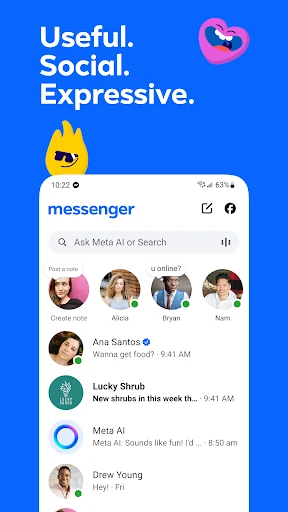
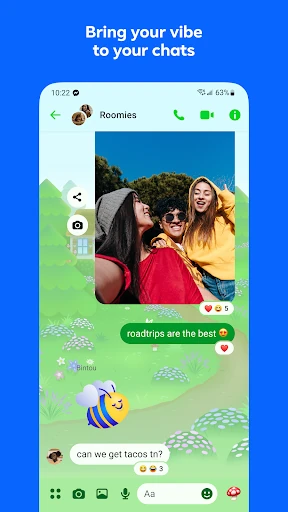

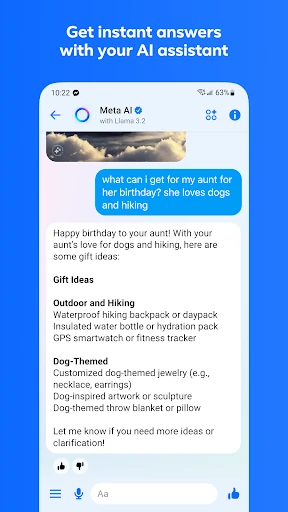
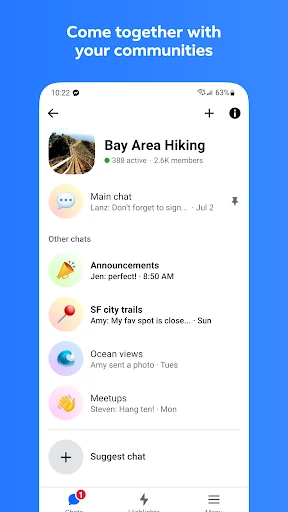
Click to download now, finish the installation quickly, and directly unlock the "all-round experience"
Messenger remains a titan in the global communication landscape, successfully evolving from a simple Facebook appendage into a comprehensive standalone ecosystem. It serves as a primary bridge for billions, offering a seamless blend of personal messaging, community building, and AI-driven utility. In a market crowded with niche alternatives, Messenger’s strength lies in its ubiquity and its recent pivot toward high-utility features like HD media sharing and integrated AI assistance, making it a versatile tool for both social and light professional interactions.
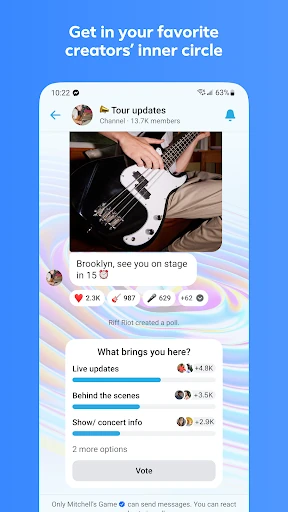
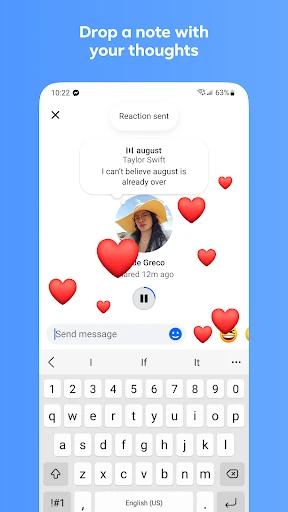
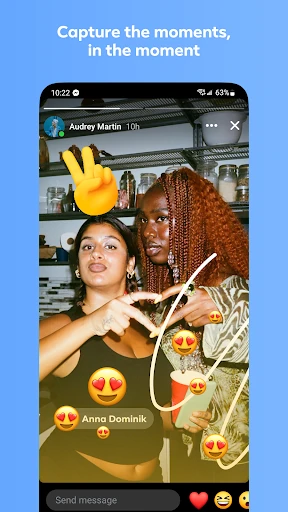
The UI of Messenger is a masterclass in feature density. While the interface manages to remain relatively intuitive, the sheer volume of features—ranging from "Notes" and "Stories" to "Communities" and "AI"—creates a high cognitive load. For the communication category, the design prioritizes expression, utilizing vibrant themes and animated interactions to keep users engaged. Navigational speed is generally high, though older devices may struggle with the app's increasing resource demands. The integration of QR codes for new connections is a significant UX win, streamlining the onboarding of new contacts in physical social settings.
To further refine the user experience, Meta should consider a "Lite" mode within the main app that allows users to toggle off non-essential social features like Broadcast Channels or AI assistants. Additionally, increasing the file sharing limit beyond 100MB would bring it closer to competitors like Telegram, further cementing its place as a viable tool for professional file exchange. Lastly, more transparent and simplified privacy settings would help mitigate long-standing user concerns regarding data usage within the Meta ecosystem.
Messenger is the definitive choice for users who value connectivity and expressive communication over minimalist design. It is particularly well-suited for families, students, and social groups who rely on the Facebook ecosystem for networking. While it may be "too much app" for those seeking a simple SMS replacement, its robust suite of creative and organizational tools makes it an indispensable multi-purpose communication hub for the modern digital era.