Advertisement
Click to download now, finish the installation quickly, and directly unlock the "all-round experience"
Advertisement
Screenshots
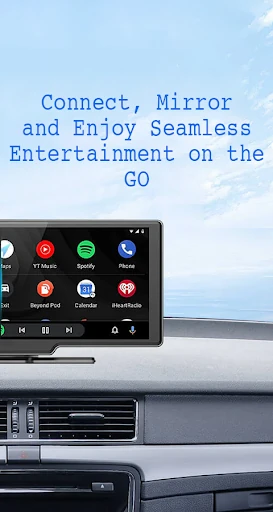
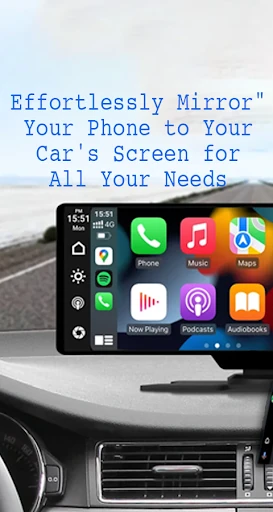
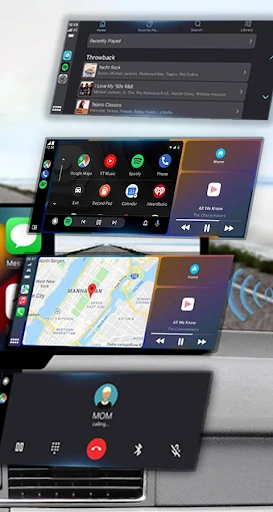
Click to download now, finish the installation quickly, and directly unlock the "all-round experience"
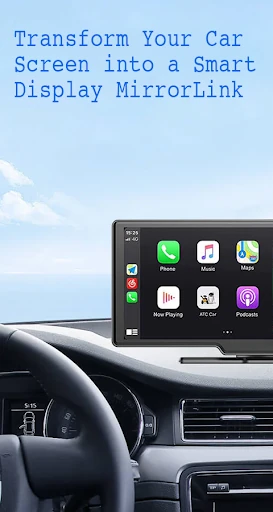
Mirror Link is a versatile connectivity utility that bridges the gap between mobile devices and automotive infotainment systems. Positioned within the Libraries & Demo category, it serves as a functional demonstration of how cross-platform screen mirroring can enhance the driving experience. Unlike restrictive native solutions, Mirror Link offers a flexible framework for projecting a smartphone's interface onto a car's dashboard, whether through traditional USB or modern wireless protocols. It is a professional-grade tool for users looking to modernize their in-car technology and streamline access to essential mobile features without compromising road safety.
The user interface of Mirror Link adheres to a "utility-first" philosophy, which is standard for the Libraries & Demo category. The design prioritizes high-contrast buttons and clear instructional text to ensure ease of use in a cockpit environment. By focusing on a minimalist layout, the app minimizes cognitive load, allowing drivers to initiate connections with a single tap. The inclusion of a clear "How to Use" guide within the workflow significantly improves the user experience by demystifying the often-complex pairing process required for Miracast and screen-casting technologies.
To further elevate the application, a built-in diagnostic tool would be a valuable addition; this would help users troubleshoot exactly why a connection might be failing (e.g., checking Wi-Fi frequency or Miracast compatibility). Furthermore, integrating a "Driving Mode" UI overlay—which provides larger, simplified tiles for the most-used apps—would enhance the safety and utility of the mirrored screen during transit.
Mirror Link is a powerful solution for tech-savvy drivers and owners of vehicles with limited native smartphone integration. It excels as a bridge for multimedia consumption and navigation, effectively turning a standard car screen into a secondary smart display. This app is highly recommended for users who want to unlock the full potential of their vehicle's infotainment system without the need for expensive hardware upgrades.