CapCut - Video Editor
Bytedance Pte. Ltd.
Downloads
1,000,000,000+
Version
Latest
Advertisement
Click to download now, finish the installation quickly, and directly unlock the "all-round experience"
Advertisement
Screenshots
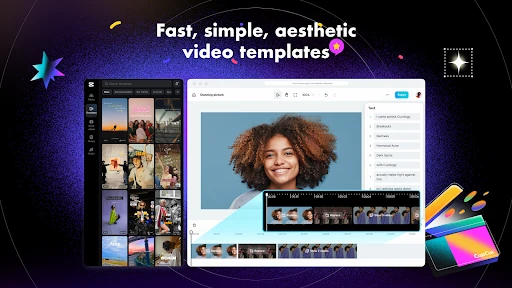
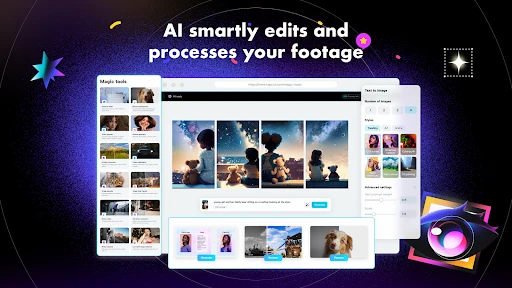
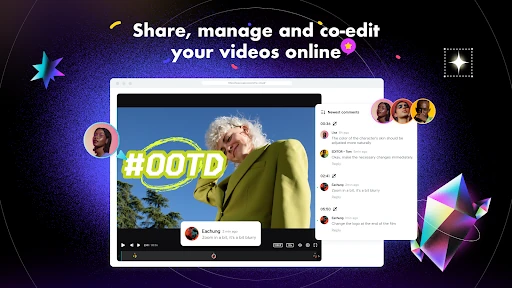
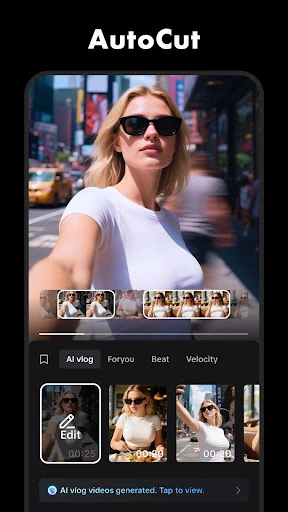
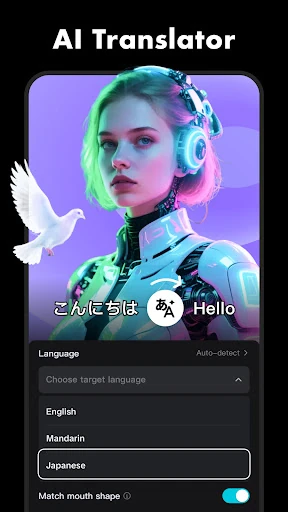
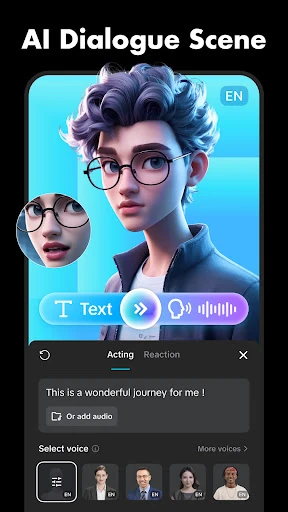
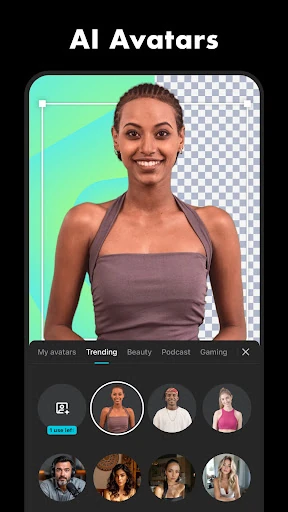
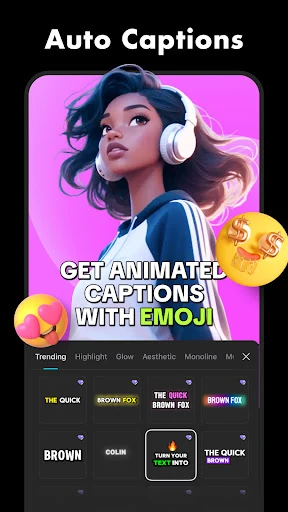
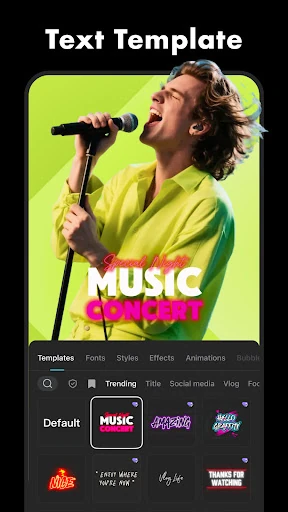
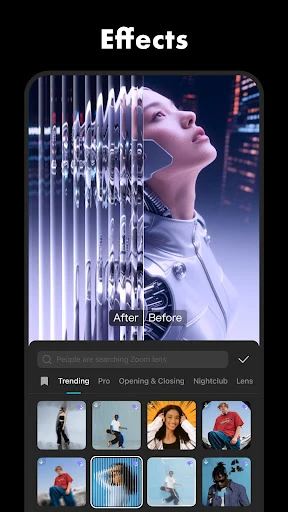
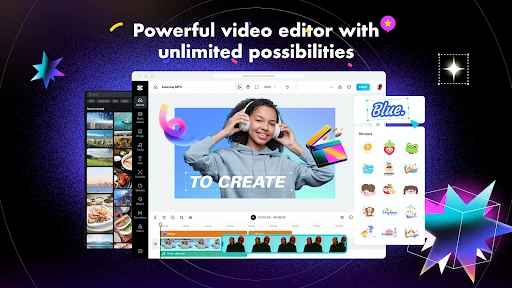
Click to download now, finish the installation quickly, and directly unlock the "all-round experience"
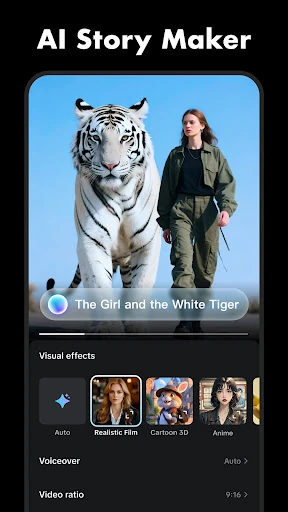
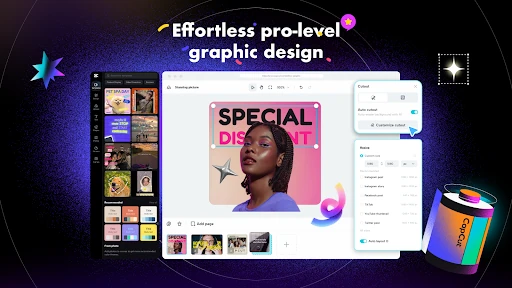
CapCut - Video Editor has firmly established itself as the dominant force in the Video Players & Editors landscape, offering a sophisticated yet accessible toolkit that bridges the gap between amateur clips and professional-grade content. Developed with a deep understanding of the vertical video era, it provides a seamless workflow for creators targeting platforms like TikTok and Instagram. Its comprehensive suite of AI-driven tools and precision editing features makes it a powerhouse for mobile-first storytelling, setting a high standard for what users expect from a modern video editing application.
The UI of CapCut is a masterclass in functional mobile design. Despite the complexity of its feature set, the interface remains uncluttered, utilizing a bottom-heavy navigation system that is optimized for thumb-based interaction. The timeline-centric UX is intuitive; clips can be easily pinched to zoom, dragged to reorder, and tapped for contextual menus. For the Video Players & Editors category, CapCut sets the benchmark for responsiveness, offering real-time previews even when multiple effects and high-resolution 4K assets are applied. It successfully balances a "low floor" for beginners with a "high ceiling" for power users.
While the app is feature-rich, the organization of the effects and filters library could benefit from a more robust tagging or folder system to help users find specific assets faster. Additionally, improving the stability of the cloud synchronization feature would enhance the workflow for creators who switch between multiple mobile devices or seek a more integrated desktop-to-mobile experience.
CapCut - Video Editor is the definitive choice for social media influencers, digital marketers, and hobbyists who demand professional results without the complexity of desktop suites. It is the most versatile "all-in-one" editor currently available on the Google Play Store. We highly recommend this app for anyone looking to elevate their video production value, particularly those focused on short-form vertical content for TikTok, Reels, or YouTube Shorts.