
Advertisement
Click to download now, finish the installation quickly, and directly unlock the "all-round experience"
Advertisement
Screenshots
Click to download now, finish the installation quickly, and directly unlock the "all-round experience"
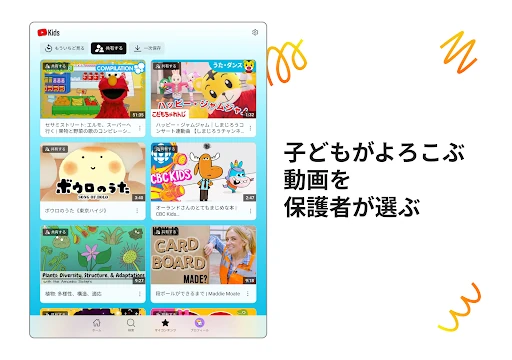
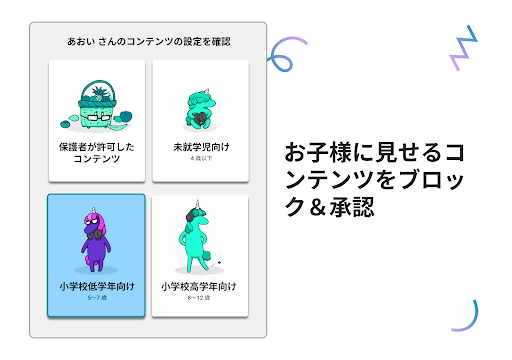
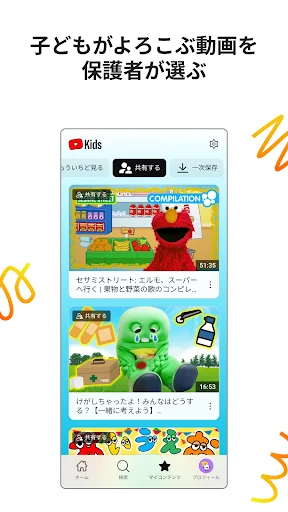
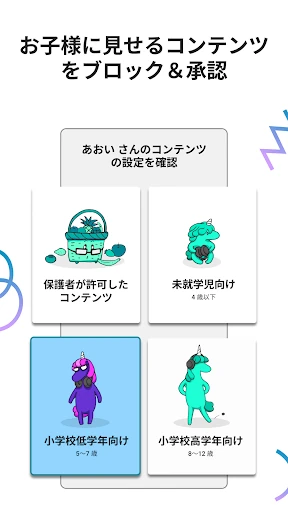
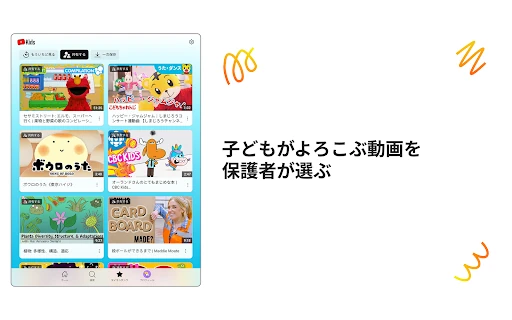
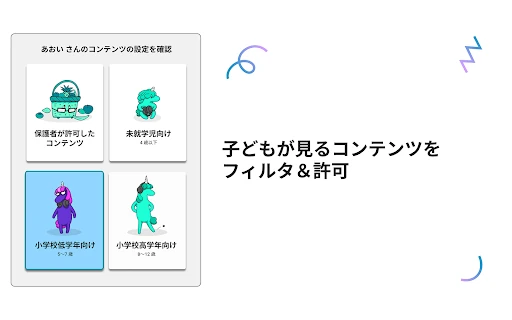
YouTube Kids stands as a cornerstone in the digital Entertainment landscape, specifically designed to offer a curated and safer environment for children to explore their interests. As a specialized branch of the broader YouTube ecosystem, it addresses the critical need for age-appropriate content filtering and robust parental supervision. From an analyst's perspective, the app successfully bridges the gap between massive content availability and child safety, providing a sandbox where discovery is encouraged but boundaries are firmly established through technological guardrails.
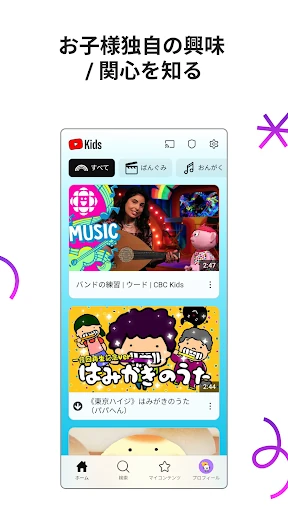
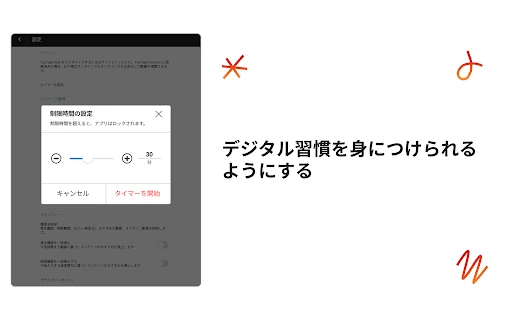
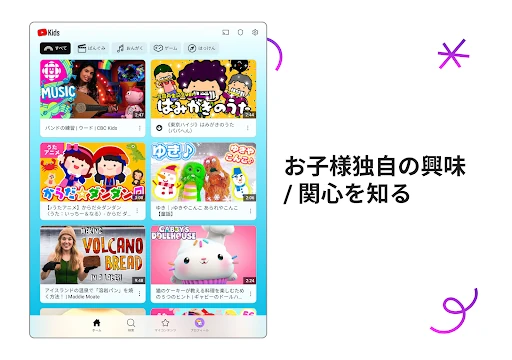
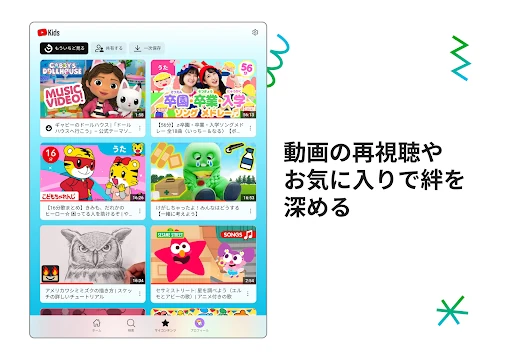
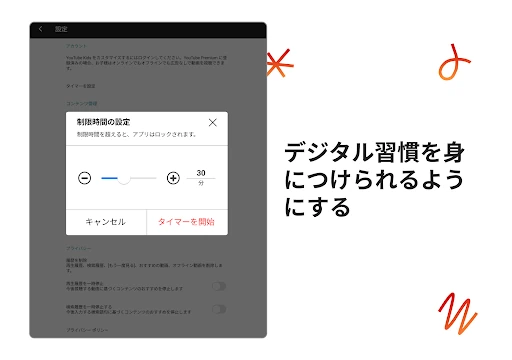
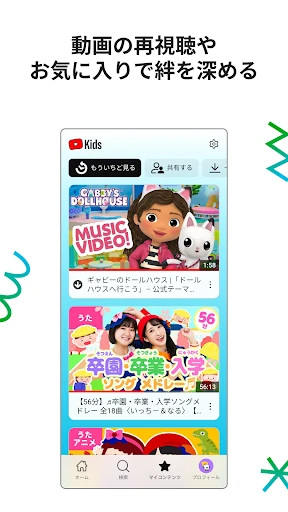
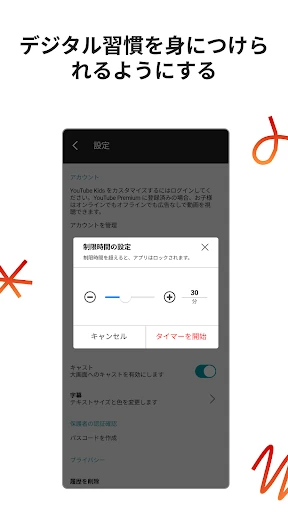
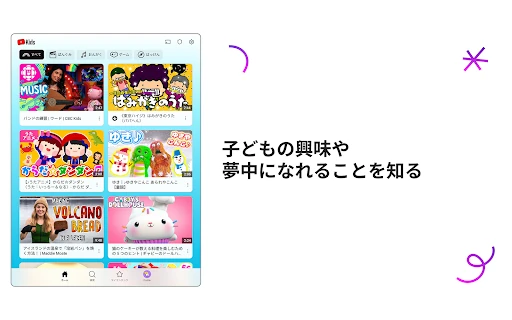
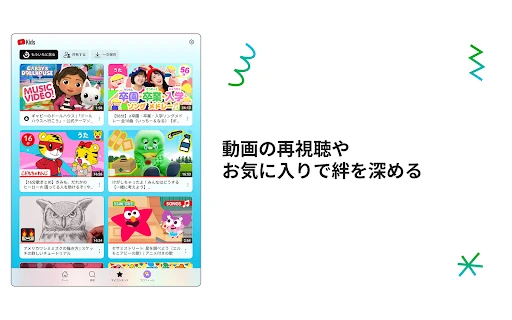
The UI of YouTube Kids is a masterclass in accessible design for younger demographics. It utilizes high-contrast colors, oversized icons, and a simplified navigation structure that accounts for developing motor skills. The interface minimizes text-heavy menus, favoring visual cues that allow even non-readers to navigate effectively. Within the Entertainment category, it sets the standard for "kid-first" design, ensuring that the experience is both engaging and intuitive while keeping parental control settings behind a sophisticated lock mechanism to prevent unauthorized changes.
While the filtering system is advanced, a more robust AI-driven detection system for "copycat" content—videos that use familiar characters in off-model or inappropriate ways—would be a welcome addition. Furthermore, providing parents with more detailed analytics on what specific educational themes their children are engaging with could help turn passive viewing into more active learning opportunities outside the app.
YouTube Kids is the premier recommendation for parents and guardians of children aged 2 to 12 who want to provide a supervised digital playground. It strikes an excellent balance between independence for the child and peace of mind for the adult. For any family looking to integrate video entertainment into their child's routine safely, this app remains the industry gold standard.