Advertisement
Click to download now, finish the installation quickly, and directly unlock the "all-round experience"
Advertisement
Screenshots
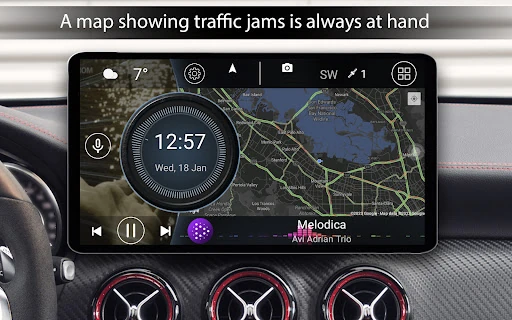
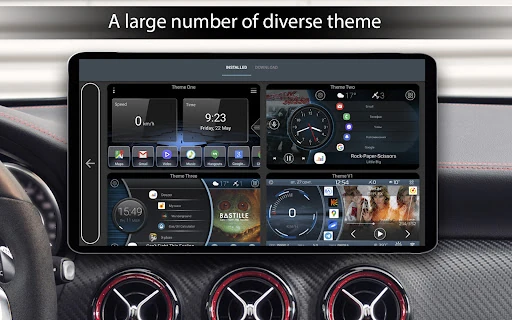
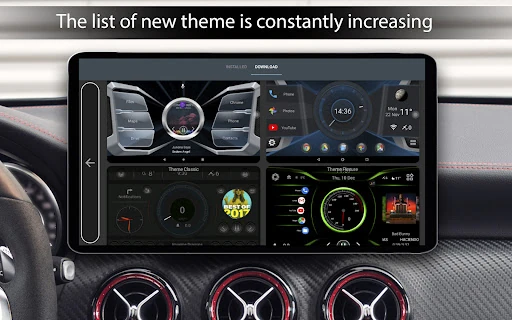
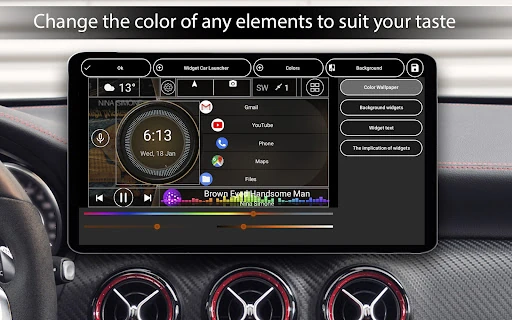
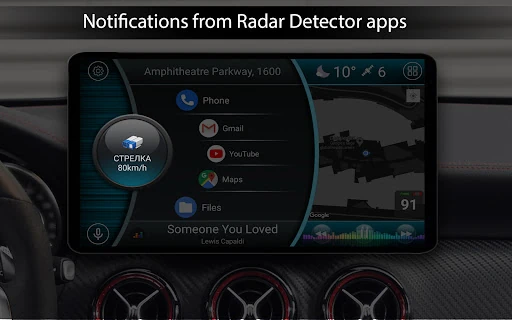
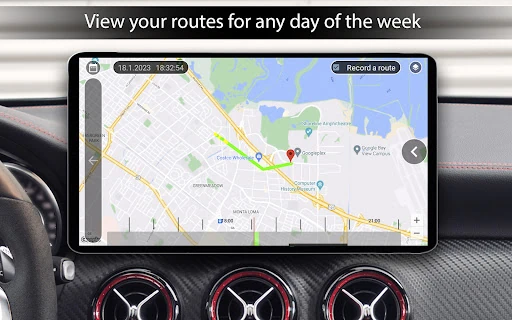
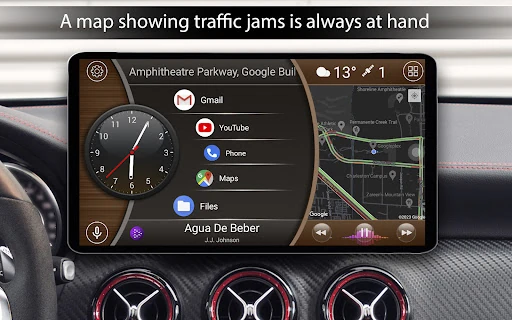
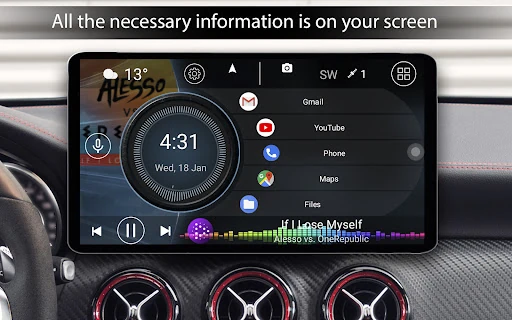
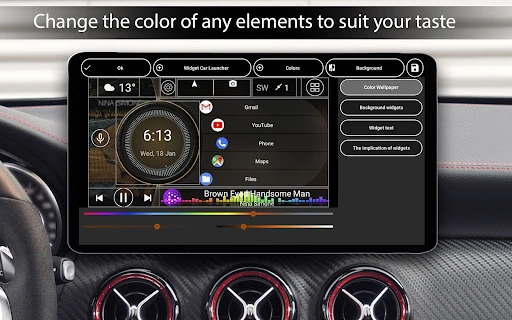
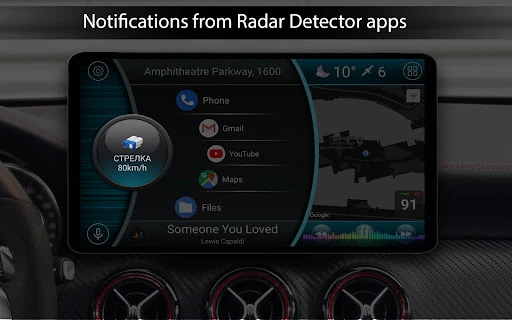
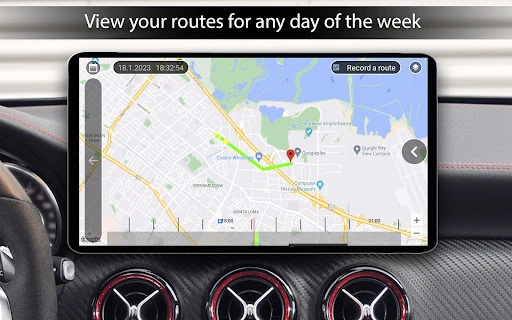
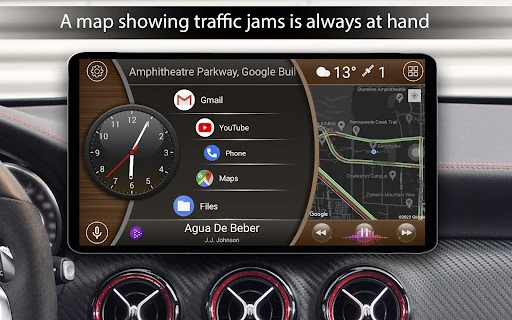
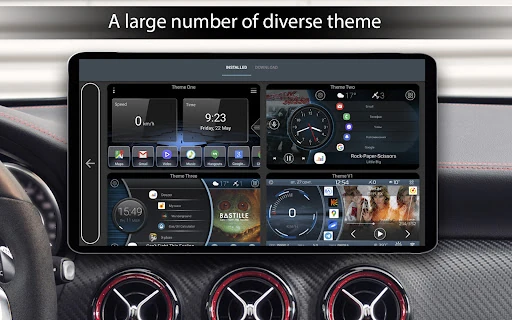
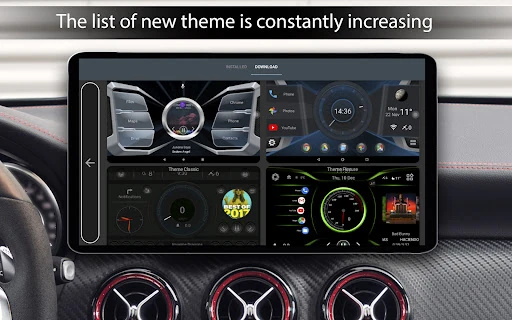
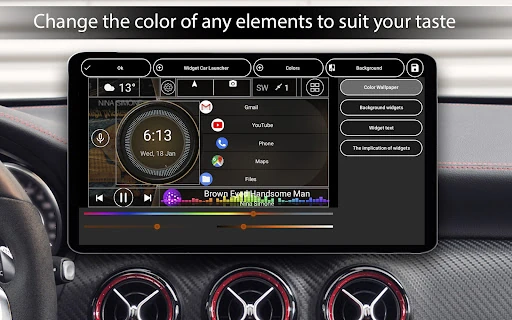
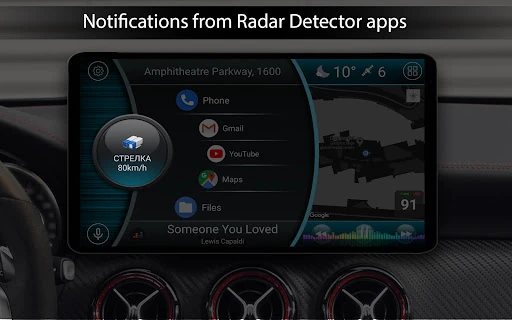
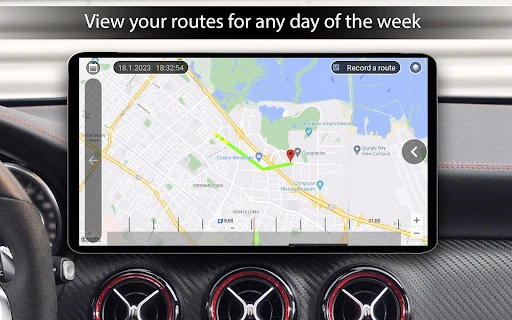
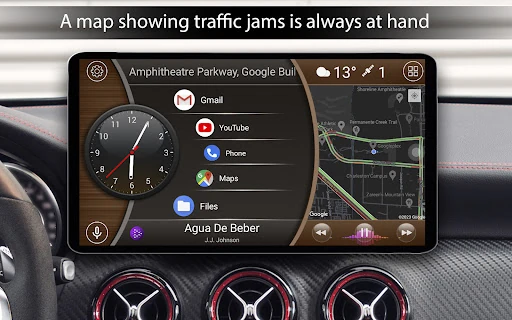
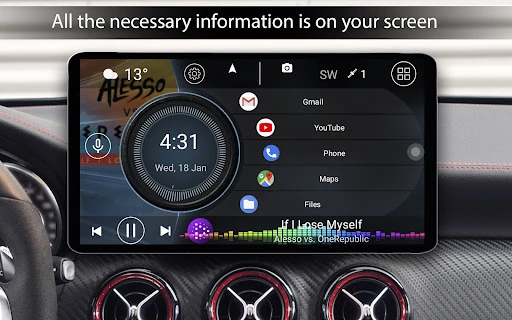
Click to download now, finish the installation quickly, and directly unlock the "all-round experience"
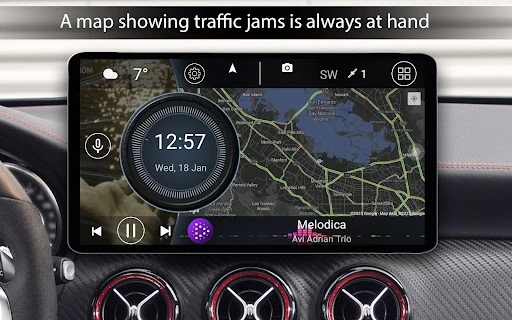
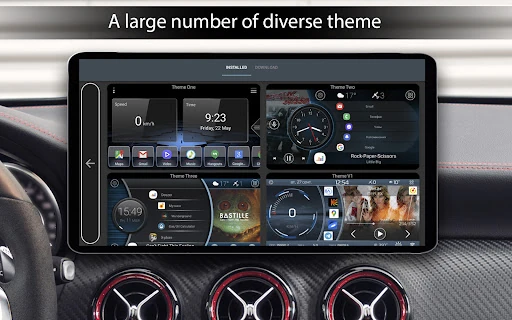
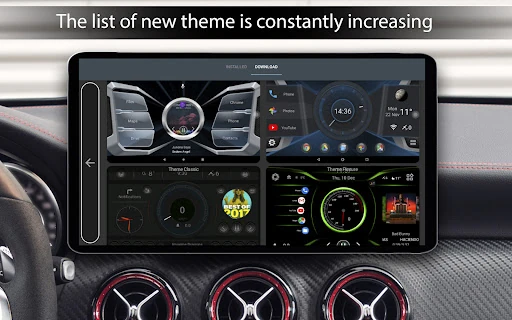
Car Launcher stands as a sophisticated and highly functional pillar within the Auto & Vehicles category on Google Play. Designed as a comprehensive replacement for standard Android interfaces, it serves as a bridge between mobile technology and automotive utility. Whether deployed on a smartphone, a dedicated tablet, or an Android-based head unit, Car Launcher transforms a generic mobile OS into a purpose-built driving cockpit. It is not merely an aesthetic skin; it integrates essential telemetry and trip-monitoring tools that rival native infotainment systems found in modern luxury vehicles, making it a premier choice for drivers looking to modernize their in-car experience.
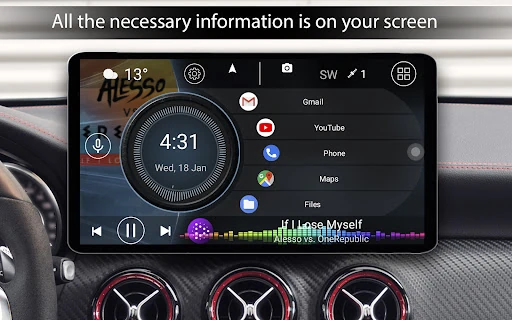
The user interface of Car Launcher is a masterclass in high-contrast, high-visibility design, which is the gold standard for the Auto & Vehicles category. Large touch targets and a slide-out "trip computer" menu ensure that functionality is accessible even in high-vibration environments. The UI manages to pack a significant amount of data—weather, location, speed, and music controls—onto a single screen without feeling cluttered. The inclusion of a customizable screensaver and clock with dimming options demonstrates a deep understanding of user psychology, specifically addressing the need to reduce night-time glare and driver fatigue.
While the GPS-based trip computer is excellent, the inclusion of OBD2 Bluetooth integration would take this app to the next level by providing real-time engine diagnostics (like RPM, fuel temperature, and error codes) directly on the launcher. Additionally, adding a "Driving Mode" toggle that can automatically trigger Do Not Disturb or read out incoming text messages via text-to-speech would further enhance the safety profile of the application.
Car Launcher is the definitive software solution for car enthusiasts, commuters, and professional drivers who utilize Android hardware in their vehicles. It is particularly recommended for owners of aftermarket Android head units who find the stock software lacking in features or aesthetic appeal. With its blend of performance tracking, music integration, and safety-first design, it is a "must-install" for anyone seeking to upgrade their dashboard to a professional-grade digital cockpit.