Samsung Notes
Samsung Electronics Co., Ltd.
Downloads
1,000,000,000+
Version
Latest
Advertisement
Click to download now, finish the installation quickly, and directly unlock the "all-round experience"
Advertisement
Screenshots

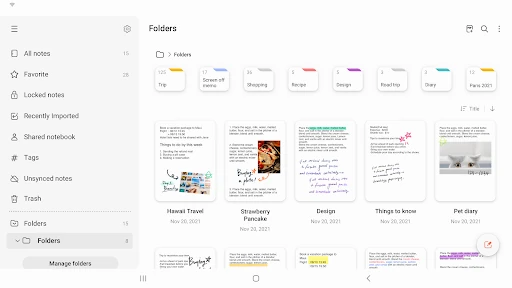
Click to download now, finish the installation quickly, and directly unlock the "all-round experience"
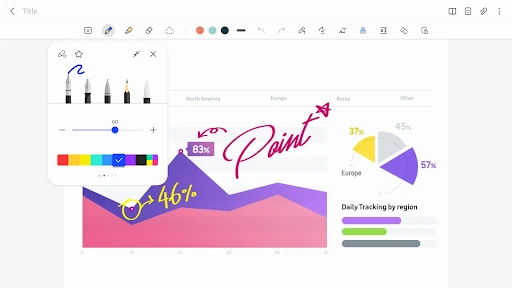
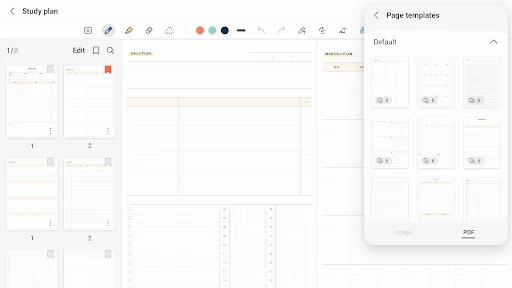
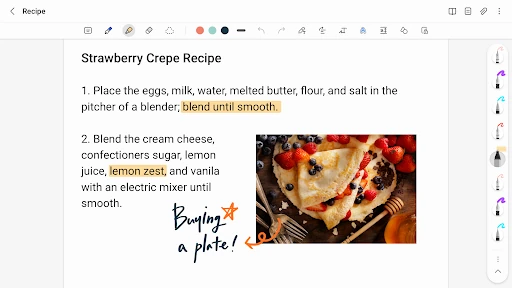
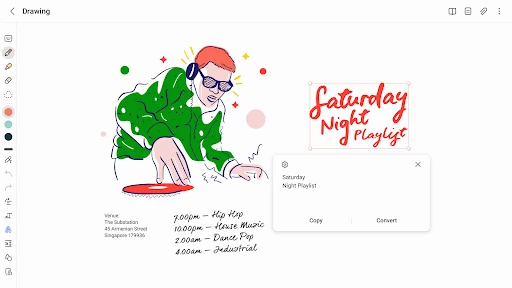
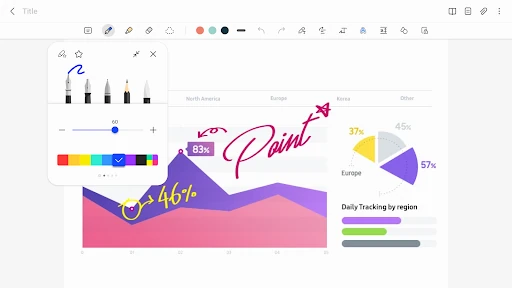
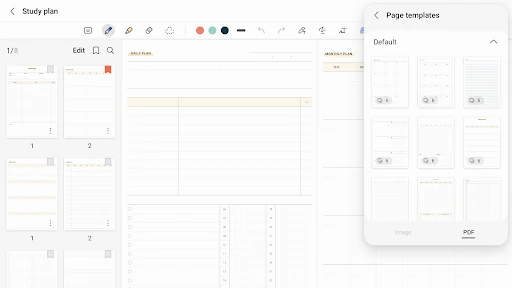
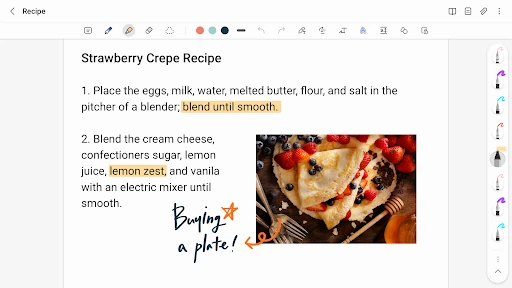
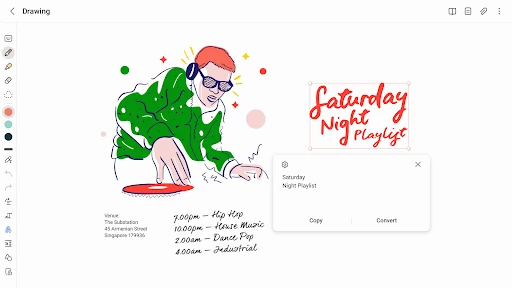
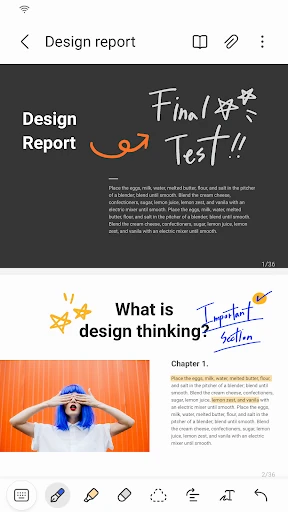
Samsung Notes stands as a powerhouse in the mobile productivity space, serving as the cornerstone for digital handwriting and document management within the Galaxy ecosystem. Far from being a simple text-entry tool, it provides a sophisticated bridge between mobile devices, tablets, and PCs. By integrating deep S Pen functionality with robust PDF annotation capabilities, it positions itself as a formidable competitor to dedicated note-taking giants like OneNote, specifically tailored for the high-performance demands of the modern Productivity landscape.
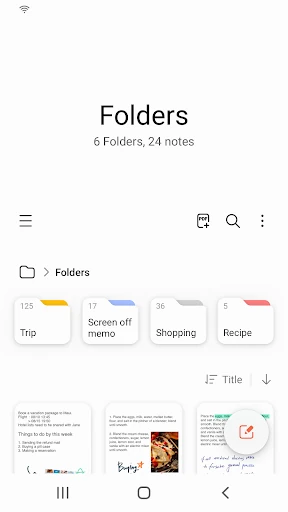
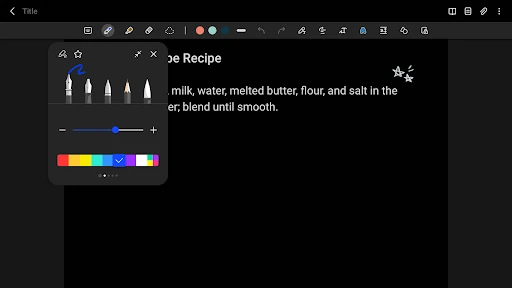
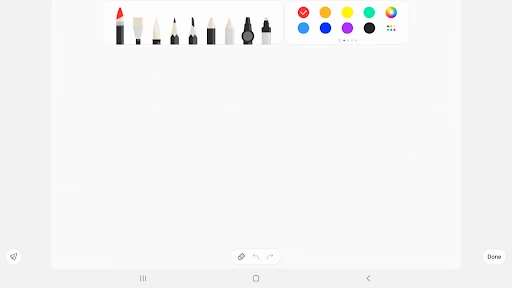
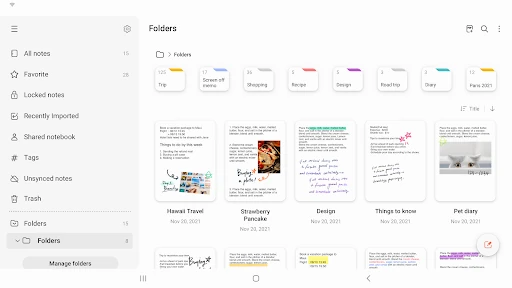
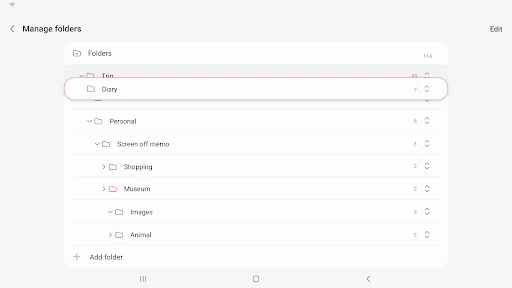
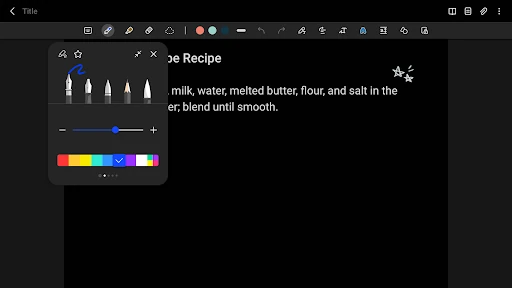
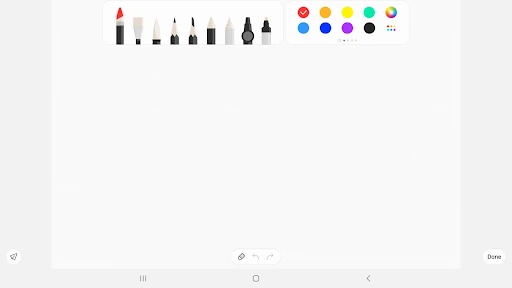
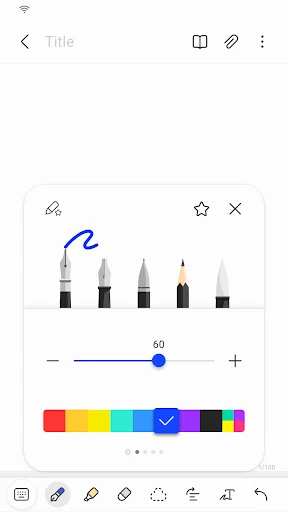
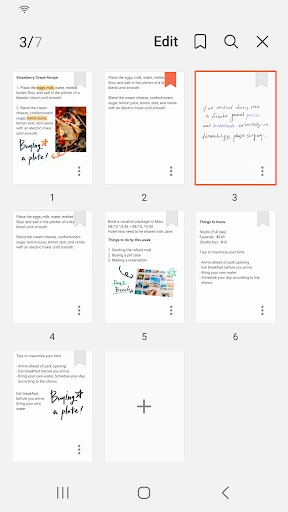
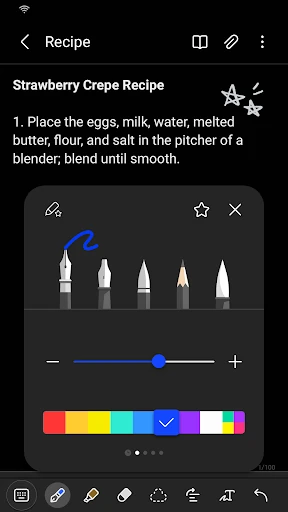
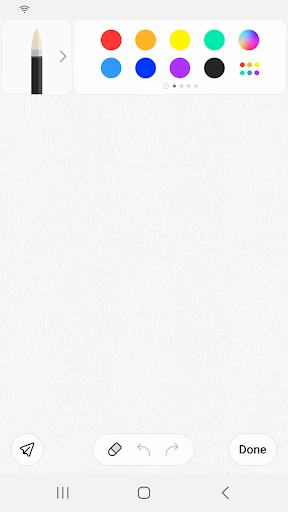
The interface follows Samsung’s "One UI" design language, which emphasizes reachability and cleanliness. By placing the "New Note" trigger in the bottom right corner, the app optimizes for one-handed use on large-screen mobile devices. The canvas is remarkably distraction-free, yet it houses a depth of professional tools accessible via a responsive toolbar. From a UX perspective, the transition between the stylus-driven handwriting mode and the standard keyboard interface is nearly instantaneous, meeting the high standards expected for premium productivity software.
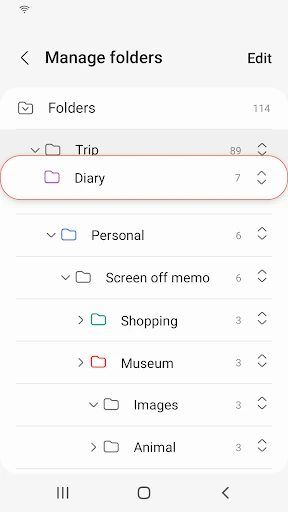
The next update should focus on cross-platform accessibility, specifically by introducing a web-based editor that allows users to view and edit notes from any browser. Furthermore, implementing a more advanced tagging and search system that can OCR (Optical Character Recognition) handwritten text more reliably across all languages would significantly enhance the utility for long-term archiving.
Samsung Notes is the definitive note-taking solution for students, digital artists, and corporate professionals invested in the Galaxy ecosystem. It is best suited for those who prioritize handwriting and PDF markup as part of their daily workflow. For Samsung users, this is an essential, top-tier recommendation that replaces the need for most third-party note-taking subscriptions.