🏆 Expert Verdict & Overview
PicCollage: Photo Video Editor stands as a cornerstone in the mobile Photography landscape, successfully bridging the gap between professional-grade design tools and casual, user-friendly creativity. As a veteran in the Google Play ecosystem, it has evolved from a simple grid maker into a comprehensive multimedia suite. Its strength lies in its versatility, offering a robust set of features that cater to both static photo enthusiasts and dynamic video content creators, making it an authoritative tool for documenting life's milestones with a polished, artistic touch.
🔍 Key Features Breakdown
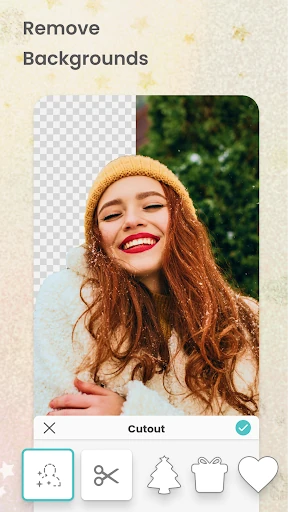
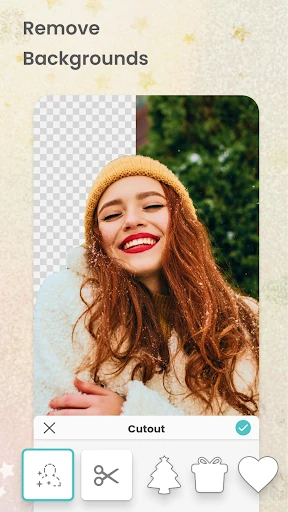
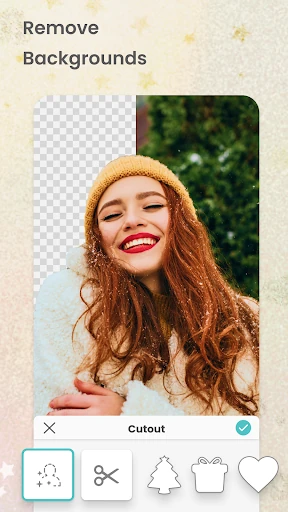
- AI-Powered Magic Cutout: Automatically removes backgrounds from subjects, allowing users to create professional-looking compositions and "pop" effects without tedious manual editing.
- Dynamic Video Collages: Enables the integration of video clips into traditional grid layouts, solving the need for high-energy social media content that combines multiple formats.
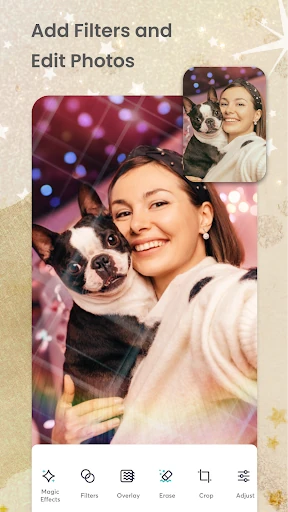
- Magic Expand & Retouch: Utilizes generative AI to expand image borders and refine details, addressing the common problem of awkward photo crops and aspect ratio mismatches.
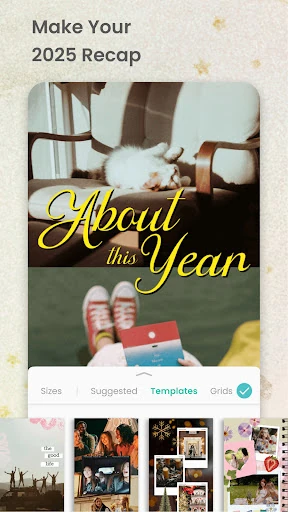
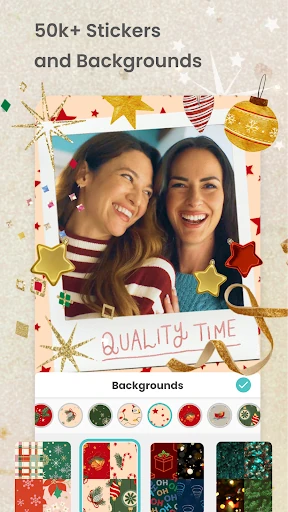
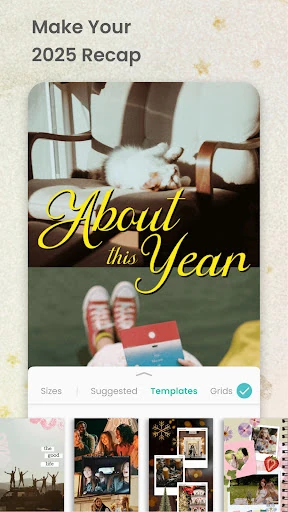
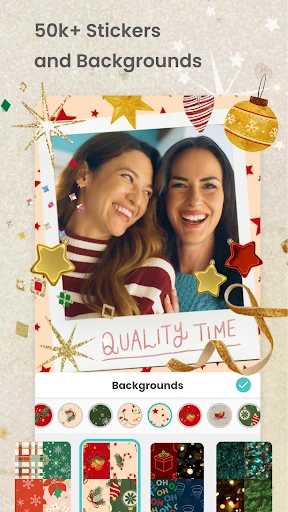
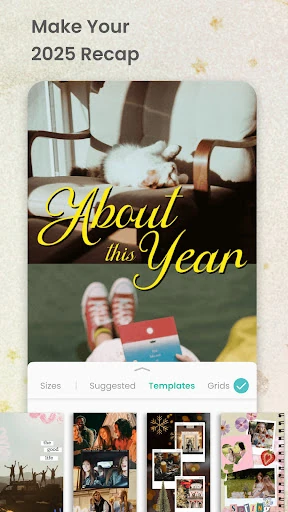
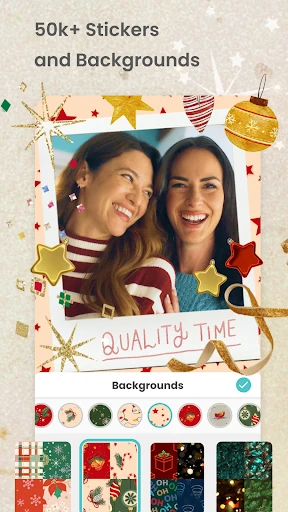
- Expansive Template & Asset Library: Offers thousands of stickers, fonts, and borders that eliminate "blank canvas" anxiety, providing immediate inspiration for cards, stories, and scrapbooks.
🎨 User Experience & Design
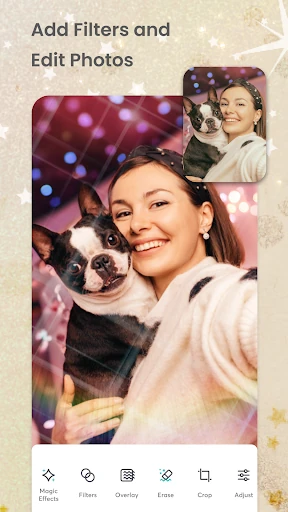
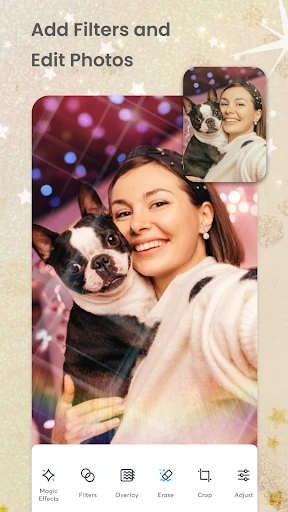
The interface of PicCollage is meticulously crafted to prioritize "speed-to-creation." The UI utilizes an intuitive drag-and-drop system that aligns perfectly with modern Photography category standards, ensuring that even novice users can produce high-quality layouts in minutes. The scrapbook-style canvas provides a tactile, creative feel, while the "Magic" AI features are integrated seamlessly into the workflow rather than being hidden in complex sub-menus. The transitions between editing photos and adding animations are fluid, reflecting a deep understanding of mobile-first user psychology.
⚖️ Pros & Cons Analysis
- ✅ The Good: Exceptional AI-driven tools like background removal and image expansion that significantly reduce editing time.
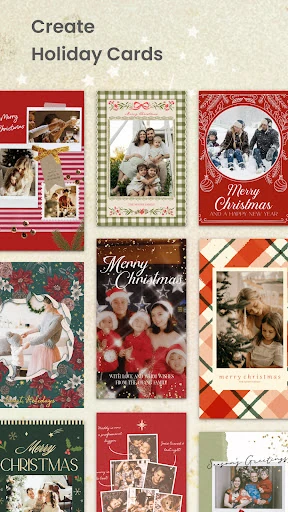
- ✅ The Good: Highly versatile output options, ranging from printable greeting cards to animated social media invitations.
- ❌ The Bad: The presence of watermarks and advertisements in the free version can be a significant barrier to the creative flow for non-paying users.
- ❌ The Bad: Many of the most high-quality templates and premium assets are restricted to the VIP subscription model.
🛠️ Room for Improvement
To further elevate the user experience, the next update should consider introducing more granular video editing controls, such as multi-track audio layering or precise transition timing between clips. Additionally, the template library would benefit from an advanced AI-based search or tagging system to help users navigate the massive volume of assets more efficiently. Finally, offering a "pay-per-pack" option for premium stickers or fonts could provide a middle ground for users who are hesitant to commit to a recurring VIP subscription.
🏁 Final Conclusion & Recommendation
PicCollage: Photo Video Editor is the definitive tool for social media influencers, busy parents, and creative hobbyists who need to produce high-impact visual content on the go. It excels at turning raw memories into curated visual stories with minimal effort. We highly recommend this app for anyone looking for a powerful, all-in-one creative studio, particularly those who value the intersection of AI technology and traditional scrapbooking aesthetics.