Advertisement
Click to download now, finish the installation quickly, and directly unlock the "all-round experience"
Advertisement
Screenshots

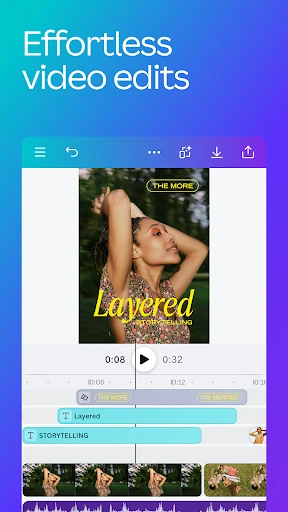
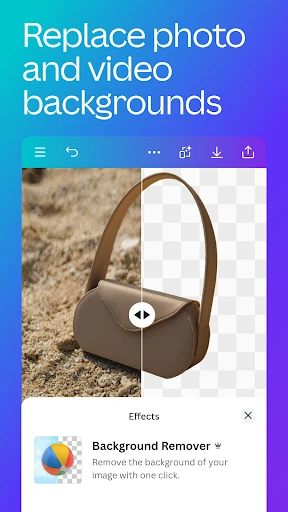
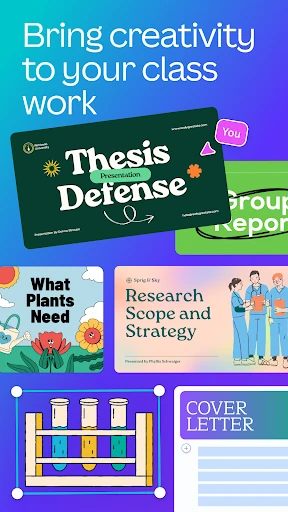
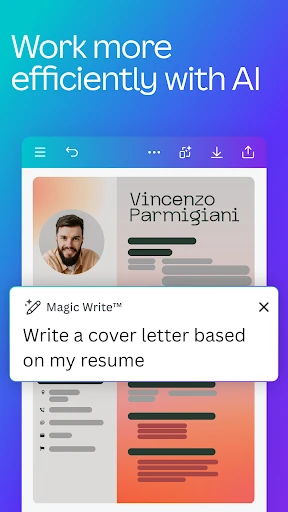
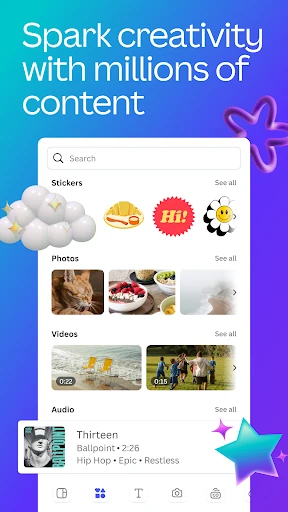
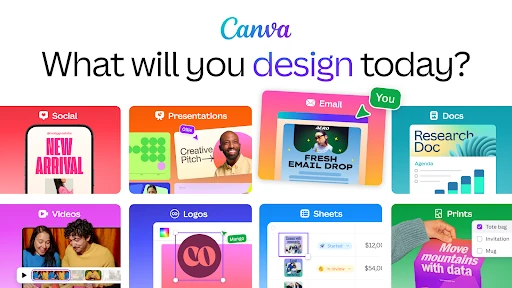
Click to download now, finish the installation quickly, and directly unlock the "all-round experience"
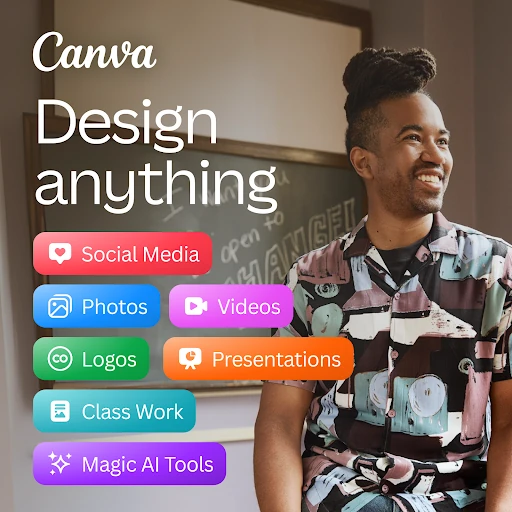
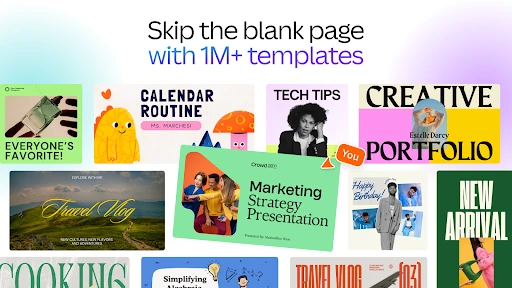
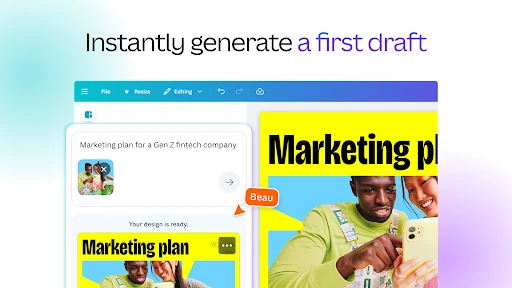
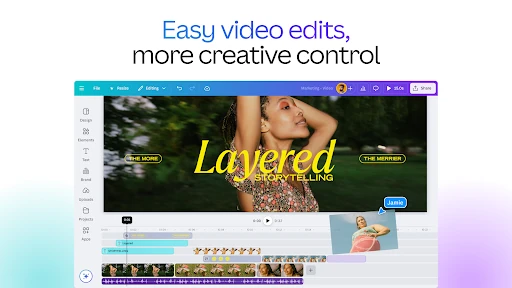
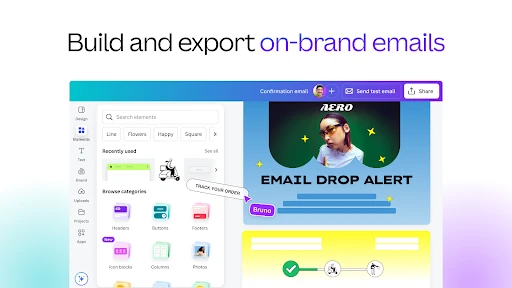
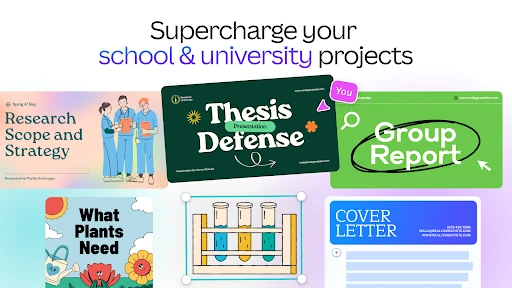
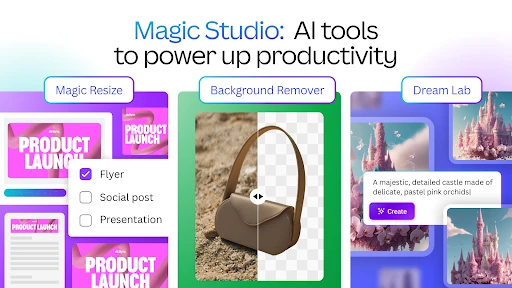
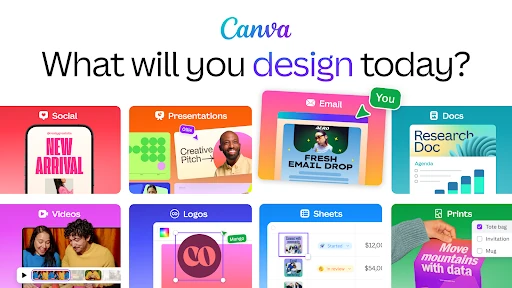
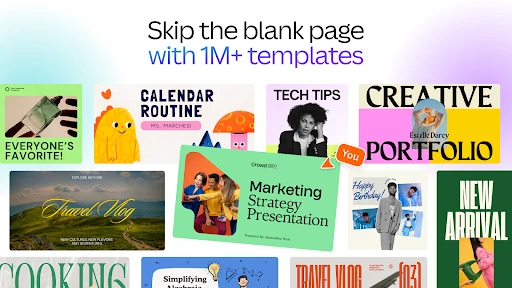
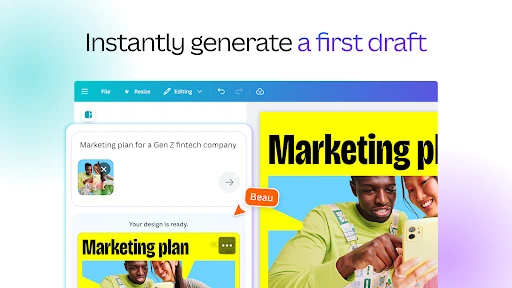
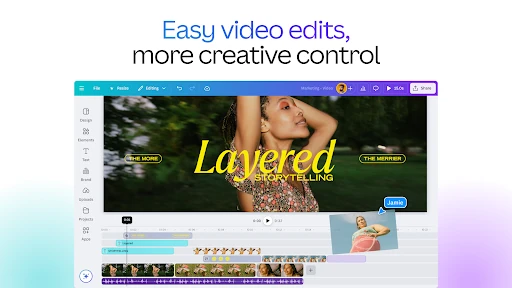
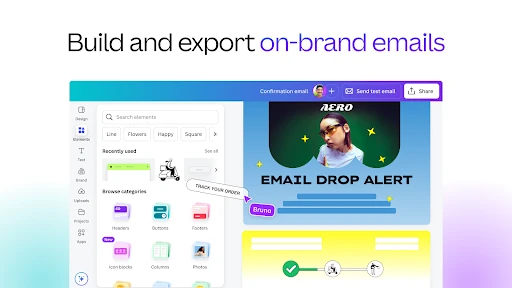
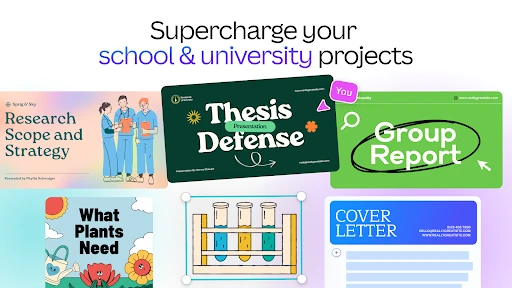
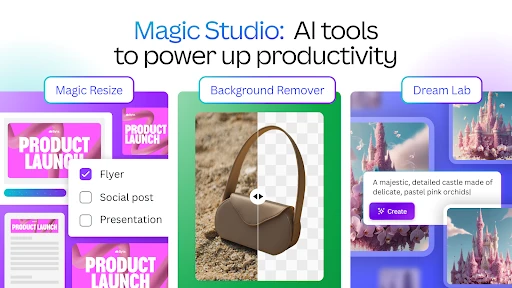
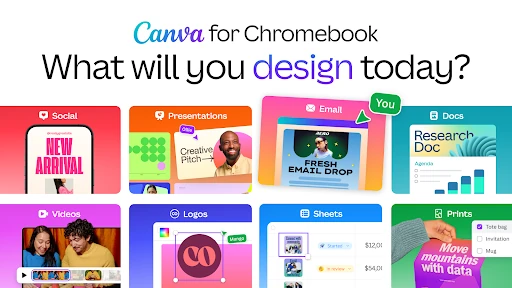
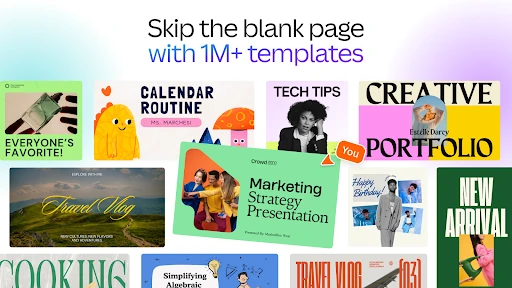
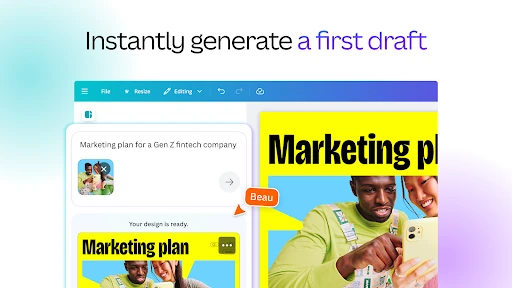
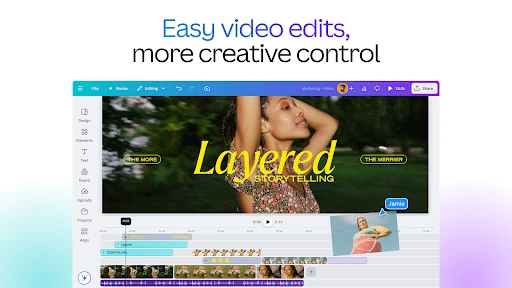
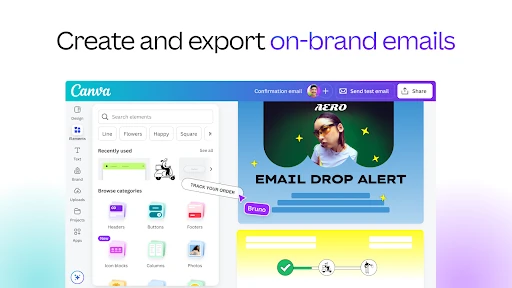
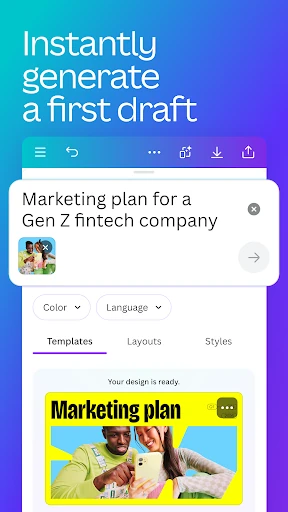
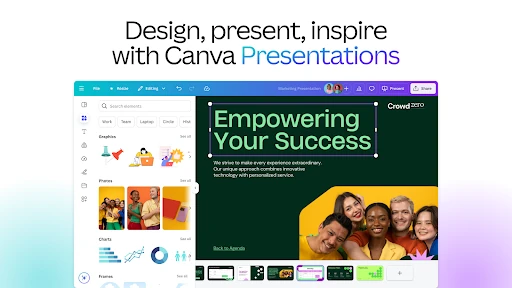
Canva: AI Photo & Video Editor stands as the definitive "Swiss Army knife" in the Art & Design landscape. By seamlessly integrating professional-grade graphic design, video editing, and generative AI into a single mobile interface, it has effectively democratized high-end content creation. As an industry leader, Canva bridges the gap between complex software like the Adobe Creative Cloud and the needs of everyday social media users, entrepreneurs, and students. Its recent "Magic" AI overhaul signals a shift toward automated creativity, making it a must-have tool for anyone looking to produce high-impact visuals with minimal technical friction.
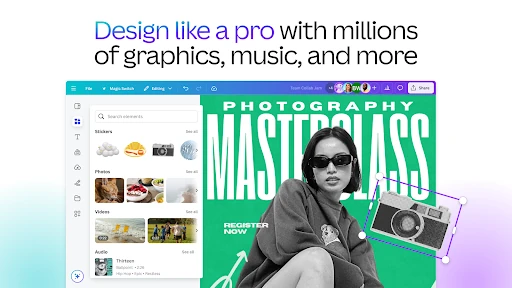
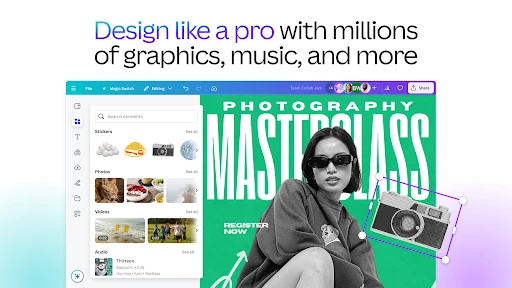
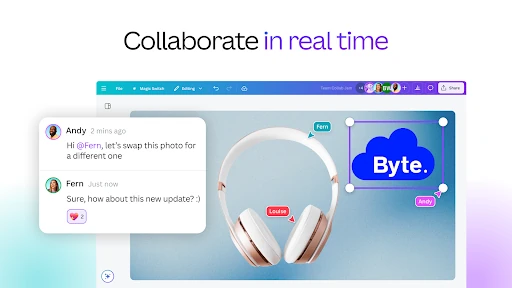
Canva’s UI is a masterclass in managing high-density feature sets without overwhelming the user. The interface is built around a "Canvas-first" philosophy, where the workspace remains the focal point while tools are tucked into intuitive, context-aware menus. For the Art & Design category, the UX excels by utilizing "one-tap" transformations—such as instant animations or auto-syncing video to music—which cater to the fast-paced needs of mobile creators. While the sheer depth of the app can lead to a slight learning curve, the drag-and-drop mechanics and real-time collaboration features make it one of the most accessible professional tools on the Google Play Store.
To further solidify its lead, Canva should focus on improving its offline capabilities; currently, the app is heavily dependent on a stable internet connection for asset loading and AI processing. Additionally, refining the search algorithm within the 2-million-asset library to better handle niche keywords would reduce the time users spend scrolling for specific elements. Lastly, introducing more granular control over AI-generated images—such as aspect ratio selection within the prompt stage—would benefit power users.
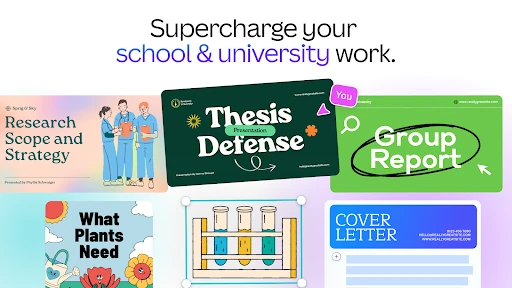
Canva: AI Photo & Video Editor is the premier choice for social media managers, small business owners, and students who require professional-looking results without the steep learning curve of desktop publishing software. It is a powerhouse of productivity that transforms the smartphone into a full-scale design studio. If you are a creator who needs to produce a high volume of quality content across multiple formats, this app is an essential addition to your digital toolkit. Final verdict: Highly Recommended.